4.11 SD CARD MEMORY MODULE
An SD card up to 2 GB may be obtained
separately to allow different models to be
stored. We recommend using a fast SD
card, for example from Sun-Disk. It is pos-
sible to use SD cards from other manufac-
turers in the Digital Camera industry, and
due to the large variety of types, it is not
possible to guarantee their problem free
operation.
IINSERTING THE SD CARD
Insert and change the SD card as follows:
• Switch off Tx
• Open the battery cover by sliding to the right hand side
• The SD card slot will now be visible
Hold the SD card, so that the nose lock faces left. Insert card
fully into card slot, it will be located when a click is heard.
FORMATTING SD CARD
Before you can write data to the SD card, it is necessary to
format the memory first as follows:
• Plug card into Tx and switch on power. The following mes-
sage will appear: THIS CARD HAS NOT BEEN INITIALI-
ZED. CANCEL / FORMAT
• If the FX-20 is ready to format, move the cursor to [FOR-
MAT] and touch the RTN button. This needs to be confir-
med with OK, (To cancel formatting, move the cursor to
[CANCEL] and touch the RTN button).
• FORMATTING CARD will appear in the display and pro-
gress indicated by a bar diagram.
• Dependent on the size of the card, this process can take a
few minutes.
• Following successful formatting, FORMAT END will appear
in the display.
• The Tx will automatically return to Start Menu
FX-20
4.8 ROTARY CONTROL KNOBS
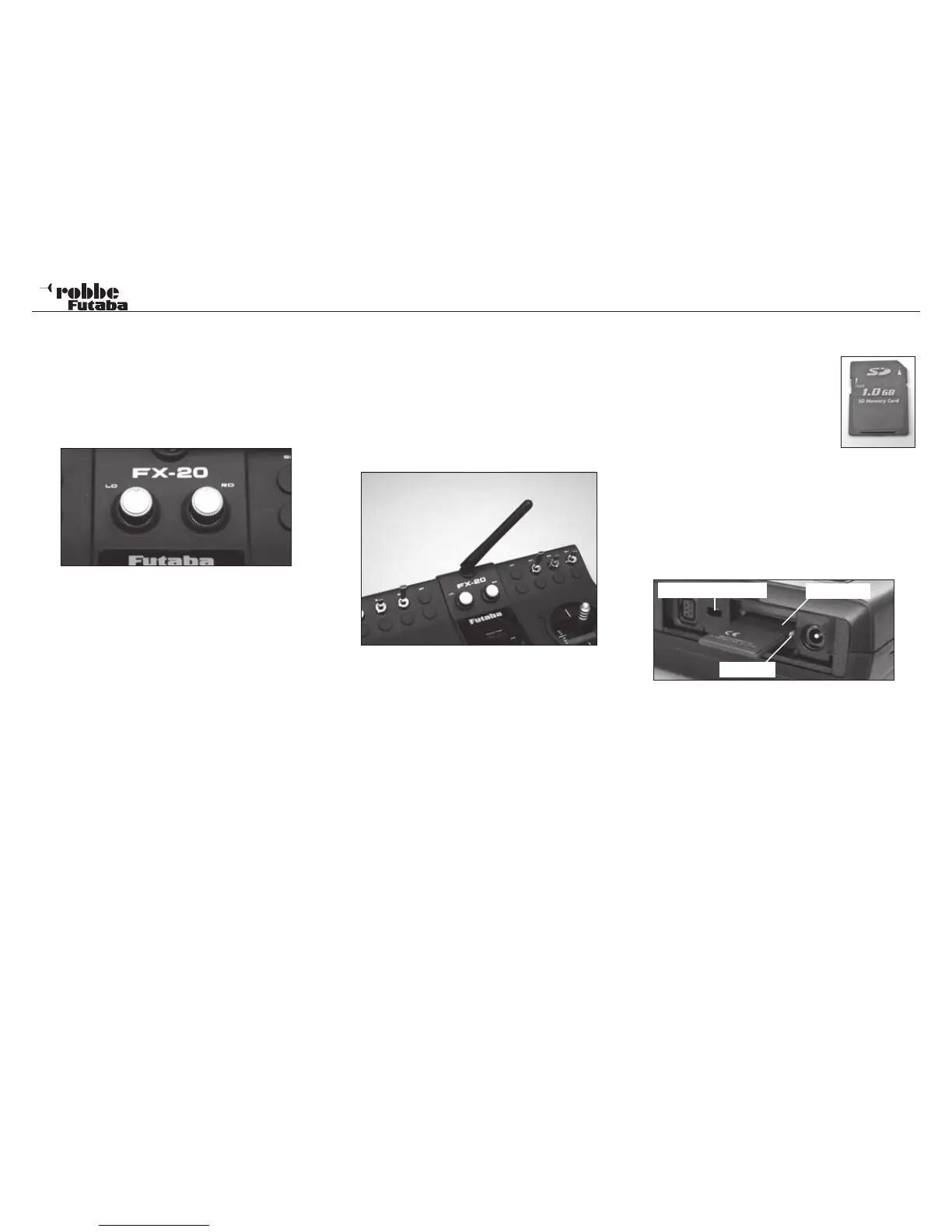
The rotary “volume” knobs LD and RD serve as analogue con-
trol inputs, which are freely assignable to chosen functions.
They possess a fine ratchet and give an acoustic beep when
reaching their mid- position.
The knobs are marked to give also an optical indication of their
position.
4.9 LINEAR SLIDER CONTROLS
Both the slider controls can be used as trim controls or as con-
trol inputs. They have a neutral detent and give an acoustic
beep when reaching their mid-position.
4.10 AERIAL
To achieve the optimum radiation patter, the moveable Tx ae-
rial should be positioned so as not to “point” directly at the
model (see photo).
Never point the aerial at the model, as the aerial longitudinal
axis has the weakest radiation pattern!
Never touch the aerial during flight as this much reduces the
radiated power.
12
General
SD Card slot
locking lug
software update switch



 To Next Page