FX-20
REMOVING SD CARD
Press lightly forwards on the end of the card until you hear a
click. The SD card will slide from the slot and can be removed.
Note:
Do not change the card during the read or write process as this
can lead to loss of all data on the card.
LOADING DATA STORED ON A PC
A separate SD card reader/writer is needed to load the soft-
ware update from a PC. These are available from good electri-
cal and digital camera stockiest.
The Data on the SD card are not in Windows format and there-
fore are not visible on the PC.
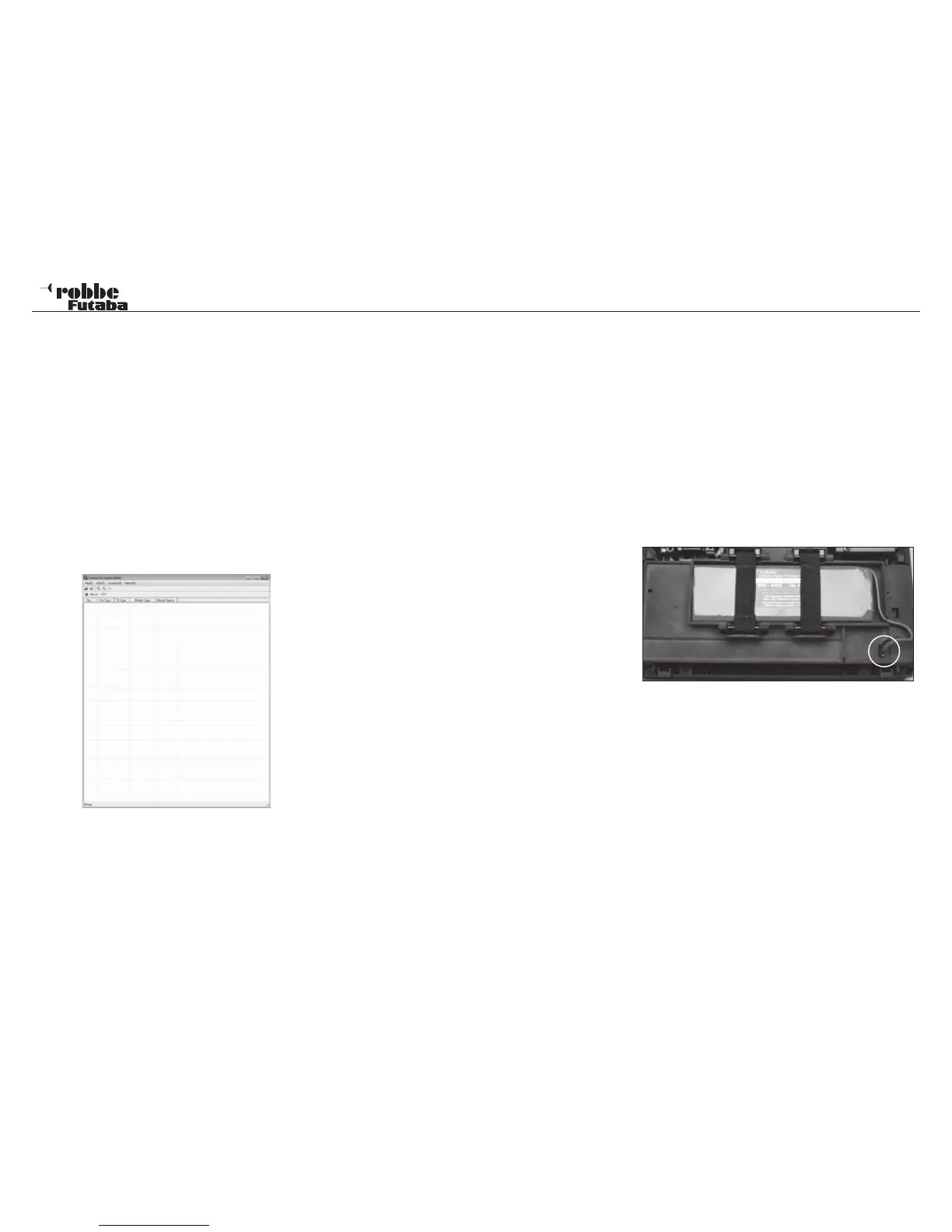
Special software “Futaba File System Utility” to manage, (Save
and delete) the Data may be found in Download area of the
robbe Support Server http://www.robbe.com/rsc.
DATA SECURITY
The lifetime of an SD-card is more than 100.000 write cycles.
Should it be that your card read/write device is used a lot for
a long period, it can lead to difficulties with read/write of the
data, and the card will need replacing? We recommend that
you make a back up copy of the data, as we cannot take any
responsibility for the security of any data you may store.
The Data storage on the SD-card as well as in the Tx is made
without any power required. Changing the Tx battery has no
effect on the stored data.
La memorización de los datos en la tarjeta SD se realiza sin
corriente. Al cambiar la pila de la emisora, los datos quedan
grabados.
MEMORY CAPACITY
Internally, the Tx has 20 model memories as standard. An opti-
onal SD card can be used as a medium to expand the memory
capacity, and the Tx can accept cards from 32 MB upto 2 GB.
One SD card with 2GB can have 3862 model memories stored.
The SD card may also be used as a medium for the user to
upload any software updates from a PC to the Tx. The software
for this is in the Download area of the robbe website home
page.
Update disscription see page 64
ADVICE FOR USING SD CARDS
• Don’t remove the SD card during the memory back-up pro-
cess.
• Keep strong magnetic and electrical fields away from the
SD card. Data can be corrupted or lost.
• Keep out of humid conditions and away from direct sunlight.
• Do not allow dirt, water or other fluids to come into contact
with the card.
• When inserting or removing the card, always grip it by the
corners.
• Always insert the card the correct way around.
• Only insert or remove when Tx is turned off.
5. REMOVE/CHANGE THE TRANSMITTER BATTERY
• Turn Tx off
• Unlatch the back panel at the top and fold it open, taking
care not to damage the lower locating lugs.
• Undo the retaining bands.
• Disconnect the battery connector from the transmitter by
pulling on the connector itself (not on the wires).
• When re-installing the battery in the transmitter please note
that the battery lead must face the right.
• Plug in the connector, taking care to maintain correct pola-
rity.
• Re-fit the retaining bands.
• Engage the lower locating lugs of the back panel. Fold the
back panel up into the correct position and engage the
top latch. Ensure that no wires are snagged between the
panels.
Note:
Never remove battery when the monitor LED is flashing. This
could cause damage to the stored settings and the memory
itself. If this occurs, don’t use the Tx and return to robbe service
department.
13
General



 To Next Page