FX-20
TRAINER OPERATION AS STUDENT TRANSMITTER
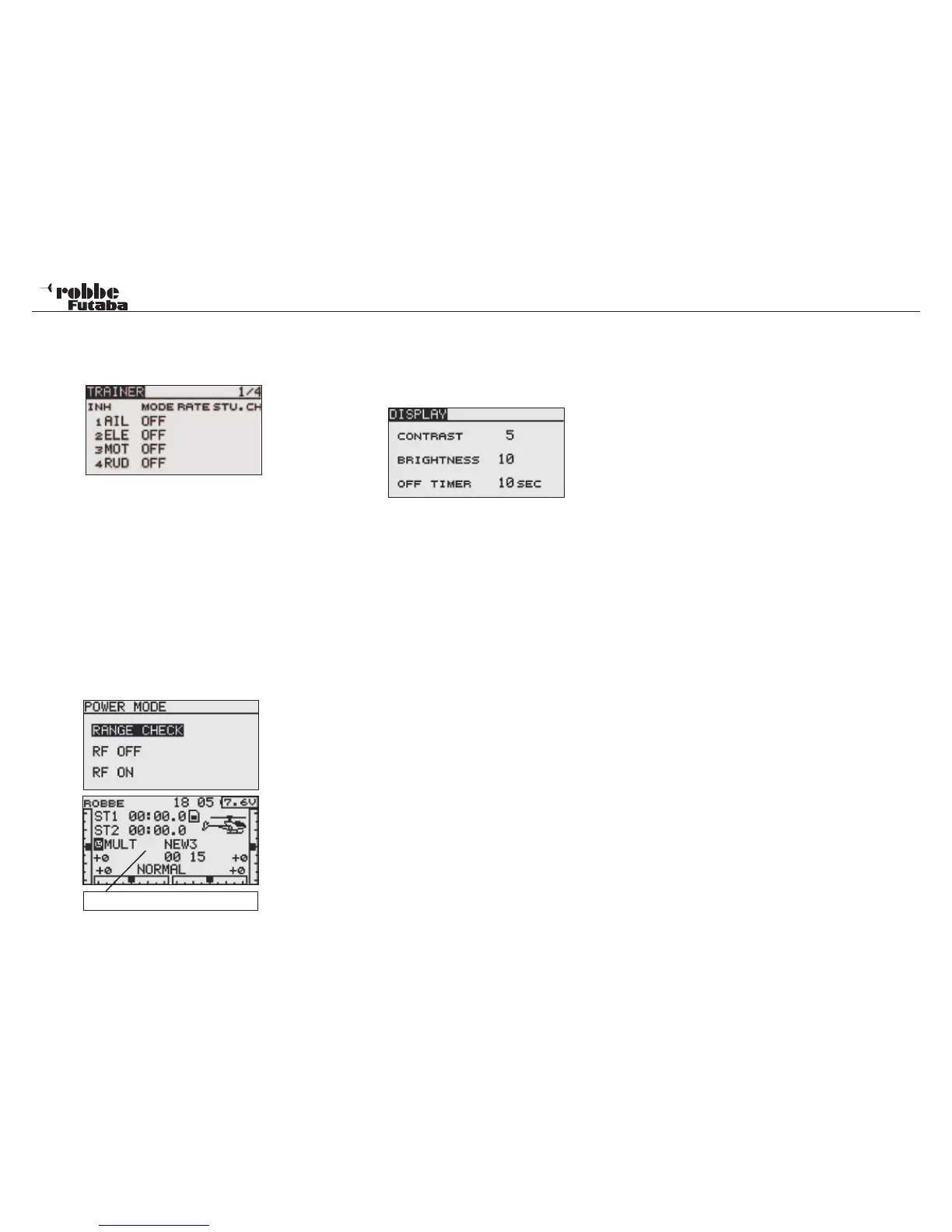
To configure the transmitter for use as a student transmitter,
the Trainer system must be turned off and the individual func-
tions set to “OFF”.
Entering the number of channels is important and is depen-
dent on which instructor transmitter is being used. The correct
channel setting, (7CH/MULTI) needs to be selected according
to which instructor transmitter is used.
9.3 OPERATION WITH A FLIGHT SIMULATOR
To be able to operate the T8 FG transmitter with a flight simu-
lator, please use the accessory adapter lead No.8239.
To save battery power, the RF modulation should be switched
off when using the flight simulator.
RF modulation switched off
• Hold the „RTN“ key when switching on the transmitter.
Select RF OFF and confirm with RTN.
9.4 DISPLAY SETTINGS
The adjustment menu “DISPLAY” is used to adjust contrast,
brightness and the display illumination time.
DISPLAY CONTRAST ADJUSTMENT
Activate the “CONTRAST” item and change the contrast set-
ting by scrolling the „CAP TOUCH SENSOR“. Scrolling left re-
duces the contrast, and to the right increases contrast.
To reset the contrast to factory setting, select and mark the
item and press the ‘RTN’-key for 1 second and the original
setting will be displayed (5) again.
DISPLAY BRIGHTNESS ADJUSTMENT
Depending on the background light, you can adjust the display
brightness to suit your needs. The adjustment ranges from
„OFF“, 1 to 20.
ILLUMINATION PERIOD OF THE DISPLAY
The illumination period can similarly be set and ranges from
„OFF“= always turned off“, to „10-240“ seconds. To save bat-
tery power, turn the LCD brightness off. The factory setting is
10.
21
System Menu
RF-modulation = Off



 To Next Page