FX-20
Trim inactive (only Helicopter and Glider)
The throttle trim can be turned off in all flight conditions, ex-
cept „NORMAL“, as here, the throttle trim is not required to be
trimmed and it stops accidental movement of the trim as well.
To be able to programme the throttle trim in Glider and Heli-
copter to off, „IDLE UP 1-3“ or „AUTO“ must be selected. Then
confirm the „THR“ trim (T1-4) with „RTN“ key held for at least 1
second in the „FUNCTION“ menu.
An „X“ will appear by the Trim item and indicates that the
throttle trim is switched off for this flight condition.
Note:
Switching off the throttle trimmer applies for each flight
condition!
Different Trim Settings per Flight Condition
The Function (COMBination. / SEPARate) is only active in
Helicopter and Glider Linkage Menus, since only these model
types use flight condition switching, See Chapter .10.13 “T1-T4
TRIM-SETTING“ on page 32.
It is a significant advantage with helicopter models to be able
to adjust and store the trim settings for both “Hovering “ and
“Aerobatic” flight conditions.
VIRTUAL CHANNELS
The “FUNCTION“ option in the Linkage Menu is used to con-
figure the Virtual Channels, V1 to V-4. A virtual channel is
one, which does not have its own servo and uses other servo
channels as a “Dual Function”. A virtual channel is a separate
control curve that is effective with a control on a servo output.
The servo allocation table on page 48 includes the virtual chan-
nels.
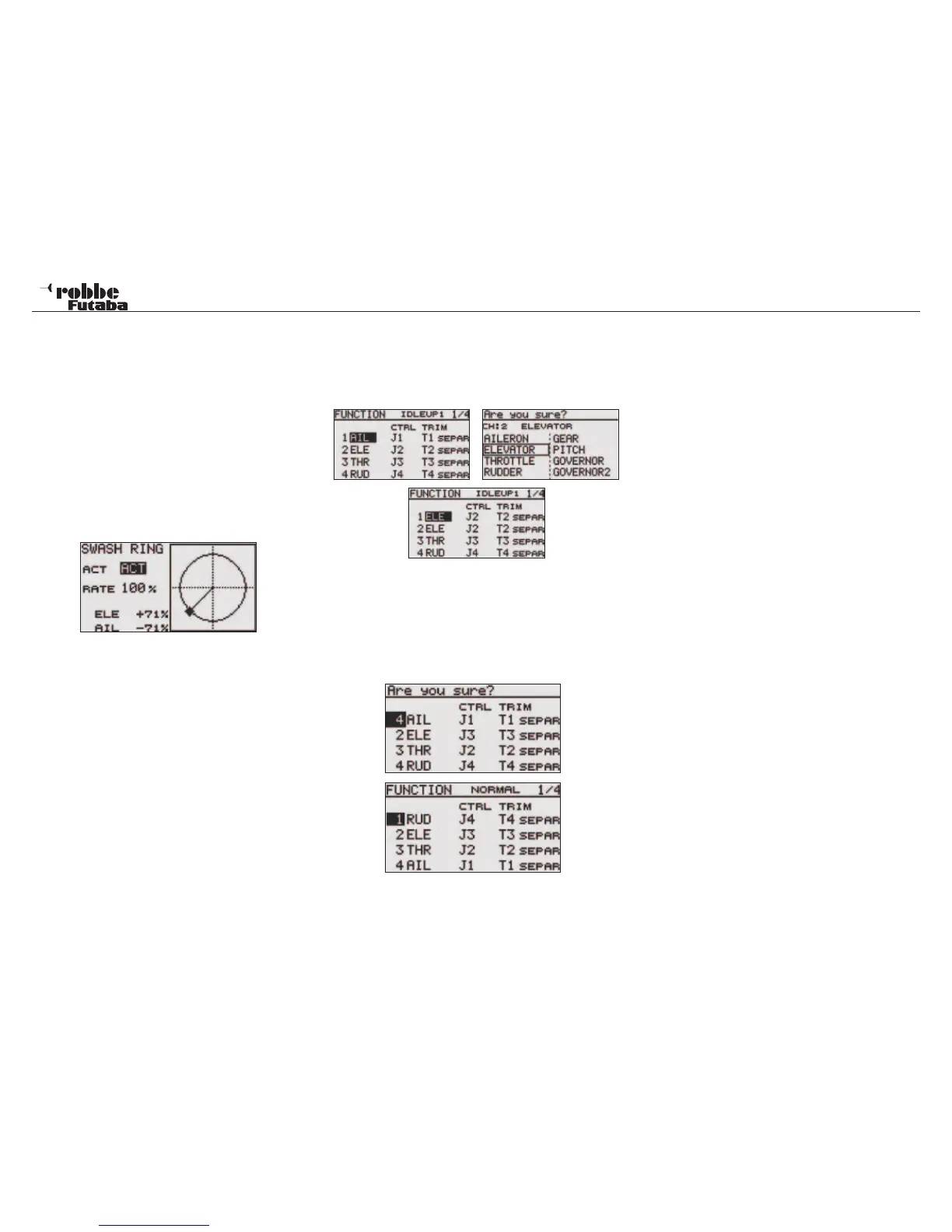
CHANGE TRANSMITTER CONTROL ASSIGNMENT
To be able to assign the correct controls to the channel re-
quired, the transmitter control channel may be re-assigned to
another channel output. Select the Control (CTRL) to be chan-
ged and highlight. Then select the new Transmitter Control re-
quired from the H/W SELECT Menu.
RECEIVER OUTPUT CHANGE
To be able to change the receiver servo output for example,
from channel 7 to channel 5, one can change the receiver
output, quickly and with no mechanical changes in the model.
Linkage menu helicopter
50



 To Next Page