Punch In/Out Recording
Sometimes, there are a few measures
of
a part
which you'd like to record again, but you don't want to
re-record the entire part. Punch In/Out Recording
allows you to re-record a specific portion
of
a part
without affecting the rest
ofof
the sequence.
In
Punch In/Out Record, "Punch In" is the point
where recording begins and "Punch Out" is the point
where recording ends.
Enabling
Punch
In/Out
(1)
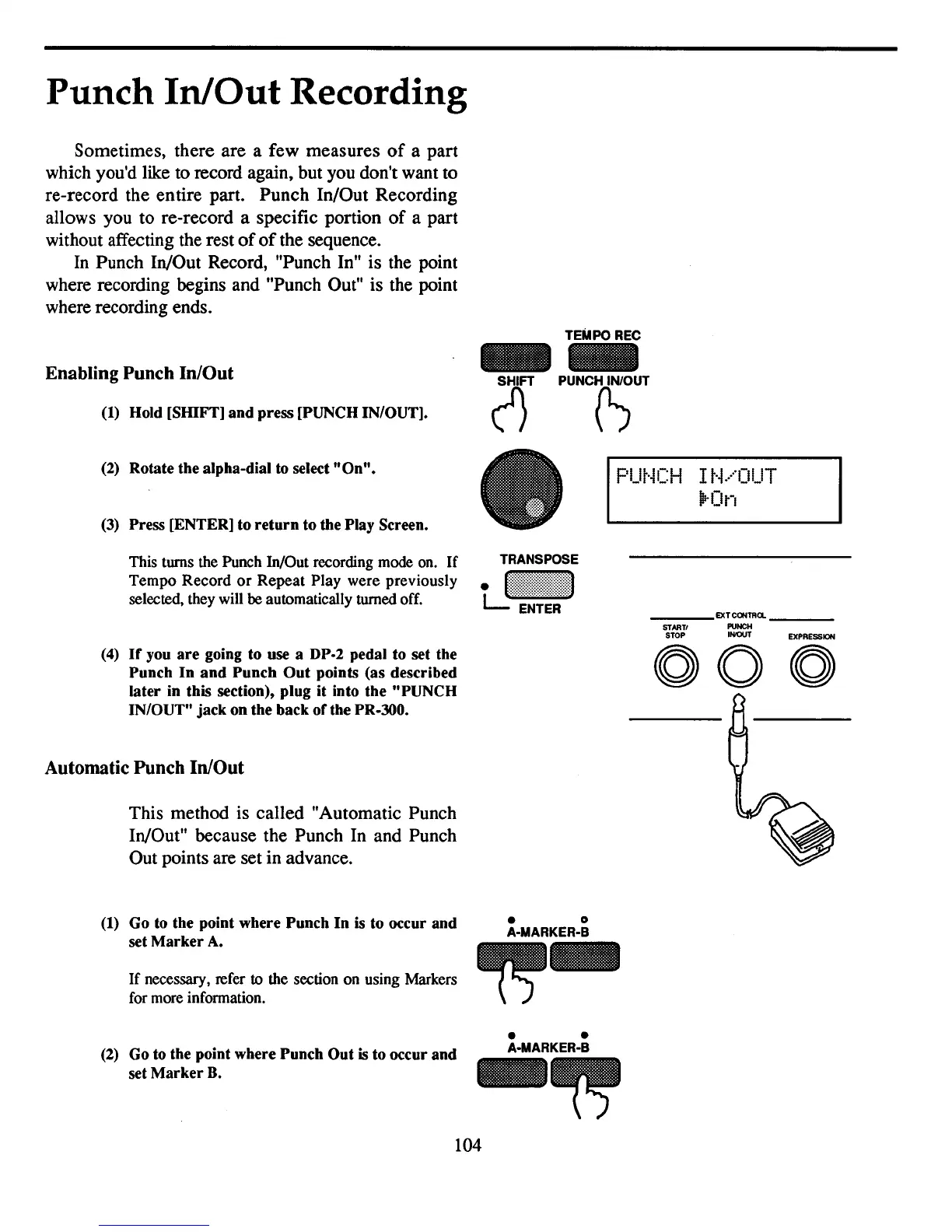
Hold [SHIFT] and press [PUNCH IN/OUT].
TEMPO REC
-
~
PUNCH~UT
EXPRESSION
(2)
Rotate the alpha-dial to select
"On".
(3)
Press [ENTER] to
return
to the Play Screen.
This turns the Punch In/Out recording mode on.
If
Tempo Record
or
Repeat Play were previously
selected, they will
be
automatically turned off.
PUt·iCH
I
t·i
.....
OUT
!irOn
-ST-ART-'
_EX~~:Cl.
_
STOP
INIOUT
(4)
If
you
are
going to use a DP·2 pedal to set the
Punch
In
and
Punch
Out
points (as described
later in this section), plug it into the "PUNCH
IN/OUT" jack on the back orthe
PR-JOO.
Automatic
Punch
In/Out
This method is called "Automatic Punch
In/Out" because the Punch In and Punch
Out points are set in advance.
(1)
Go to the point where Punch
In
is
to occur and
set
Marker
A.
If
necessary, refer
to
the section on using Markers
for more information.
(2)
Go to the point where Punch Out
is
to occur and
set
Marker
B.
000
• 0
A-MARKER-B
~-
• •
A·MARKER-B
104



 To Next Page