organ part. The organ's registrations and expression
movements will also be recorded along with all
of
the
notes which are played.
For
best
results,
don't
use
the
MIDI
couplers
during the recording
of
the organ part, as information
they
send
may
interfere
with
information
you've
previously recorded.
The PR-300 will record all activated stops and all
expression movements during
the
recording
of
the
organ part.
Layering Sounds of the Rodgers Organ
If
you want to layer the organ sounds (i.e., merge
the organ part to another track and add another organ
part
to the
empty
track), you will
have
to use the
registrations and expression movements recorded in
the first pass. Make sure you don't use another organ
registration
or
move the expression pedals after the
first organ track.
Also,
the
organ
normally
records
the
organ's
registration and expression status at the beginning
of
the recording. Once this has been recorded
on
the
first track, it is not necessary to have it recorded again
on subsequent tracks.
If
you
want
to
layer
organ
sounds (i.e.,
record
more than one track
of
organ sounds), record the first
track
with
the
MIDI
Master
Channels and
PR-300
master
clock
enabled.
Then,
for
all
subsequent
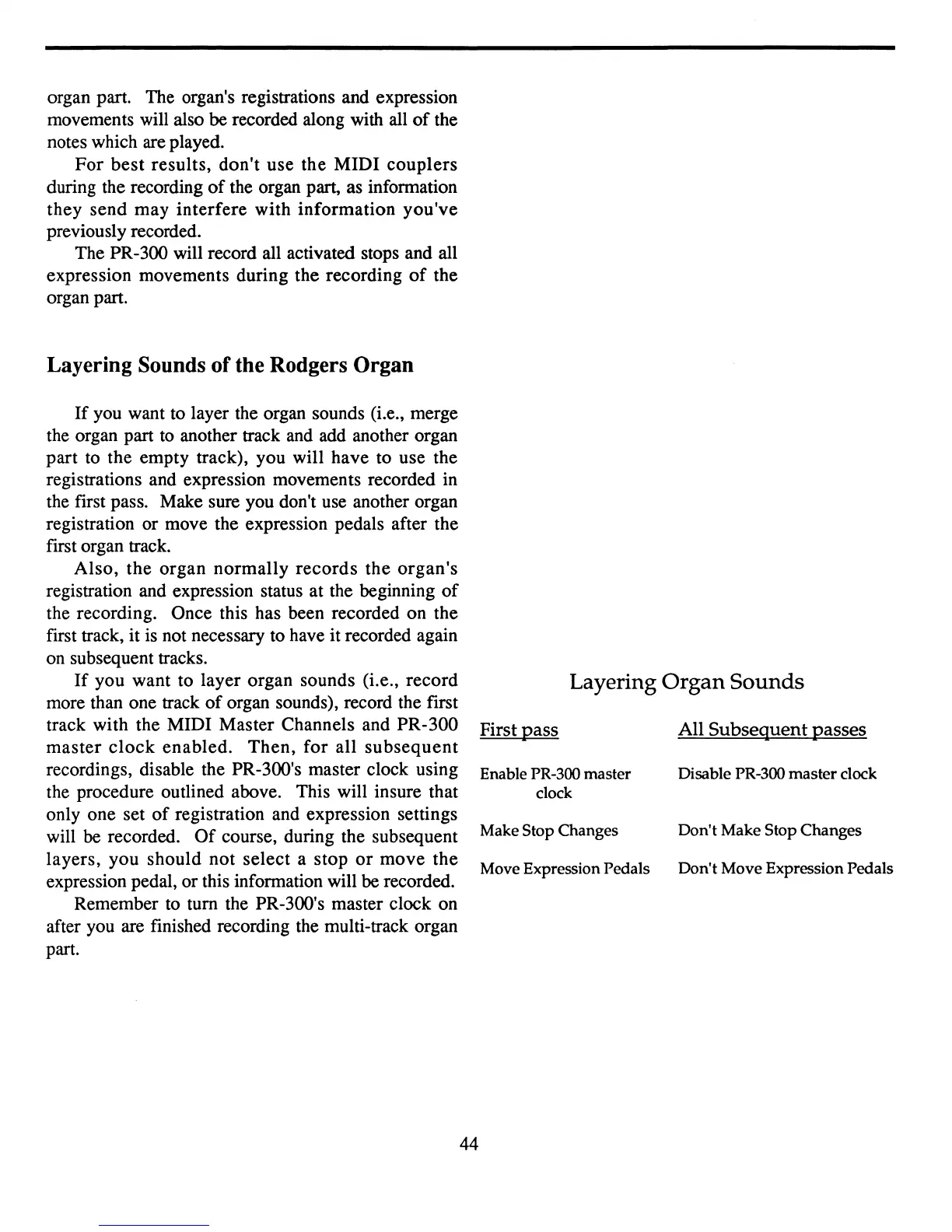
recordings, disable the PR-300's master clock using
the procedure outlined above. This will insure that
only
one
set
of
registration and expression settings
will
be recorded.
Of
course, during the subsequent
layers,
you
should
not
select
a
stop
or
move
the
expression pedal,
or
this information will be recorded.
Remember to
tum
the PR-300's master clock on
after you are finished recording the multi-track organ
part.
Layering
Organ
Sounds
First pass All
Subsequent
passes
Enable PR-300 master Disable PR-300 master clock
clock
Make Stop Changes Don't Make Stop Changes
Move Expression Pedals Don't Move Expression Pedals
44



 To Next Page