!
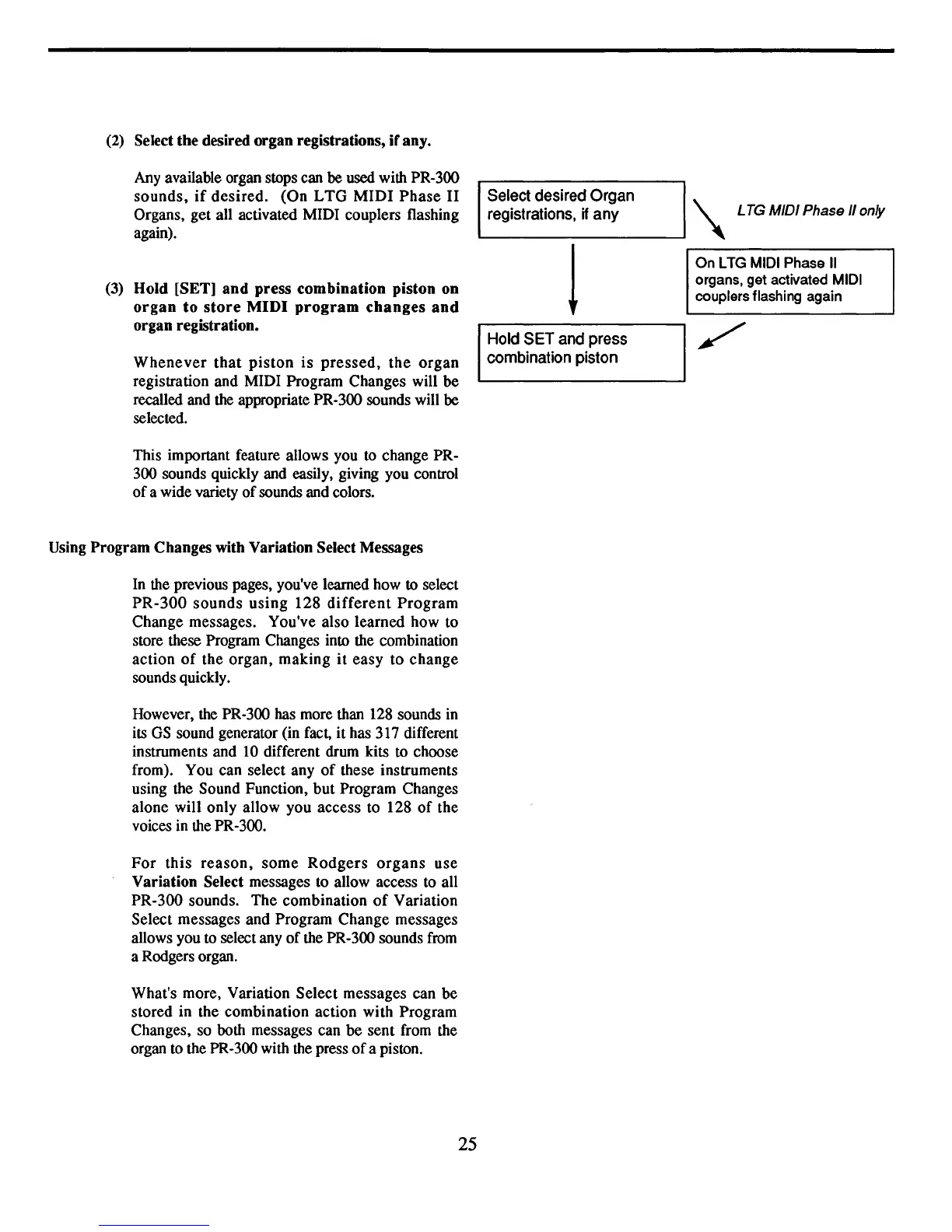
(2) Select
the
desired
organ
registrations,
if
any.
Any available organ stops can be used with PR-300
sounds.
if
desired.
(On
LTG
MIDI
Phase
II
Organs, get all activated MIDI couplers flashing
again).
(3)
Hold
[SET]
and
press
combination
piston
on
organ
to
store
MIDI
program
changes
and
organ
registration.
Whenever
that
piston
is
pressed,
the
organ
registration and MIDI Program Changes will
be
recalled and the appropriate PR-300 sounds will be
selected.
This important feature allows you to change PR-
300 sounds quickly and easily, giving you control
of
a wide variety
of
sounds and colors.
Using
Program
Changes with Variation Select Messages
In the previous pages, you've learned how to select
PR-300
sounds
using
128
different
Program
Change messages. You've also learned how to
store these Program Changes into the combination
action
of
the
organ,
making
it
easy
to
change
sounds quickly.
However, the PR-300 has more than 128 sounds in
its
GS
sound generator (in fact,
it
has 317 different
instruments and
10
different drum kits to choose
from). You can select any
of
these instruments
using the Sound Function,
but
Program Changes
alone will only allow you access to 128
of
the
voices in the PR-300.
For
this
reason,
some
Rodgers
organs
use
Variation
Select messages to allow access to all
PR-300 sounds.
The
combination
of
Variation
Select messages and Program Change messages
allows you to select any
of
the PR-300 sounds from
a Rodgers organ.
What's more, Variation
Select
messages can
be
stored in the combination action with Program
Changes, so both messages can
be
sent from the
organ to the PR-300 with the press
of
a piston.
Select desired Organ
L..-re_g_is_t_ra_ti_o_n_s,_if_a_n_y
.....
\ LTG MIDI Phase
/I
only
On LTG MIDI Phase
II
organs, get activated MIDI
couplers flashing again
Hold
SET
and
press
combination piston
25



 To Next Page