Basic Precautions
Power Supply
*Be sure
to
use only the adaptor supplied with the
unit
Use
of
any other power adaptor could result in damage, malfunction,
or
electrical shock.
*When making any connections with other devices, always
tum offthe power
to
all equipment first; this will help prevent
damage or malfunction.
*Do not use this unit
on
the same power circuit with any
device that will generate
line
noise, such as a motor
or
variable lighting system.
*The power supply required for this unit's adaptor is shown on
its nameplate. Ensure that the line voltage
of
your installation
meets this requirement.
*Avoid damaging the power cord; do not step on it, place
heavy objects on it, etc.
*When disconnecting the AC adaptor from the outlet, grasp the
adaptor itself; never pull on the cord.
*
If
the unit is to remain unused for a long period
of
time,
unplug the AC Adaptor from the power outlet.
Placement
*Do not subject the unit to temperature extremes (eg. direct
sunlight in an enclosed vehicle). Avoid using or storing the
unit
in
dusty or humid areas or areas that are subject
to
high
vibration levels.
*Using the unit near power amplifiers (or other equipment
containing large transformers) may induce hum.
*This unit may interfere with radio and television reception.
Do not use this unit in the vicinity
of
such receivers.
*Observe the following when using the unit's disk drive:
- Do not place the unit near devices that produce a strong
magnetic field (eg.loudspeakers).
- Do not move the unit or subject it
to
vibration while it is
operating.
- Install the unit on a solid, level surface in an area free from
vibration.
If
the unit must be installed at an angle, be sure
that the angle
of
installation falls within the tolerance range
(upward;
15°:
downward; 5°).
- Avoid using the disk drive in areas
of
high humidity (eg.
condensation). High levels
of
moisture can adversely affect
the operation
of
the drive and/or damage disks. When the
unit
has been
transported,
allow
it
to
warm
to
room
temperature before operating.
4
Maintenance
*For everyday cleaning wipe the unit with a soft, dry cloth (or
one that has been slightly dampened with water).
To
remove
stubborn dirt, use a mild neutral detergent Afterwards, be
sure
to
wipe the unit thoroughly with a soft, dry cloth.
*Never use benzene, thinners, alcohol
or
solvents
of
any kind,
to avoid the
risk
of
discoloration and/or deformation.
Memory Backup
*The unit contains a battery which maintains the contents
of
memory while the main power is off. The expected life
of
this
battery
is 5 years
or
more.
However,
to
avoid
the
unexpected loss
of
memory data, it is strongly recommended
that you change the battery every 5 years.
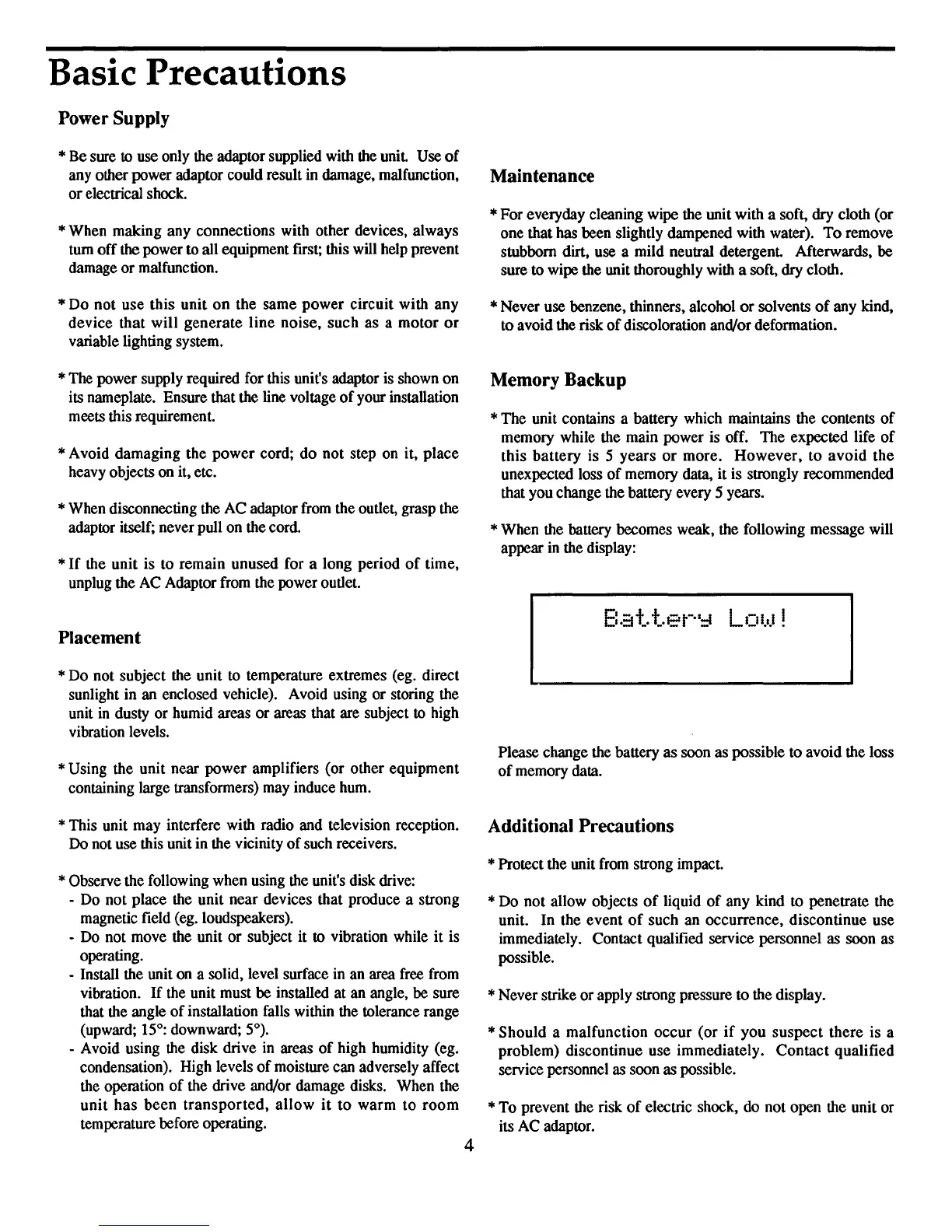
*When the battery becomes weak, the following message will
appear
in
the display:
Please change the battery as soon as possible to avoid the loss
of
memory data.
Additional Precautions
*Protect the unit
from
strong impact.
*Do not allow objects
of
liquid
of
any kind to penetrate the
unit. In the event
of
such an occurrence, discontinue use
immediately. Contact qualified service personnel as soon as
possible.
*Never strike
or
apply strong pressure to the display.
*Should a malfunction occur (or
if
you suspect there is a
problem) discontinue use immediately. Contact qualified
service personnel
as
soon as possible.
*To prevent the risk
of
electric shock, do not open the unit or
its AC adaptor.



 To Next Page