Using a Pedal to Start and Stop the PR-300
Normally, you'll use the Play and Stop buttons to
start and stop playback and recording
of
the PR-300.
It
is possible, however, to use a pedal to start and stop
the PR-300, allowing you
control
from a remote
location.
In order to make use
of
this feature, you need to
have a DP-2
or
compatible pedal (sold separately).
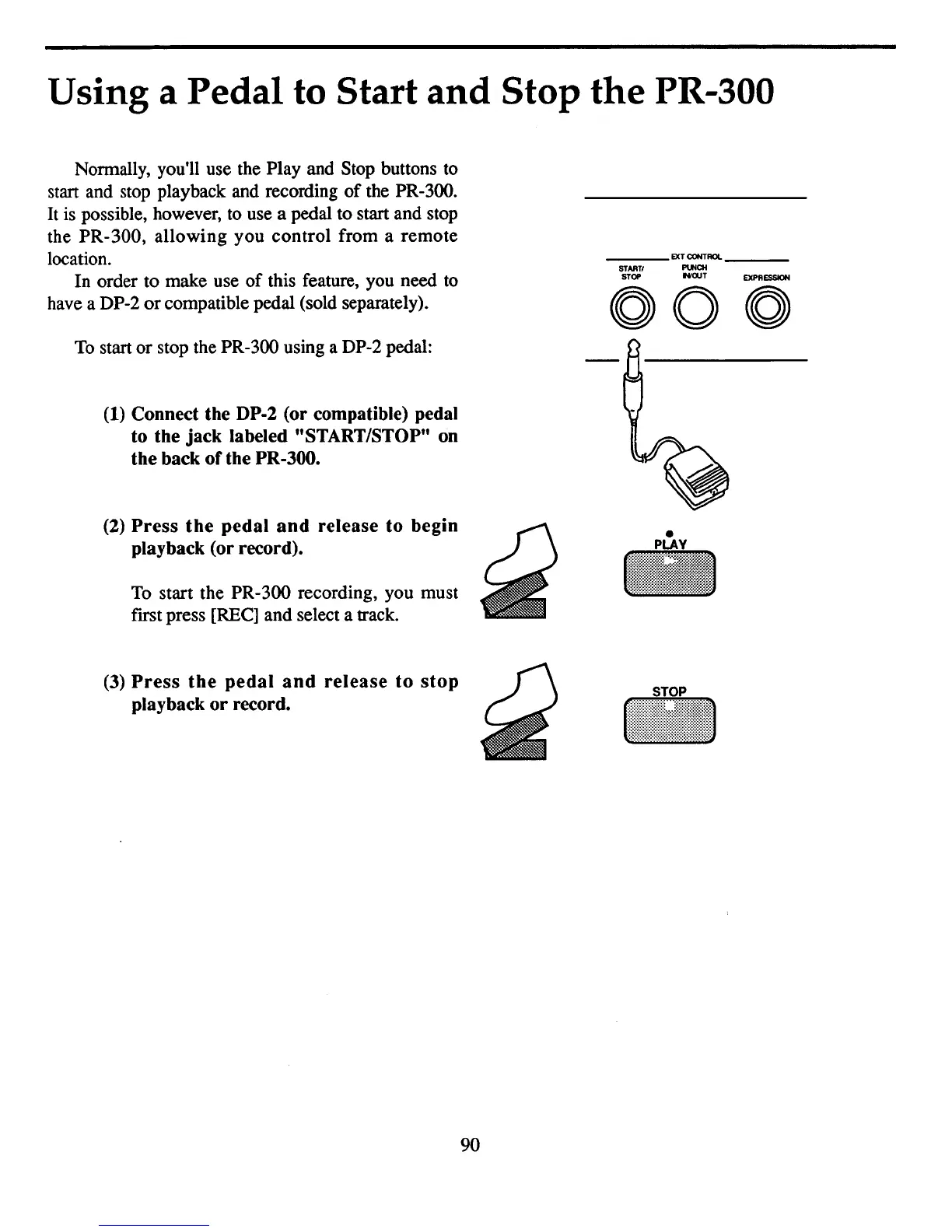
To start or stop the PR-300 using a DP-2 pedal:
(1)
Connect the DP-2 (or compatible) pedal
to the jack labeled "START/STOP" on
the back ofthe PR-300.
(2)
Press
the
pedal
and
release
to
begin
playback (or record).
To start the PR-300 recording, you must
fIrst press
[REel
and select a track.
(3)
Press
the
pedal
and
release
to
stop
playback
or
record.
___
EXTCONTAOI. _
STAATI
PUNCH
STOP
"'OUT
EXPRESSION
000
..
90



 To Next Page