This
is
how
we
avoid
both
the
PR-300
and
C-
IOO/C-220
responding
to
MIDI
channell.
Although both instruments are
set
to receive on
MIDI
channel
I,
the
PR-300
only
sends
MIDI
channels 11-16 back to the C-lOO/C-220. Because
the
C-lOO/C-220 never receives MIDI
channell
back from the PR-300,
it
doesn't respond to any
information generated on MIDI
channell.
Refer
to
the
C-I00/C-220
Owner's
Manual
for
more information on selecting
Local Off.
Deciding on Channels
and
Instruments
The
next
step
in
Multi-Track
Sequencing
is
to
determine how
many
parts will be needed
and
what
MIDI channels
each
should use.
Remember
that
channels
1-9
can
be
used
to
control
any
of
the
317 instruments
on
the PR-300;
channel 10 can be used to control any
of
the 10 drum
kits
of
the PR-300.
Channels 11-16 can be used to control any
of
the
sounds in the
C-l00/C-220.
The channels used will
determine which instrument (PR-300
or
C-l00/C-220)
will be used.
Please note that,
if
you intend to play any
of
the
PR-300
or
C-l00/C-220
sounds live (or "real-time")
while the sequence
is
playing
back, then the
MIDI
channels
needed
for
the
instruments
played
live
cannot be used within the sequence.
For
instance,
if
you wanted to play the PR-300's
Strings live
on
channels 2, 3 and 4, then channels 2, 3
and
4 couldn't be used in the Multi-Track Sequence.
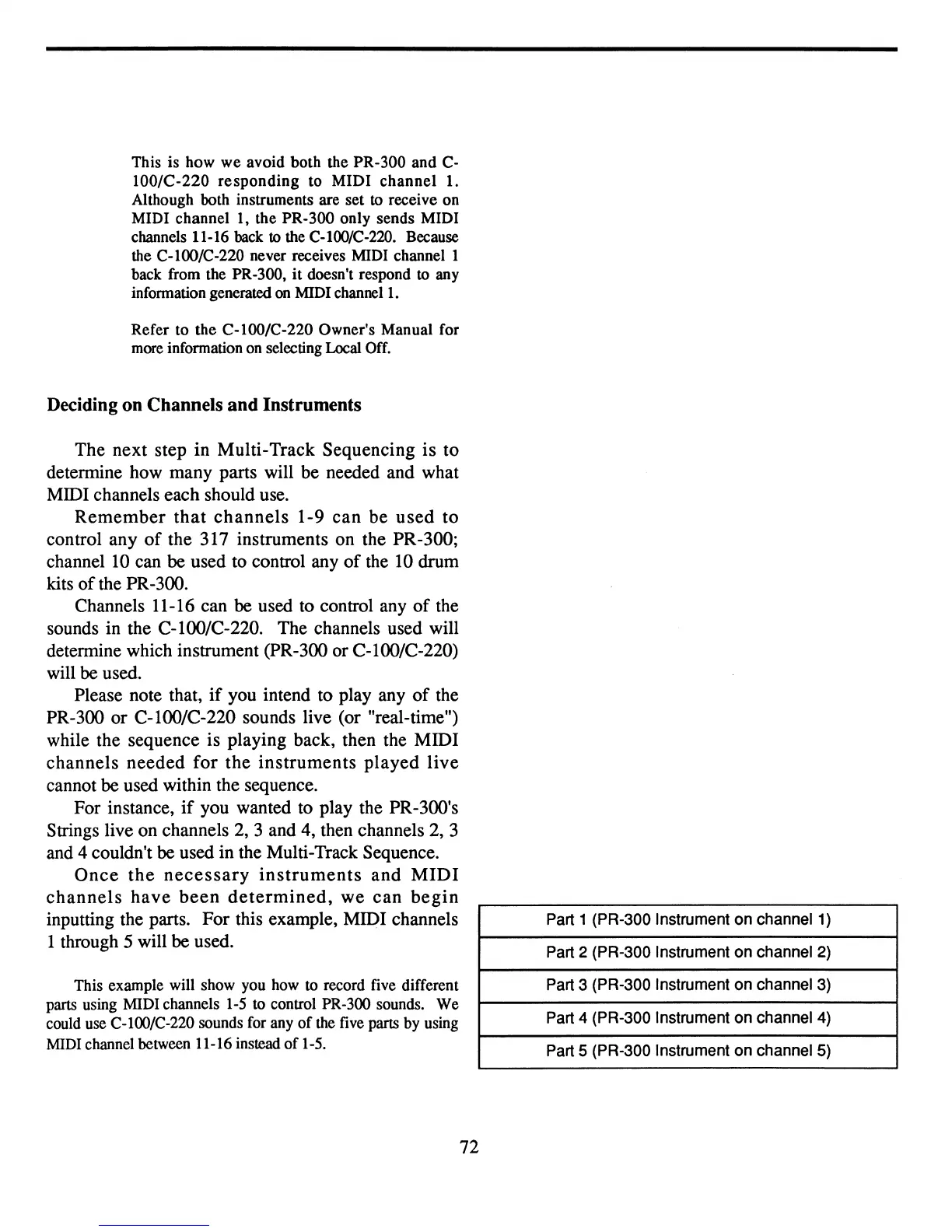
Once
the
necessary
instruments
and
MIDI
channels
have
been
determined,
we
can
begin
inputting the parts.
For
this example, MIDI channels
1 through
5 will be used.
This example will show you how to record five different
parts using MIDI channels 1-5 to control PR-300 sounds.
We
could use C-lOO/C-220 sounds for any
of
the five parts by using
MIDI channel between 11-16 instead
of
1-5.
72
Part 1 (PR-300 Instrument on channel 1)
Part 2 (PR-300 Instrument on channel
2)
Part 3 (PR-300 Instrument on channel 3)
Part 4 (PR-300 Instrument on channel 4)
Part 5 (PR-300 Instrument on channel 5)



 To Next Page