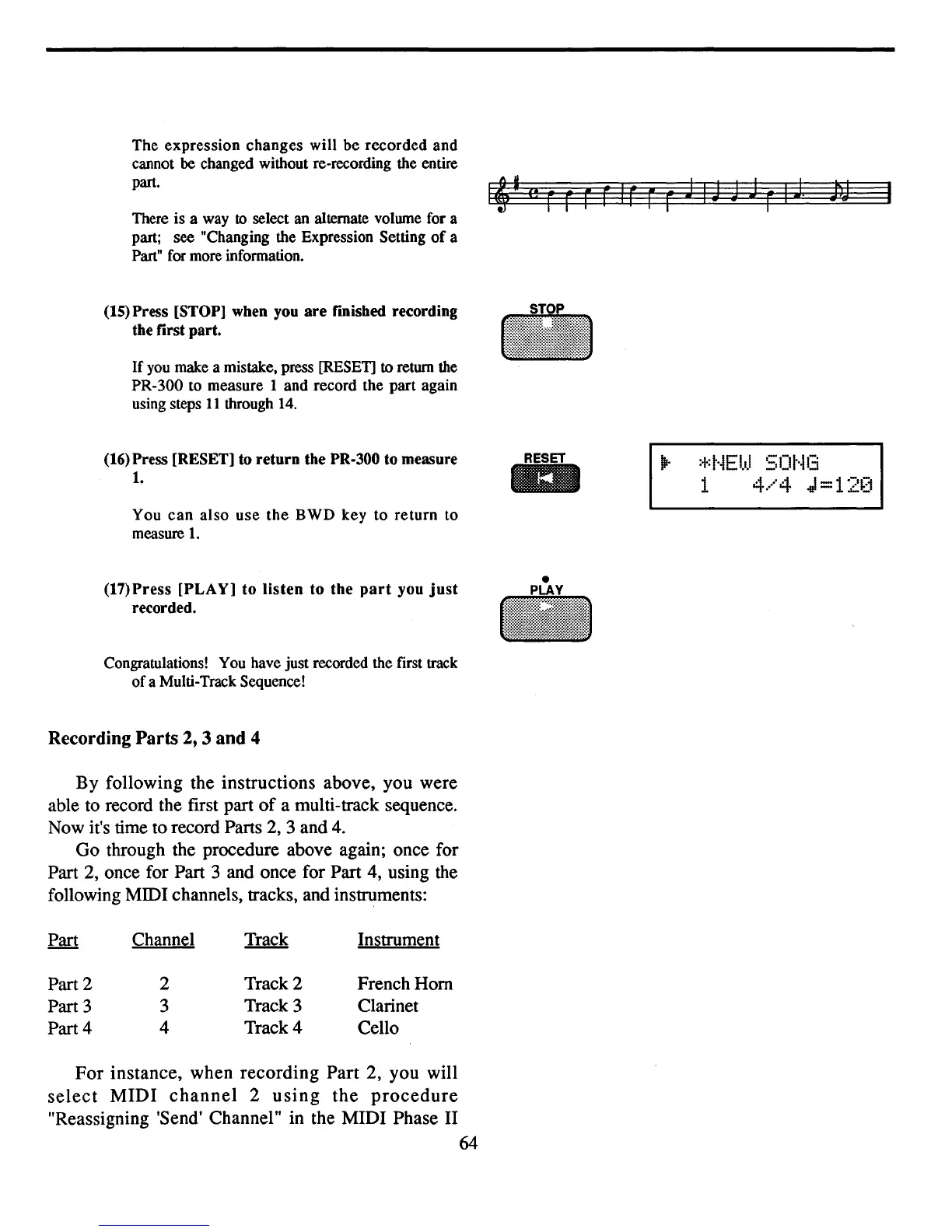
The
expression
changes
will
be
recorded
and
cannot
be
changed without re-recording the entire
part.
There is a way
to select an alternate volume for a
part; see "Changing the Expression Setting
of
a
Part" for more information.
(15) Press [STOP] when you
are
fmished recording
the first part.
If
you make a mistake, press [RESET]
to
return the
PR-300 to measure
1 and record the part again
using steps
11
through
14.
I~·
.,
•
(16) Press [RESET] to
return
the PR·300 to measure
1.
You
can
also
use
the
BWD
key
to
return
to
measure
1.
(17)
Press
[PLAY]
to
listen
to
the
part
you
just
recorded.
Congratulations! You have just recorded the first track
of
a Multi-Track Sequence!
Recording
Parts
2, 3
and
4
By
following the instructions above, you were
able to record the first part
of
a multi-track sequence.
Now it's time to record Parts 2, 3 and
4.
Go through the procedure above again; once for
Part 2, once for Part 3 and once for Part 4, using the
following MIDI channels, tracks, and instruments:
RESET
IEII
•
..
~.
:+:t·iEbJ
50t·il3
1
4.····4
J=12[1
Part 2
Part 3
Part 4
Channel
2
3
4
Track 2
Track 3
Track 4
Instrument
French Hom
Clarinet
Cello
For
instance, when
recording
Part
2, you will
select
MIDI
channel
2
using
the
procedure
"Reassigning 'Send' Channel" in the MIDI Phase II
64



 To Next Page