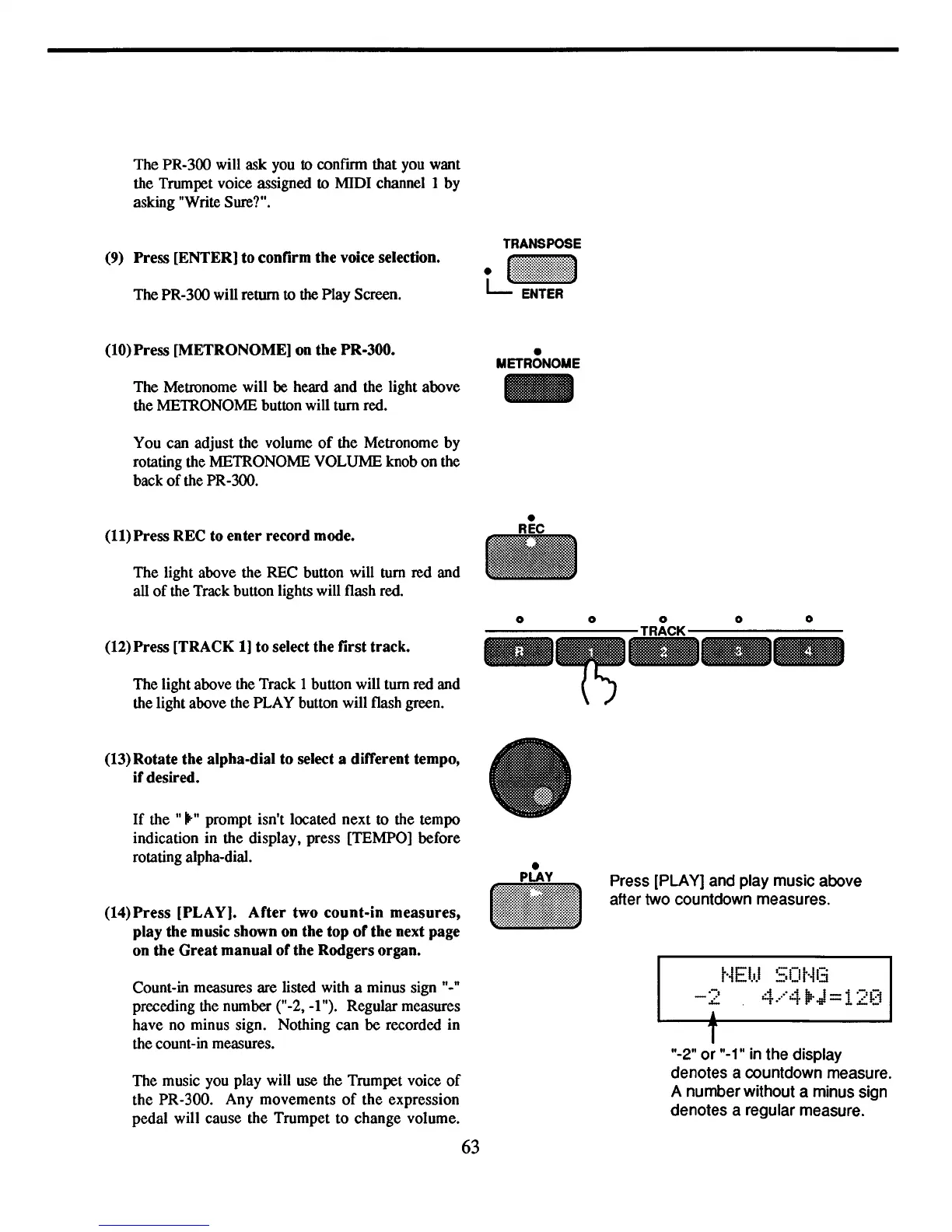
The PR-300 will ask you
to
confIon that you want
the Trumpet voice assigned to MIDI channel 1 by
asking "Write Sure?".
(9) Press [ENTERJ to confirm
the
voice selection.
The PR-300 will return to
the
Play Screen.
(10)
Press
[METRONOMEJ on
the
PR-300.
The Metronome will
be
heard and the light above
the METRONOME button will turn red.
You can adjust the volume
of
the Metronome
by
rotating the METRONOME VOLUME knob on the
back
of
the PR-300.
(11)
Press
REC to
enter
record
mode.
The light above the REC button will tum
red
and
all
of
the Track button lights will flash red.
(12)
Press
[TRACK IJ
to
select
the
first
track.
The light above the Track I button will tum red and
the light above the PLAY button will flash green.
•
METRONOME
-
o
-
o o
o
(13)
Rotate
the alpha-dial
to
select a different tempo,
if
desired.
If
the ""-" prompt isn't located next to the tempo
indication in the display, press [TEMPOJ before
rotating alpha-dial.
(14)
Press
[PLA
YJ.
After
two
count-in
measures,
play
the music
shown
on
the
top
of
the
next page
on
the
Great
manual
of
the
Rodgers
organ.
Count-in measures are listed with a minus sign "."
preceding the number ("-2,
-I
"). Regular measures
have no minus sign. Nothing can
be
recorded in
the count-in measures.
The music you play will use the Trumpet voice
of
the PR-300. Any movements
of
the expression
pedal will cause the Trumpet to change volume.
63
•
•
Press
[PLAY]
and
play
music
above
after
two
countdown measures.
t·iEbJ
SOt·i13
4.···"4
lIrJ
=
12~:i
T
"-2" or
"-i"
in
the display
denotes a countdown
measure.
A number without a
minus
sign
denotes a regular
measure.



 To Next Page