Sequencing the First
Part
We
will begin by sequencing the ftrst part, which,
in this example, is the soprano line
of
a popular
hymn.
Before sequencing a new song, however,
we
need
to make sure the PR-300 is ready to accept a new
song:
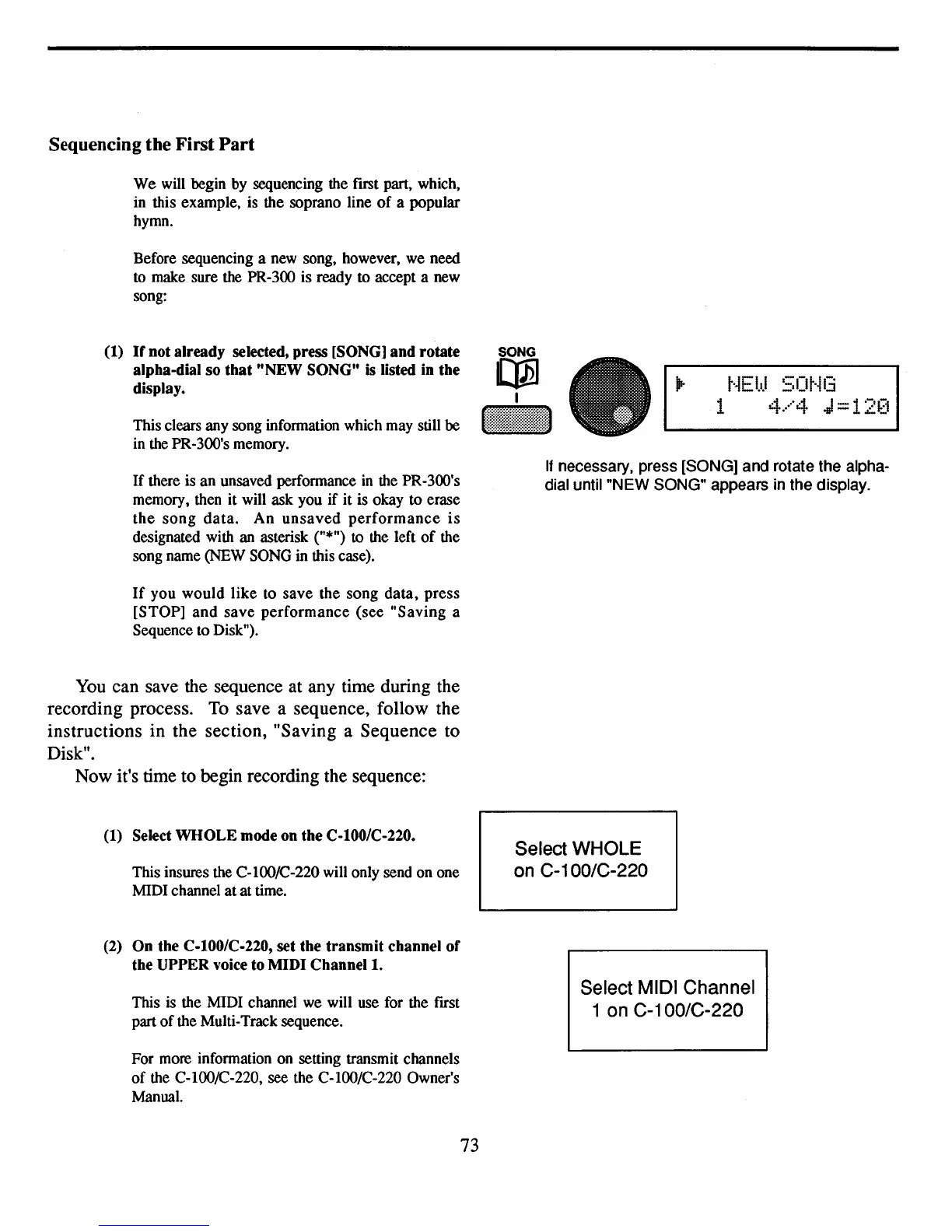
(I)
If
not already selected, press [SONG] and rotate
alpha-dial so that "NEW SONG"
is
listed
in
the
display.
This clears any song information which may still be
in the PR·300's memory.
SONG
~
I
t'~EbJ
50t·il3
1
4.····4
J=12~~i
If
there is
an
unsaved performance
in
the PR-300's
memory, then it will ask you
if
it is okay
to
erase
the
song
data.
An
unsaved
performance
is
designated with an asterisk ("*")
to
the left
of
the
song name (NEW SONG in this case).
If
you
would
like
to
save
the
song
data,
press
[STOP]
and
save
performance
(see
"Saving
a
Sequence to Disk").
You
can save the sequence at any time during the
recording process.
To
save a sequence, follow the
instructions in the section, "Saving a Sequence to
Disk".
Now it's time to begin recording the sequence:
(I) Select WHOLE mode on the C·IOO/C·220.
This insures the C-lOOIC-220 will only send
on
one
MIDI channel
at
at
time.
(2)
On the C.IOO/C·220, set the transmit channel of
the UPPER voice to MIDI
Channell.
This is the MIDI channel
we
will use for the ftrst
part
of
the Multi-Track sequence.
For more information on setting transmit channels
of
the C-lOO/C-220, see the C-lOO/C-220 Owner's
Manual.
73
If
necessary, press [SONG] and rotate the alpha-
dial until "NEW SONG" appears in the display.
Select WHOLE
on C-100/C-220
Select MIDI Channel
1 on
C-1
OO/C-220



 To Next Page