Sequencing
with
the PR-300
Built into the PR-300 is a very powerful but user-friendly sequencer. A sequencer
is
a
MIDI
device which
records and plays back perfonnances.
After
these
performances are recorded, they
can
be
edited
and
changed, allowing you to
create
great
sounding sequences by following a step-by-step procedure.
Two different types
of
sequencing will be covered in this manual - - - single pass recording and multi-track
recording.
The
following section walks you through single pass recording,
in
which a perfonnance
is
recorded
by the PR-300 and then played back. This perfonnance can use any combination
of
organ stops
and
PR-300
sounds. After the perfonnance
is
recorded, we'll show you how to save the perfonnance
to
disk, so that
it
can
be
loaded
into
the
PR-300
and
played
back
whenever
you
want
(like
you
did
with
the
songs
on
the
demonstration disk).
In a later section, we'll show you how to
do
a multi-track sequence. Multi-track sequencing allows you to
build an arrangement instrument by instrument.
By
breaking things down into small, manageable pieces, you
can easily
put
together complex arrangements.
Single Pass Sequencing
The PR·300's sequencer can record and playback
any combination
of
organ stops and internal GS
sound generator instruments.
Each
of
these recordings (also called "Sequences")
can
be
saved
to
disk
and
stored
for
future
performance. Each
of
these sequences can have up
to 40,000 separate MIDI events. A high density
disk can save up to 99 different sequences, as long
as
the total number
of
MIDI events on the disk
doesn't exceed 240,000.
Before we record any sequences, we need to make
sure
the
PR·300
is
set
to
transmit
its
clock
messages. The Rodgers organ uses clock messages
from the PR-300 to determine when a recording is
being made
or
when a sequence is being played
back.
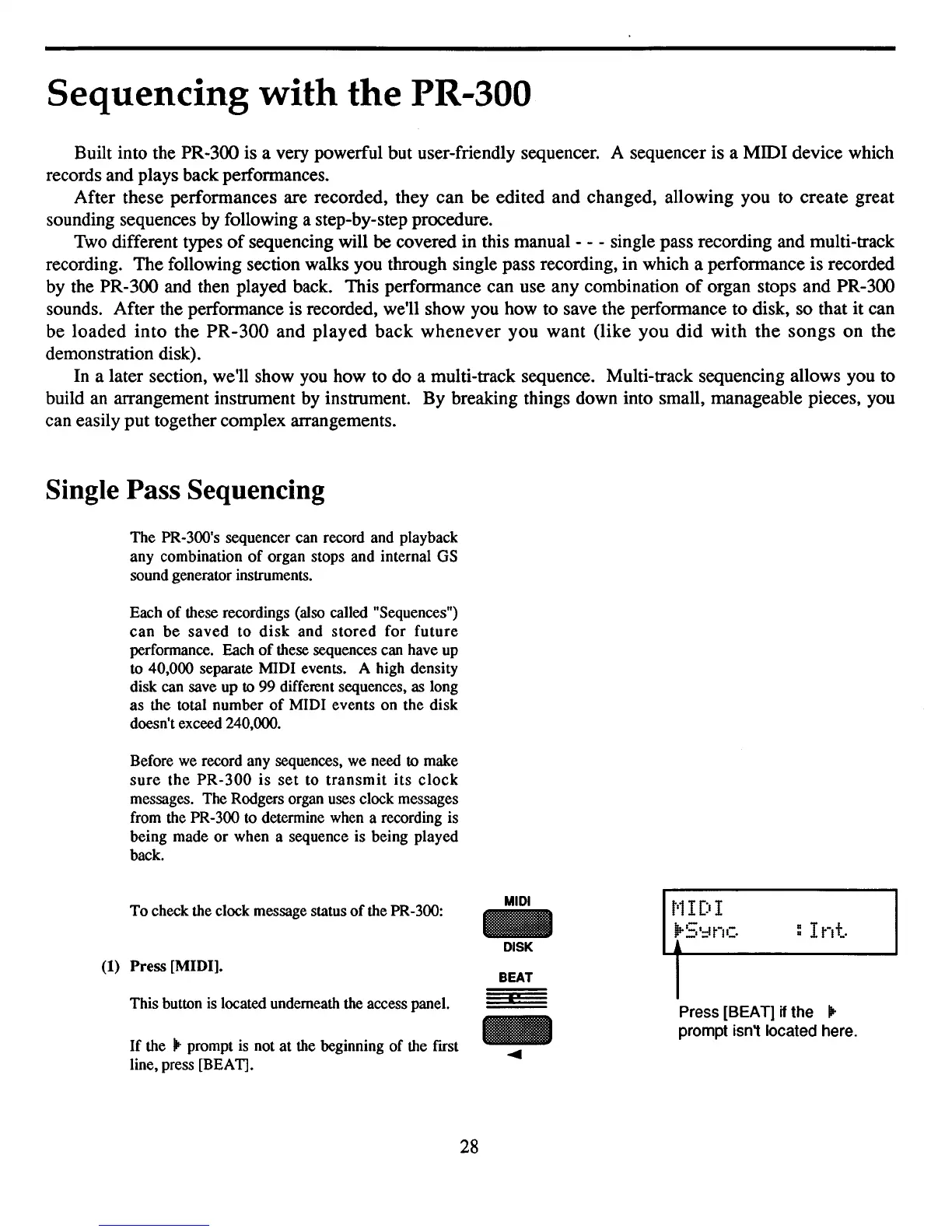
To
check the clock message status
of
the PR-300:
(1) Press [MIDI].
MIDI
DISK
BEAT
:
Int.
This button is located underneath the access panel.
If
the
lit
prompt
is
not at the beginning
of
the ftrst
line, press [BEA
11.
28
I!
Press [BEAT]
if
the
lit
prompt isn't located here.



 To Next Page