Recording
Parts
2, 3
and
4
By following the instructions above, you were
able to record the
fIrst
part
of
a multi-track sequence.
Now it's time to record Parts 2, 3 and 4.
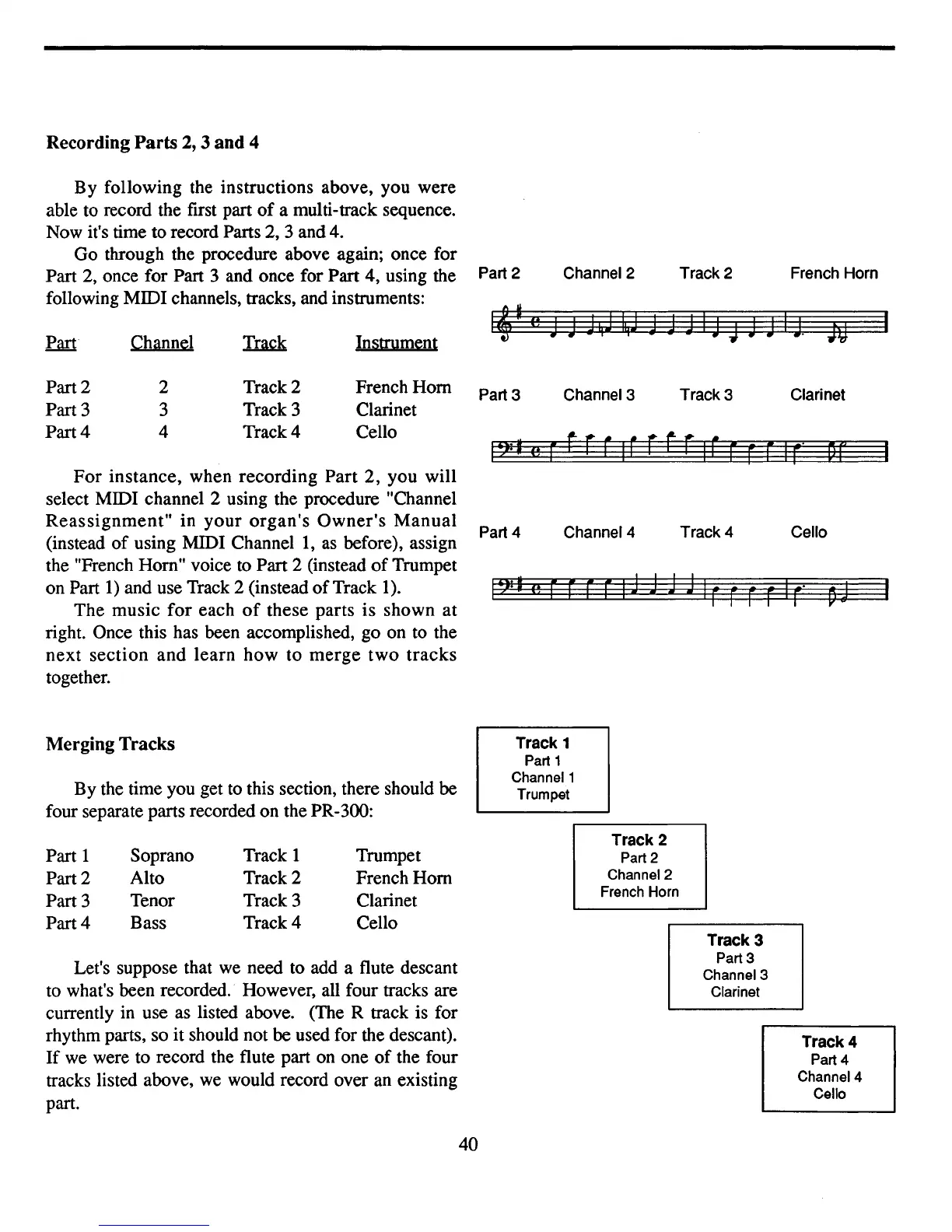
Go through the procedure above again; once for
Part 2, once for Part 3 and once for Part 4, using the
following MIDI channels, tracks, and instruments:
For
instance, when recording Part 2, you will
select MIDI channel 2 using the procedure "Channel
Reassignment"
in
your
organ's
Owner's
Manual
(instead
of
using MIDI
Channell,
as
before), assign
the "French Hom" voice to Part 2 (instead
of
Trumpet
on Part
1)
and use Track 2 (instead
of
Track 1).
The music
for
each
of
these parts is shown at
right. Once this has been accomplished, go on to the
next
section
and
learn
how
to
merge
two
tracks
together.
Part 2
Part 3
Part 4
Channel
2
3
4
Track 2
Track 3
Track 4
Instrument
French
Hom
Clarinet
Cello
Part 2
Part 3
Part 4
Channel 2
Channel
3
Channel 4
Track
2
Track 3
Track 4
French
Horn
Clarinet
Cello
Merging
Tracks
By the time you get to this section, there should be
four separate parts recorded on the PR-300:
Track 1
Part 1
Channel 1
Trumpet
Let's suppose that we need to add a flute descant
to what's been recorded. However, all four tracks are
currently in use as listed above. (The R track is for
rhythm parts, so
it
should not be used for the descant).
If
we were to record the flute part on one
of
the four
tracks listed above, we would record over an existing
part.
Part 1
Part 2
Part 3
Part 4
Soprano
Alto
Tenor
Bass
Track 1
Track 2
Track 3
Track 4
Trumpet
French
Hom
Clarinet
Cello
40
Track 2
Part 2
Channel
2
French Horn
Track 3
Part 3
Channel
3
Clarinet
Track 4
Part 4
Channel
4
Cello



 To Next Page