Multi-Track
Sequencing
Although the PR-300 has many useful features, Multi-Track Recording will be the
most
exciting to
many
people.
The
Multi-Track Recording capabilities
of
the PR-300 allow parts
to
be layered,
so
even
the
most
difficult music can
be
broken down into small pieces
and
then recorded in easy-to-manage steps.
All Rodgers organs and keyboards equipped with MIDI can be
used
to create Multi-Track Sequences. This
next section will take
you
through this process step-by-step for the following Rodgers products:
1) Parallel Digital Imaging™ organs with Personal Memory Card™ slot, and all Classic Keyboards™
organs
2) Parallel Digital Imaging™ organs without Personal Memory Card slot (730, 735,
785
and
945)
3) MIDI Phase
II
(LTG) organs
4) C-lOO and C-220 Classic Keyboards™
Please refer to the section
of
this Owner's Manual which corresponds to the particular instrument
you
are
using with the PR-300. Also, you will
need
to perform some functions
which
are outlined
in
the Owner's
Manual for the Rodgers organ
or
keyboard you are using, so be sure to keep
it
handy
also.
If
you are using a non-Rodgers
keyboard
with the PR-300,
read
through
Section
4 ("C-IOO
and
C-220
Classic Keyboards"), and follow the necessary operating procedures for your particular keyboard to achieve the
same result.
What
is Multi-Track Recording?
Multi-Track
Recording
(or
"Multi-Track
Sequencing")
is
the process
of
building a sequence in
small,
easy-to-manage
steps.
Complex
or
difficult
music
can
be
broken
down
into
small
pieces
and
recorded a part
at
a time.
Each
of
the different sounds used in a Multi-Track
Recording
will
use
different
MIDI
channels.
For
example,
if
you wanted to record an arrangement for
Harpsichord
and
Strings,
you
could
first record the
Harpsichord
part
on
MIDI
channell,
then record the
String part
on
MIDI
channel 2.
Using
two separate
MIDI
channels
allows
you
to
control
two
different
sounds.
The
next
few
pages
will
show
the
operating
procedures to build a Multi-Track Recording.
33
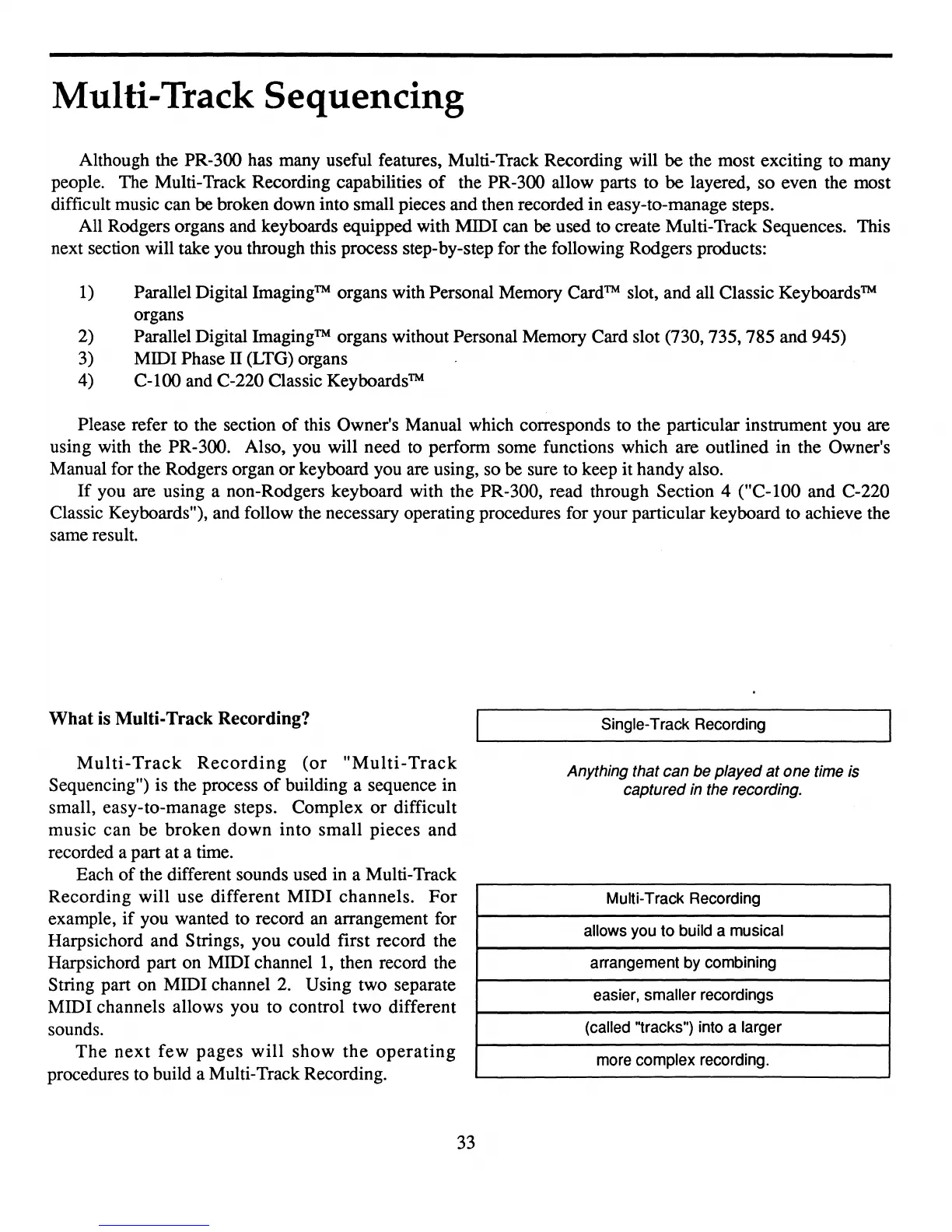
Single-Track Recording
Anything that can be played
at
one time is
captured in the recording.
Multi-Track Recording
allows you to build a musical
arrangement by combining
easier, smaller recordings
(called "tracks") into a larger
more complex recording.



 To Next Page