~
~_I:t'11_1~"""~::It~t_.
v_~~~
II'"
p"
'_'
'_"_'
Starting Playback
(3)
Press the PLAY button to start playback of the
song. The light on the [PLAY] button
will come
on.
~
'-'
&
T
4.····4
J=12~]
• Adjusting the Volume
Adjust the volume
of
the PR-300 using the volume
control on the PR-300.
Stopping Playback
(4)
Press the [STOP] button to stop playback of the
song. The light on the [PLAY] button
will
go
out.
*A "+"
sign
(located
to
the
left
of
the
measure
number
in
the
display)
indicates
that
play
was
stopped in the middle
of
a measure.
*You
can
repeat
the
song
over
and
over
again.
Simply press the [REPEAT] button so that its light
comes on before pressing [pLAY].
Starting Playback Again from the Beginning
To
return
a song to the beginning of the first
measure:
(1) Press the [RESET] button. The measure number
will reset to "1".
*For
songs that begin with pickup notes, the display
will read "PU", indicating that you're starting from
the very
fIrst note
of
the song.
(2) Press [pLAY] again to start playback.
11
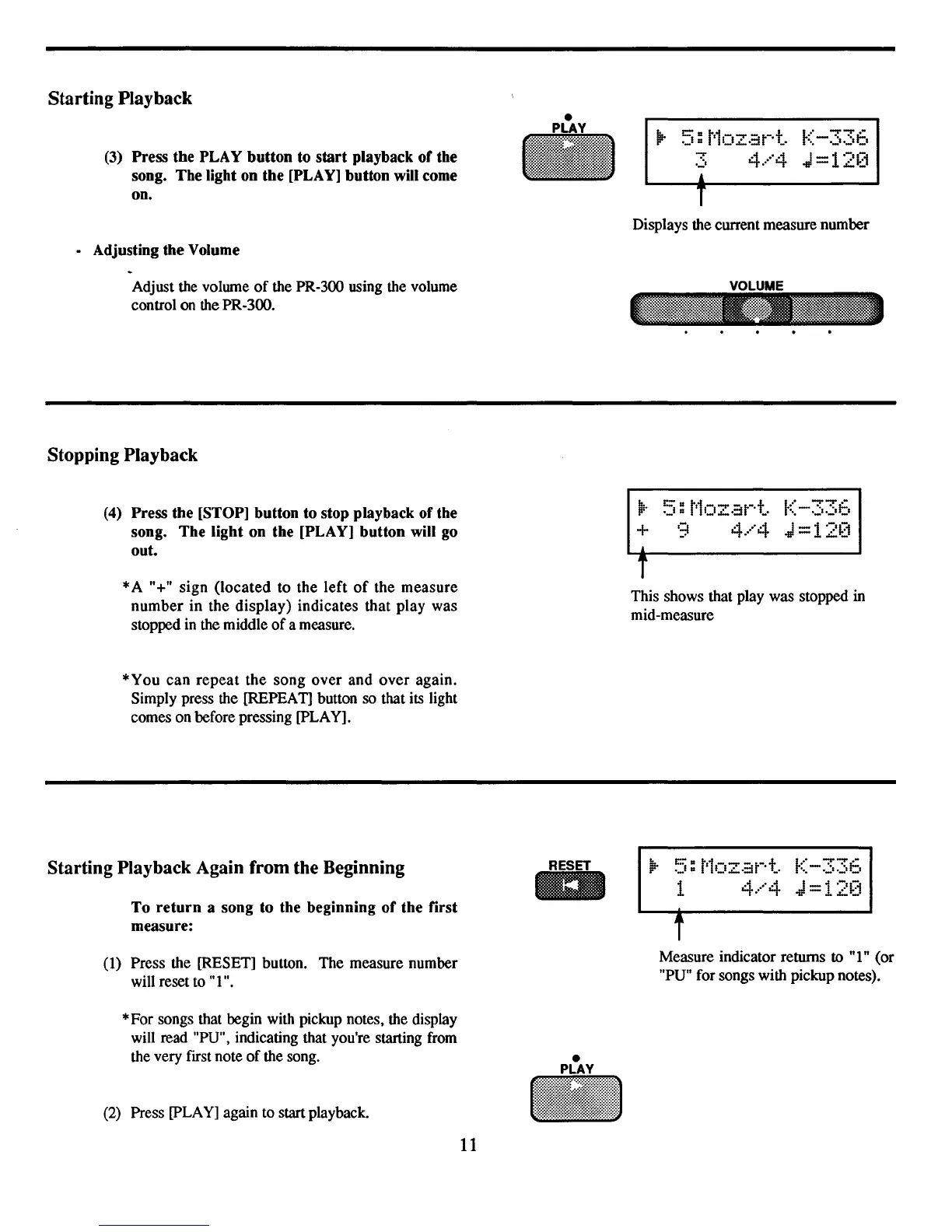
Displays the current measure number
VOLUME
~.
::5:
t'1ozat-·t.
K-336
+ 9
4.····4
J=12[1
•
T
This shows that play was stopped in
mid-measure
1
4.····4
J=12[1
Measure indicator returns to
"I"
(or
"PU" for songs with pickup notes).



 To Next Page