Please note that,
if
you intend to play any
of
the
PR-300
sounds
live
(or
"real-time")
while
the
sequence
is
playing back, then the MIDI channels
needed for the instruments played live cannot
be
used
within the sequence.
For
instance,
if
you wanted to play Orchestral
Strings live on channels
1,
2 and 3 (MIDI on Great,
MIDI
on
Swell
and
MIDI on Pedal, respectively),
then channels
1,2
and 3 couldn't be used in the Multi-
Track Sequence.
Once
the
necessary
instruments
and
MIDI
channels
have
been
determined,
we
can
begin
inputting the parts.
For
this example, MIDI channels
I through 5 will be used.
We will use MIDI channels
1-5
to control PR-300 sounds.
The MIDI ON GREAT coupler (or MIDI GREAT A on 945
consoles) will be used to record all PR-300 sounds
as
it can send
on
any
of
the 16 MIDI channels.
Sequencing the First
Part
We will begin by sequencing the first part. which.
in this example.
is
the soprano line
of
a popular
hymn.
Before sequencing a new song. however. we need
to make sure the PR-300 is ready to accept a
new
song:
Part 1 (PR-300 Instrument
on
channel 1)
Part 2 (PR-300 Instrument on channel
2)
Part 3 (PR-300 Instrument on channel 3)
Part 4 (PR-300 Instrument
on
channel 4)
Part S (PR-300 Instrument on channelS)
(1)
If
not already selected, press [SONG]
and
rotate
alpha-dial so
that
"NEW
SONG" is listed in the
display.
This clears any song information which may still
be
in the PR-300's memory.
SONG
(pi1
I
t·iEbJ
50t·i13
1
4.···"4
J=12[1
If
there is an unsaved performance
in
the PR-300's
memory. then
it
will ask you
if
it is okay to erase
the
song
data.
An
unsaved
performance
is
designated with
an
asterisk ("*") to the left
of
the
song name (NEW SONG in this case).
If
you would like to save the song data. press
[STOP] and save
performance
(see "Saving a
Sequence to Disk").
49
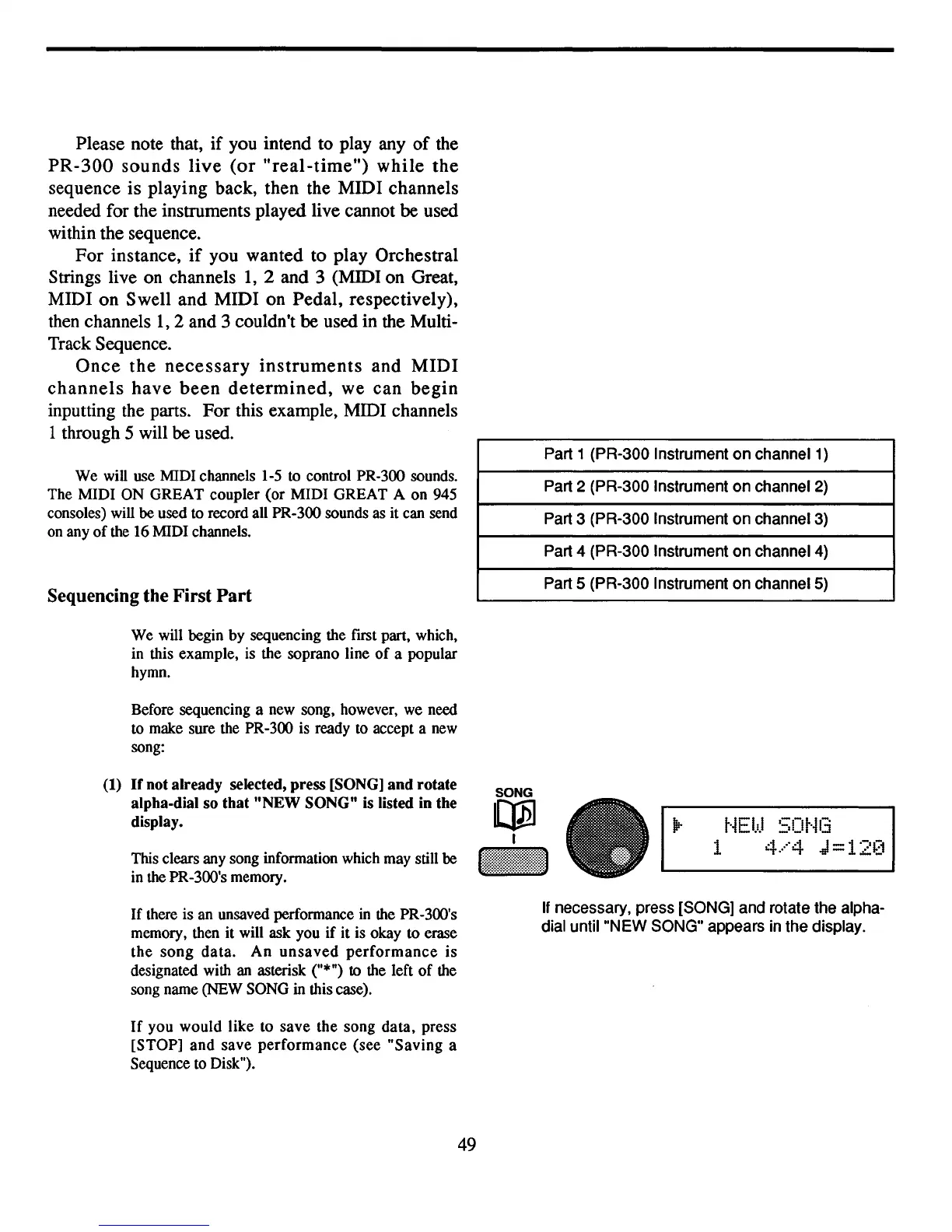
If necessary, press [SONG] and rotate the alpha-
dial until "NEW SONG" appears in the display.



 To Next Page