About
Part
10 (the Rhythm
Part)
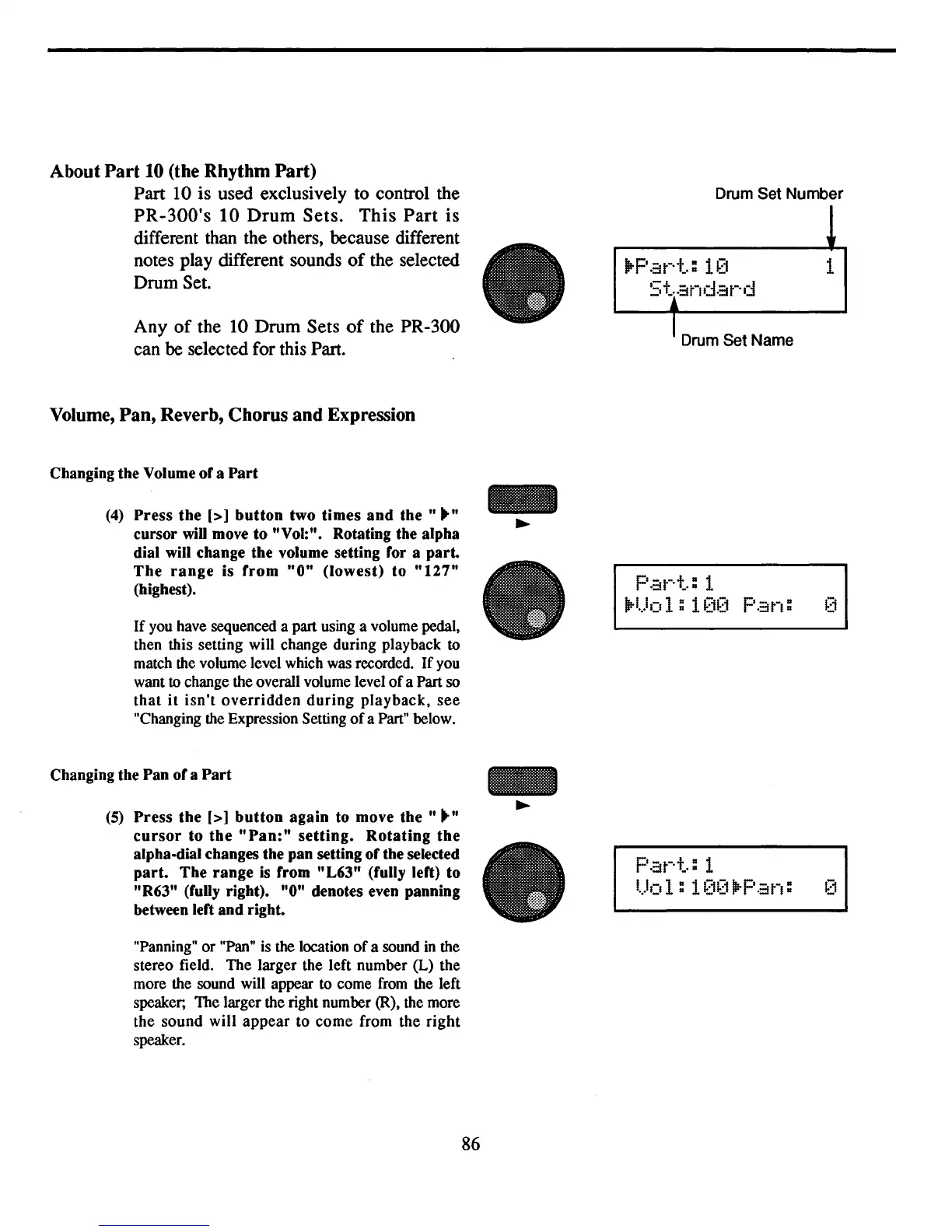
Part
10
is used exclusively to control the
PR-300's
10
Drum
Sets.
This
Part
is
different than the others, because different
notes play different sounds
of
the selected
Drum Set.
Any
of
the 10 Drum Sets
of
the PR-300
can
be
selected for this Part.
Volume,
Pan,
Reverb, Chorus
and
Expression
Changing the Volume ofa
Part
(4)
Press the
[>]
button
two times
and
the"
.."
cursor
wiD
move to "Vol:". Rotating the alpha
dial will change the volume setting for a part.
The
range
is
from
"0"
(lowest) to
"127"
(highest).
If
you have sequenced a part using a volume pedal,
then this
setting
will change during playback to
match the volume level which was recorded.
If
you
want to change the overall volume level
of
a Part so
that
it
isn't
overridden
during
playback,
see
"Changing the Expression Setting
of
a Part" below.
Changing the Pan ofa
Part
(5)
Press the
[>]
button
again to move
the"
.."
cursor
to
the
"Pan:"
setting.
Rotating
the
alpha-dial changes the pan setting of the selected
part.
The range is from "L63" (fully left) to
"R63" (fully right). "0" denotes even panning
between left and right.
"Panning"
or
"Pan" is
the
location
of
a sound in the
stereo field.
The
larger
the left
number
(L)
the
more the sound will appear to come from the left
speaker;
The
larger the right number (R), the more
the
sound
will
appear
to
come
from
the
right
speaker.
•
Drum Set Number
jrP
at-·+":
V) 1
5+i~ndat-'d
IDrum Set Name
Pal'-'+,,:
1
jrl
...I01:
100
Pan:
p.~t-·+":
1
1.)01:
1[i~)jrPan:
86



 To Next Page