Tempo Record
Many times, it
is
desirable to have tempo changes
(such
as
ritardando, accelerando and a tempo) occur
within a sequence. This can be done by recording
without the Metronome activated, changing tempo as
you play.
However, when this is done, the measure numbers
listed
in
the display don't correspond with the actual
measure numbers
of
the music. Also,
it
is often
difficult
to keep different
parts
of
a
multi-track
sequence together,
as
there is no Metronome sound to
synchronize your playing with.
For this reason, the PR-300 is equipped with a
Tempo Record mode, in which changes to tempo will
be recorded and recreated during playback. This
allows
you
to
record
parts
to
the
sound
of
the
Metronome (giving you timing accuracy and correct
measure numbers), then add tempo changes later to
add expression to the music.
Tempo Record can be done before or after parts
of
the song
are
recorded. Notes and tempo changes
cannot be recorded at the same time.
Activating Tempo Record
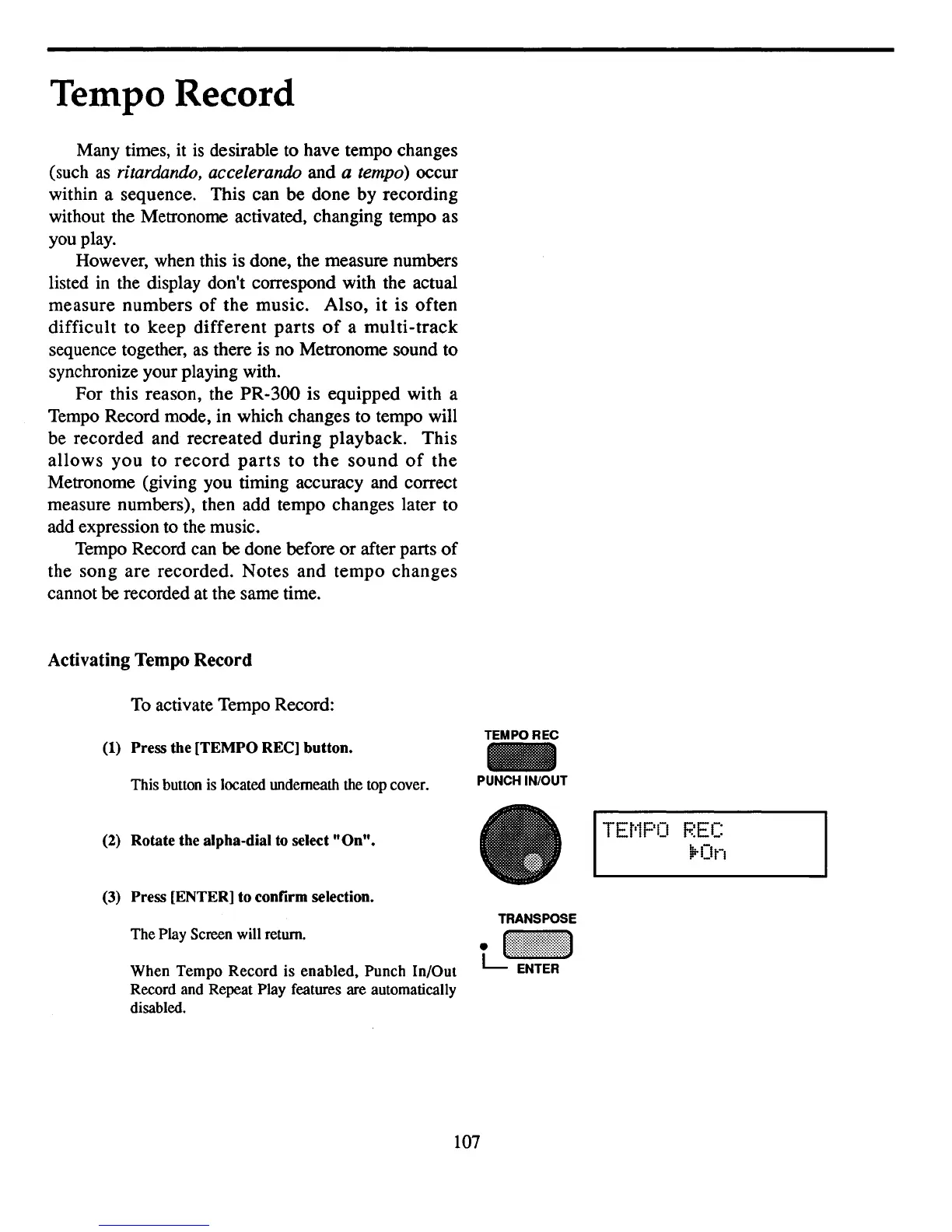
To
activate Tempo Record:
TEMPOREC
(1)
Press the [TEMPO
REe]
button.
This button is located underneath the top cover.
(2)
Rotate the alpha-dial to select
"On".
(3)
Press [ENTER] to confirm selection.
The Play Screen will return.
When Tempo Record is
enabled.
Punch In/Out
Record and Repeat Play features are automatically
disabled.
PUNCH IN/OUT
TEt'1PO
F.~EC
\irOn
107



 To Next Page