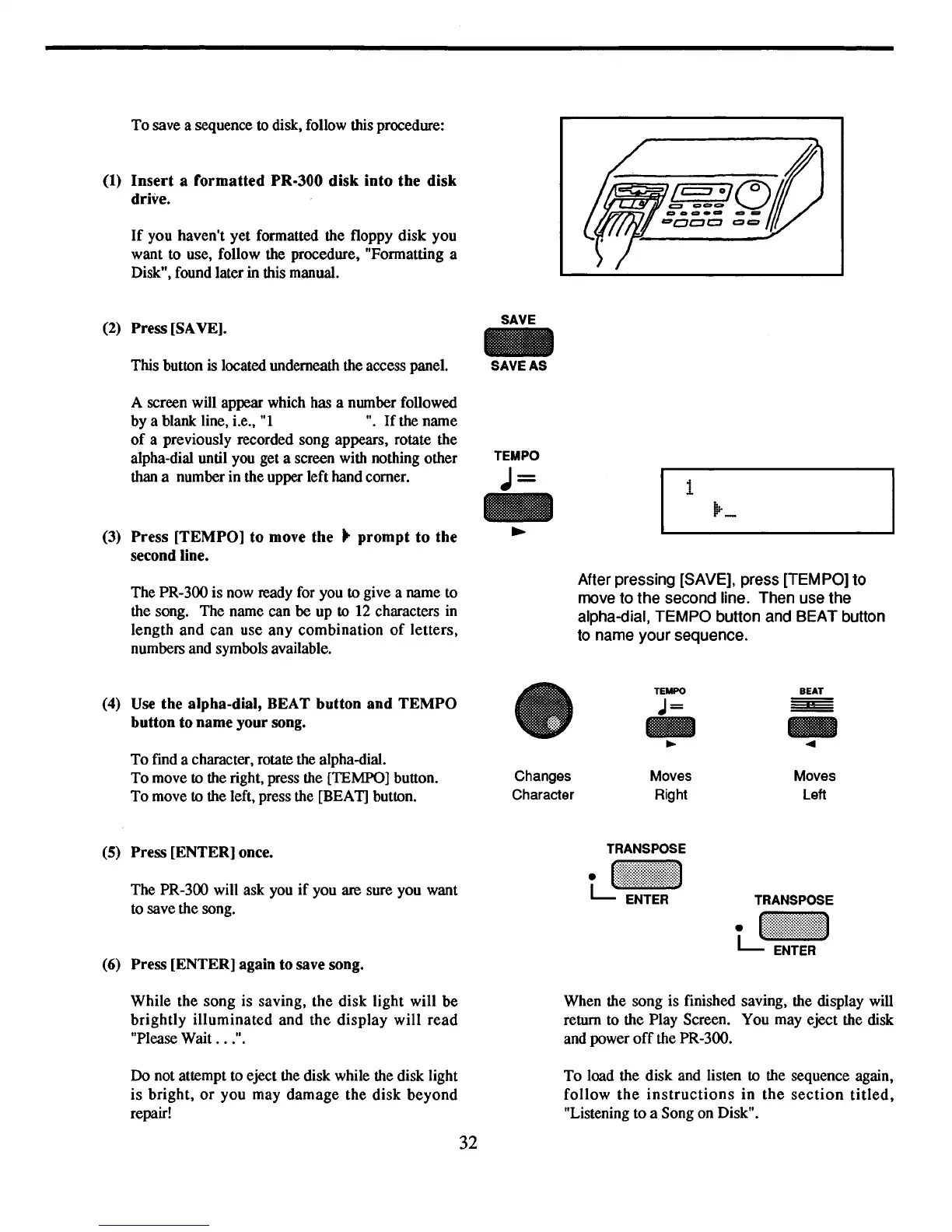
To
save a sequence to disk, follow this procedure:
(1)
Insert
a formatted PR·300 disk into the disk
drive.
If
you haven't yet formatted the floppy
disk
you
want to use, follow the procedure, "Formatting a
Disk", found later
in this manual.
(2)
Press [SAVE].
This button is located underneath the access panel.
A screen will appear which has a number followed
by
a blank line, i.e., "I
".
If
the name
of
a previously recorded song appears, rotate the
alpha-dial until you get a screen with nothing other
than a number in the upper left hand comer.
(3) Press [TEMPO] to move
the"
prompt
to
the
second line.
The PR-300 is now ready for you
to
give a name to
the song. The name
can
be up
to
12
characters in
length
and
can
use
any
combination
of
letters,
numbers and symbols available.
SAVE
-
SAVE AS
TEMPO
J=
1
After pressing [SAVE], press [TEMPO] to
move to the second line. Then use the
alpha-dial, TEMPO button and BEAT button
to name your sequence.
(4)
Use
the alpha-dial, BEAT button
and
TEMPO
button to name your song.
To
find a character, rotate the alpha-dial.
To
move to the right, press the [TEMPO] button.
To
move to the left, press the [BEAT] button.
(5)
Press [ENTER] once.
The PR-300 will ask you
if
you are sure you want
to save the song.
(6)
Press [ENTER] again to save song.
Changes
Character
TEMPO
J=
..
~
Moves
Right
BEAT
..
...
Moves
Left
While
the
song
is saving,
the
disk
light will
be
brightly
illuminated
and
the
display
will
read
"Please Wait
..
.".
Do
not attempt to eject the disk while the disk light
is
bright,
or
you
may
damage
the
disk
beyond
repair!
32
When the song is finished saving, the display will
return to the Play Screen. You may eject the disk
and power
off
the PR-300.
To
load the disk and listen to the sequence again,
follow
the
instructions
in
the
section
titled,
"Listening
to
a Song on Disk".



 To Next Page