EasyManua.ls Logo

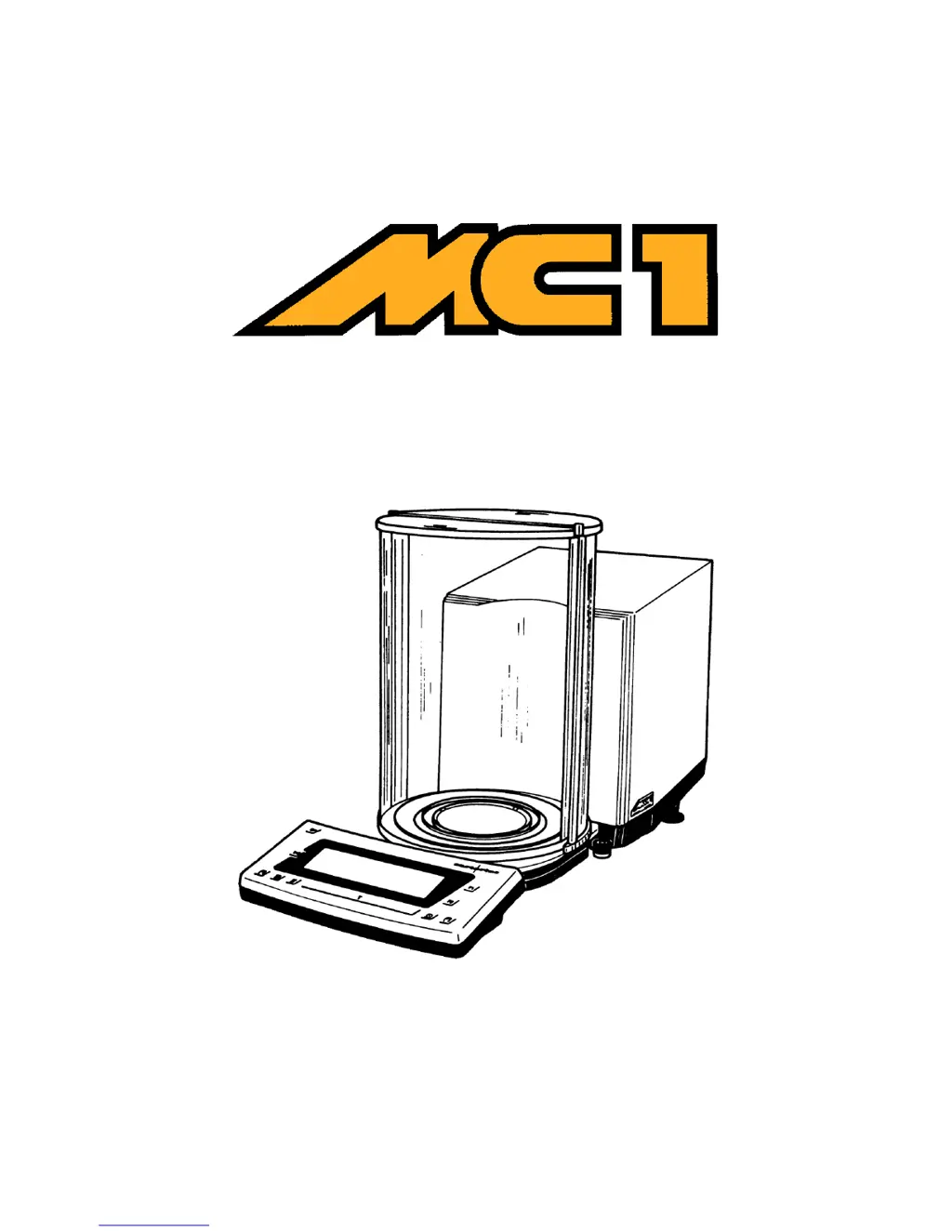
Sartorius mc1 - User Manual

Sartorius mc1
136 pages
Print Icon
To Next Page IconTo Next Page
Loading...

Table of Contents

Questions and Answers

  • M
    Mike SmithAug 14, 2025
    Why does the weight readout change constantly on my Sartorius mc1?
    • A
      Adam WelchAug 15, 2025
      If the weight readout on your Sartorius Scales changes constantly, it could be due to several factors. Unstable ambient conditions may be the cause, so try setting up the balance in another area. Excessive vibration or drafts can also affect the reading; you may need to adjust the weighing environment settings. Ensure the draft shield door is completely closed and any draft shield covers are correctly positioned. Check for any foreign objects caught between the pan and the bottom of the weighing chamber and remove them. Also, make sure the port for below-balance weighing is closed. In some cases, the sample itself might not have a stable weight due to moisture absorption or evaporation.
  • C
    Catherine WuAug 18, 2025
    How to fix no segments appearing in the weight display on Sartorius mc1 Scales?
    • M
      matthew60Aug 18, 2025
      If no segments appear in the weight display of your Sartorius Scales, it could be due to a lack of power. First, check the power supply to ensure it is functioning correctly. If the power supply is not plugged in, plug it in.
  • D
    David MorrisAug 21, 2025
    What to do if the display briefly shows “Err 02” on Sartorius mc1 Scales?
    • G
      gabriel06Aug 21, 2025
      If the display on your Sartorius Scales briefly shows "Err 02", it could be due to a couple of reasons. It's possible that the key was not pressed when the display indicated a zero readout during calibration; in this case, press the tare control and then re-press the key. Alternatively, the balance might be loaded, so try unloading it.
  • M
    Matthew KramerAug 25, 2025
    Why is the weight readout wrong on my Sartorius mc1?
    • E
      emooreAug 26, 2025
      If the weight readout on your Sartorius Scales is obviously wrong, there are a few potential causes. The balance may not be calibrated, so you should calibrate it. Also, ensure that the balance was tared before weighing. Finally, check the air bubble in the level indicator; if it's not within the circle, level the balance.
  • J
    joe55Aug 28, 2025
    What does “Err 03” or “Err 04” mean on Sartorius mc1?
    • T
      tommy05Aug 28, 2025
      If the display on your Sartorius Scales briefly shows "Err 03" or "Err 04", it could be because the balance is in the warmup phase. After plugging the balance into line power, allow at least 2 hours for warmup. Alternatively, the weighing system might be affected by drafts or vibrations, so try setting up the balance in another area.
  • M
    Mark SmithAug 31, 2025
    Why doesn't the special code “C” disappear on my Sartorius mc1 Scales?
    • D
      dominiqueconradAug 31, 2025
      If the special code “C” does not disappear from the weight display on your Sartorius Scales, the balance may not be ready to calibrate or is still in the warmup phase; allow at least 2 hours for warmup after plugging it in. Drafts or vibrations could also interfere; you may need to access the menu to select the correct code for the weighing environment. Ensure that the draft shield door is closed and that the port for the below-balance weighing hanger is properly closed.
  • B
    Bryan AllenSep 4, 2025
    What does “H” mean on Sartorius Scales?
    • L
      leahwilliamsSep 4, 2025
      If the display on your Sartorius Scales shows "H", it means the load exceeds the capacity of the balance. Unload the balance to resolve this issue.
  • B
    Brittany PearsonSep 7, 2025
    What to do if Sartorius Scales display “Err 54” or “L”?
    • C
      cartermarySep 7, 2025
      If the display on your Sartorius Scales shows “Err 54” or ”L”, it indicates that the weighing pan is not in place. Make sure to position the pan correctly.
  • C
    Crystal RiveraSep 12, 2025
    Why is the special code still on the display of my Sartorius Scales?
    • J
      Justin RandolphSep 12, 2025
      If the special code remains in the weight display of your Sartorius Scales, it could be because no keys have been pressed after turning on the balance. Try pressing a key to resolve this.

Summary

Installation Instructions

Getting Started

Connecting the Balance to Line Voltage

Safety Precautions

Levelling the Balance Using the Level Indicator

How to Operate the Balance

Opening and Closing the Draft Shield Door

Weighing

Taring

Weighing Range Structure

Weighing in the IQ-Mode (Load-Dependent Readability)

Calibration and Linearization

Fully Automatic Calibration

Explanation of the balance's self-calibration process.

INTERNAL CALIBRATION

Quick-CAL Function using the key

Procedure for quick internal calibration via the F1 key.

Internal Calibration Using the Tare Control

Method for internal calibration using the tare control.

EXTERNAL CALIBRATION

CALIBRATION TEST

INTERNAL LINEARIZATION

Data Interface

Below-Balance Weighing

Troubleshooting Guide

Care and Maintenance

Cleaning the Balance Housing and the Draft Shield

Instructions for cleaning the exterior and draft shield.

Safety Inspection

Key steps for performing a safety check on the equipment.

Sartorius mc1 Specifications

General IconGeneral
Power Supply50/60 Hz
Weighing Unitsg, oz
CalibrationExternal
InterfaceRS-232C
Operating Temperature+30°C

Related product manuals