SLT12 User Manual
98
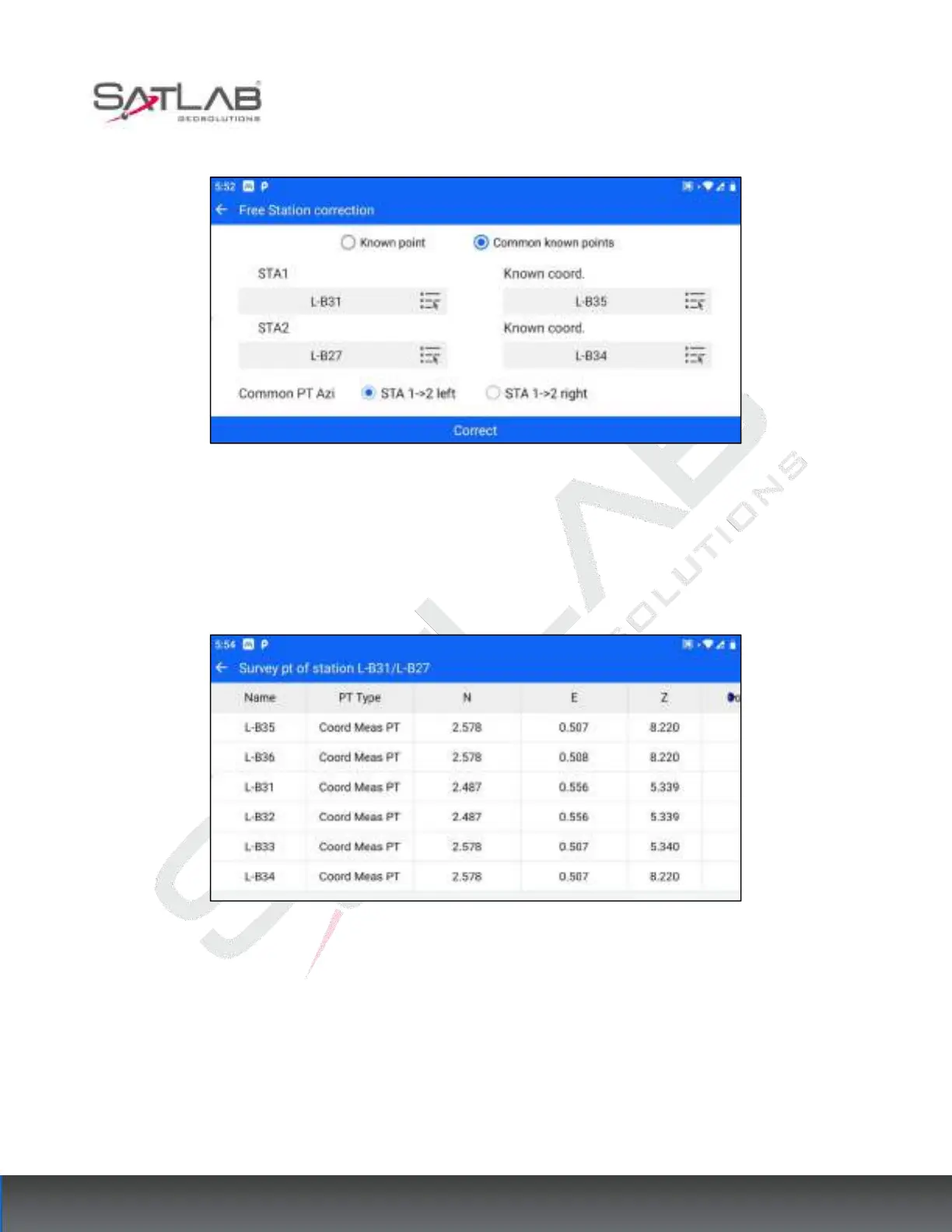
and Known coord 2, respectively.
Figure 9- 9
3. Select the orientation of the common point, if the common point is on the left side of the line from station 1 to
station 2, that is, select "STA 1->2 left", and vice versa, select "STA 1->2 right".
4. After setting, click [Correct]. If the calibration is successful, the corresponding measurement coordinates of
both stations in the point data are modified to the corrected coordinates.
Figure 9- 10



 To Next Page