SLT12 User Manual
41
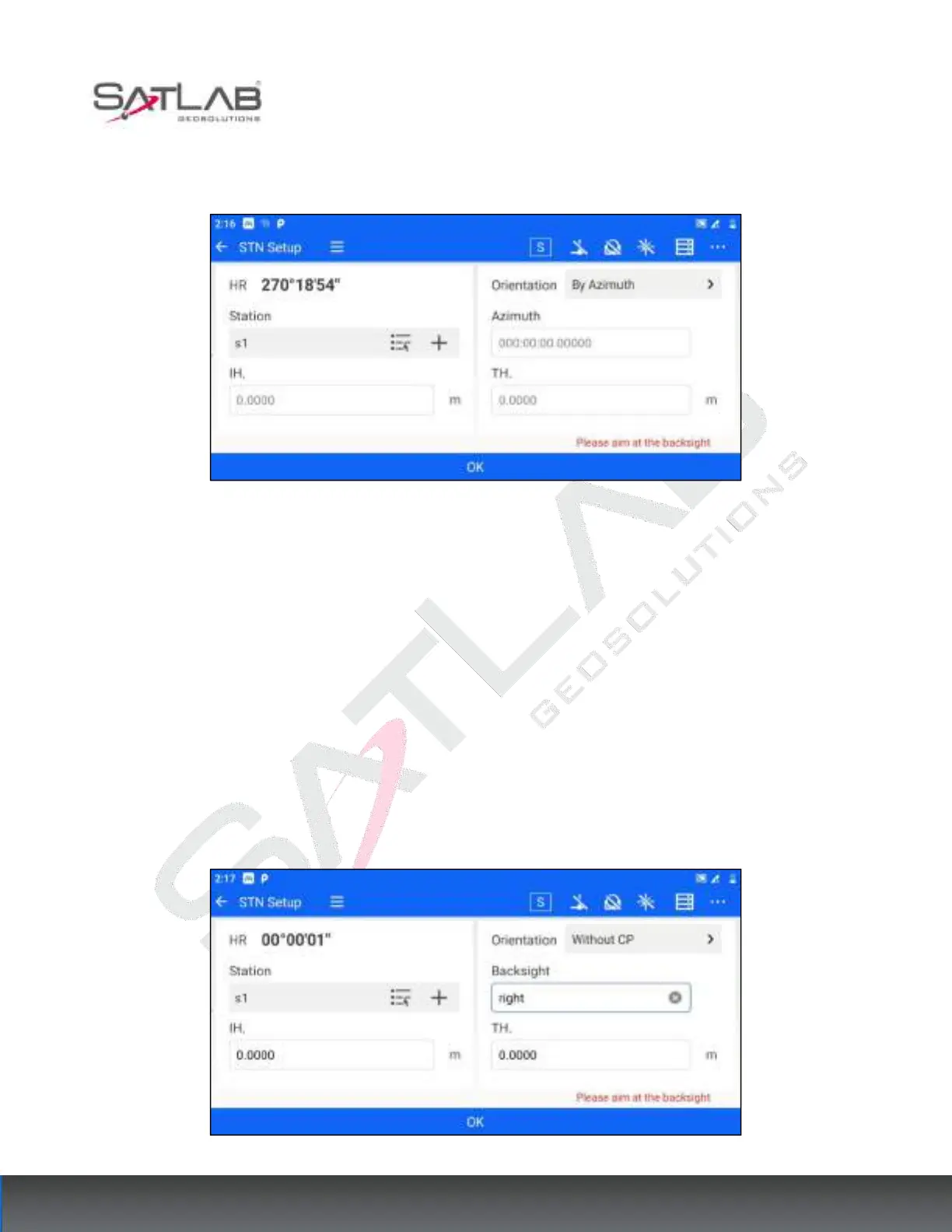
1. After the user sets up the total station at the survey site, enter the [station hindsight] and select azimuth
orientation for the orientation mode.
Figure 6- 7
2. Set the coordinates of the survey site, the azimuth of the Backsight point, the instrument height, and the target
height. Coordinates can be set by "list point selection" or "input".
3. Click on "OK" to complete the station hindsight.
6.1.3 Without CP
Unknown point orientation applies to the case where the coordinates of the survey site are known, and the point
location of the backsight point is known but the coordinates are unknown. Usually used in conjunction with
[Without CP correction] (see Chapter 9). The operation steps are as follows.
1. After the user sets up the total station at the survey site, enter the [STN Setup] and select the Without CP for
the orientation mode.
Figure 6- 8



 To Next Page