SLT12 User Manual
72
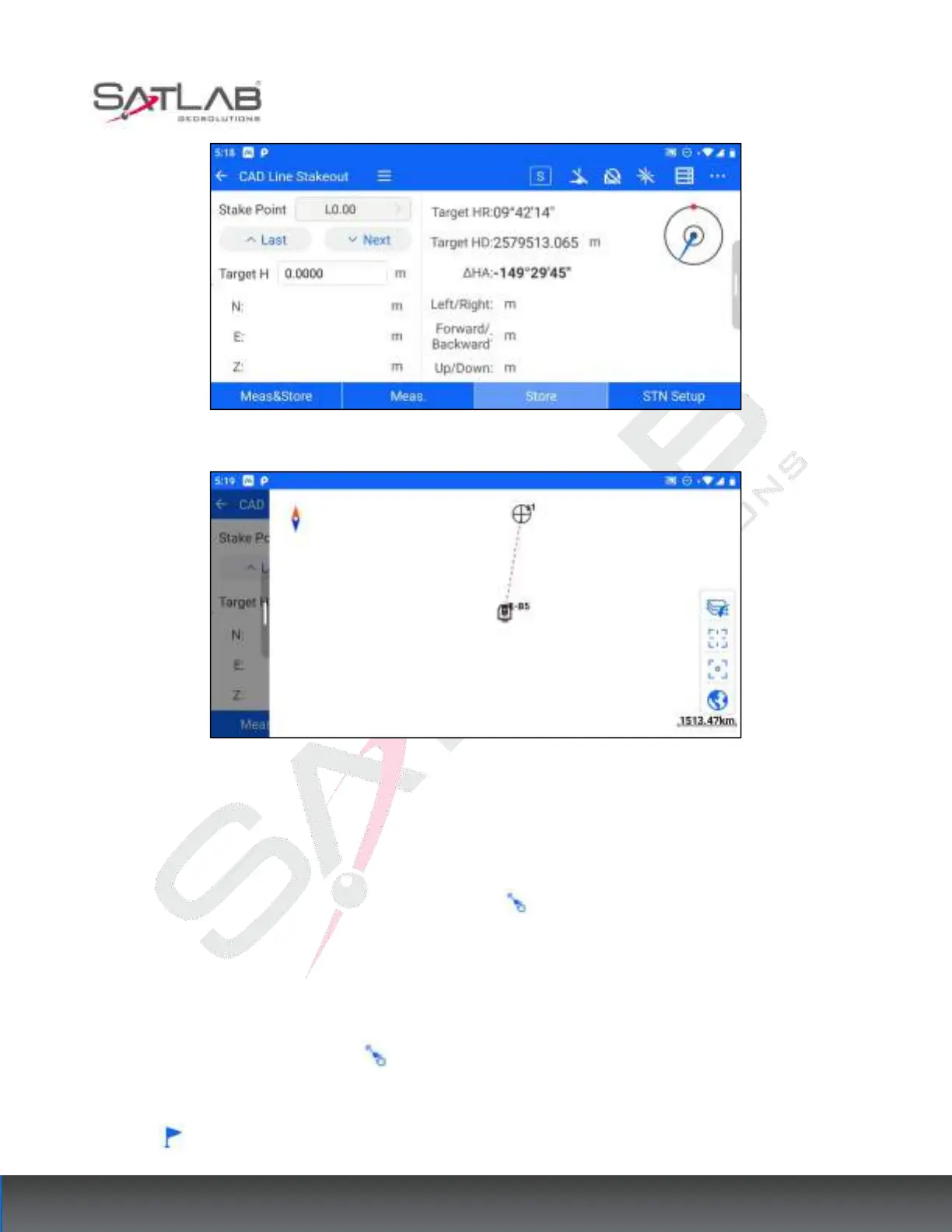
Figure 8- 8
Figure 8- 8
8.1.7 CAD Point Stakeout
For CAD interface graphics, you can use the [Select Point] button to select special marker points and click
OK after successful selection to stake out the selected points.
The special marker points that can be selected are line start point, line endpoint, line node, any point on a circle
arc, and any point on a circle. The operation steps are as follows.
1. Enter the [CAD], click "Select point" , and the interface shows the pick mark.
2. Drag the pick marker to the special marker point to be selected, stakeout the pick marker and click the
"stakeout" button.



 To Next Page