SLT12 User Manual
21
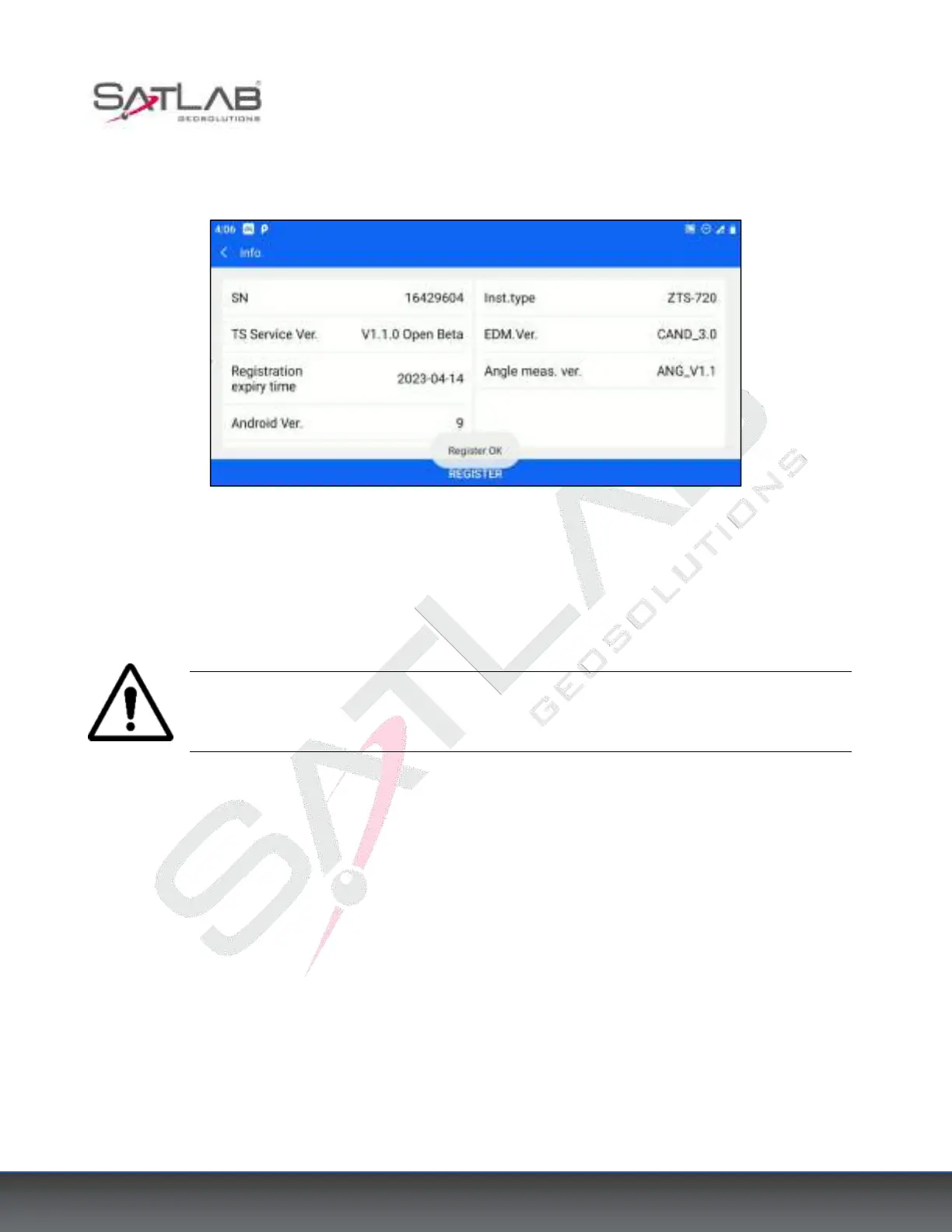
3) After entering the correct registration code, press the [OK], indicate that the registration is successful and the
displayed registration expiration time is shown correctly.
Figure 3- 14
3.10 Notes on Instrument Data Storage Size Prompt Messages
When the amount of free memory in the instrument is less than 100k, the prompt "Disk is below 100K, please
organize data or delete data" will appear after powering on.
Note: When deleting disk data, please export your measurement data to the U disk first to
prevent unnecessary trouble arising from lost data.



 To Next Page