SLT12 User Manual
161
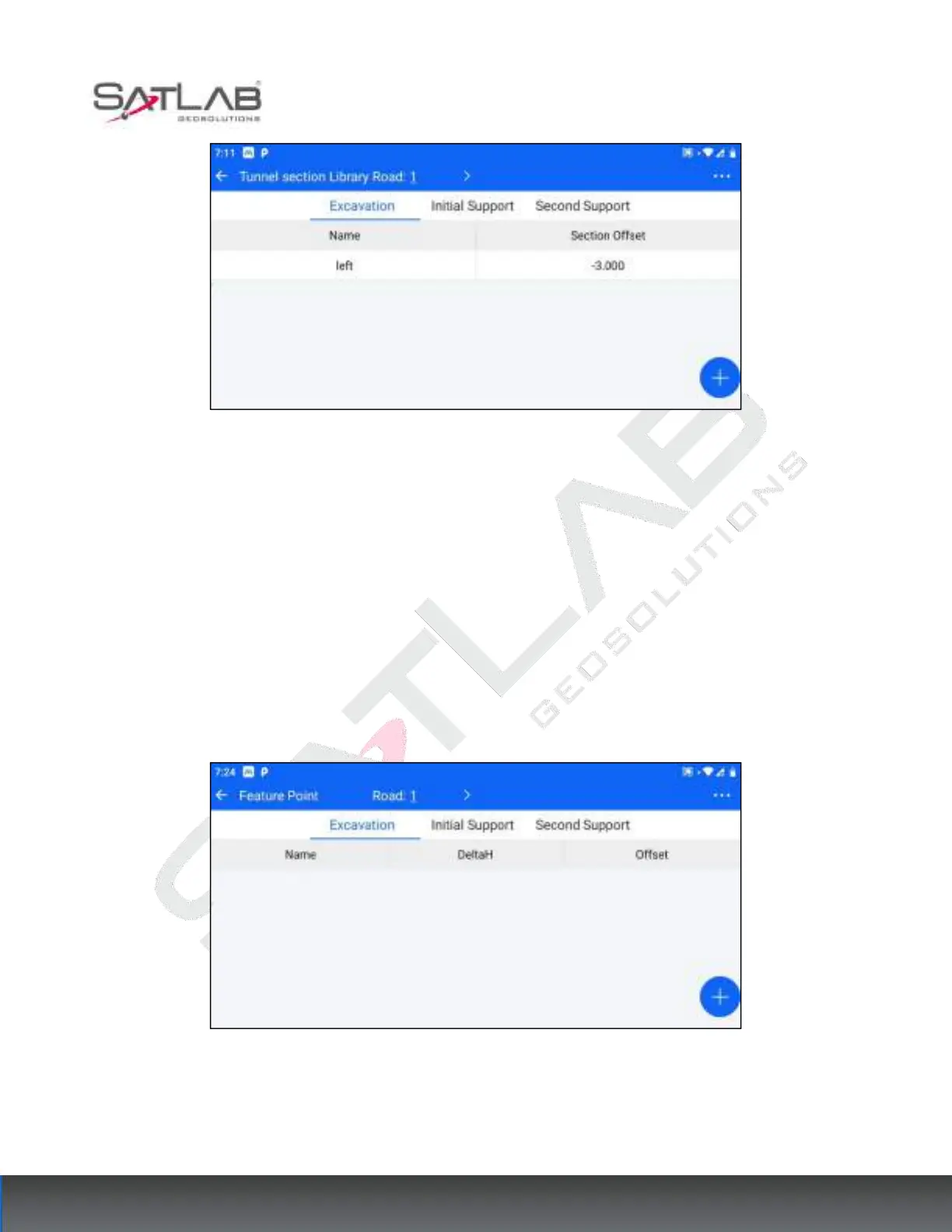
Figure 13- 10
Click a section in the tunnel section list, you can "delete"/"edit" the section operation.
Click "..." -> "Clear" in the upper right corner to clear the list of tunnel sections.
13.2 Tunnel Feature Points
To set the tunnel feature points, proceed as follows.
1. Pre-requisite: have been in the [Road] - [Road Design] module to design a road (including at least the flat
section).
2. Go to [Tunnel Feature Point] and select the designed road at the top bar.
Figure 13- 11
3. After selecting the road, select the type of section where the feature points are located (excavation, primary
support, second lining), and click the bottom right corner of the "Add" hover button to enter the tunnel feature
point design interface.



 To Next Page