SLT12 User Manual
64
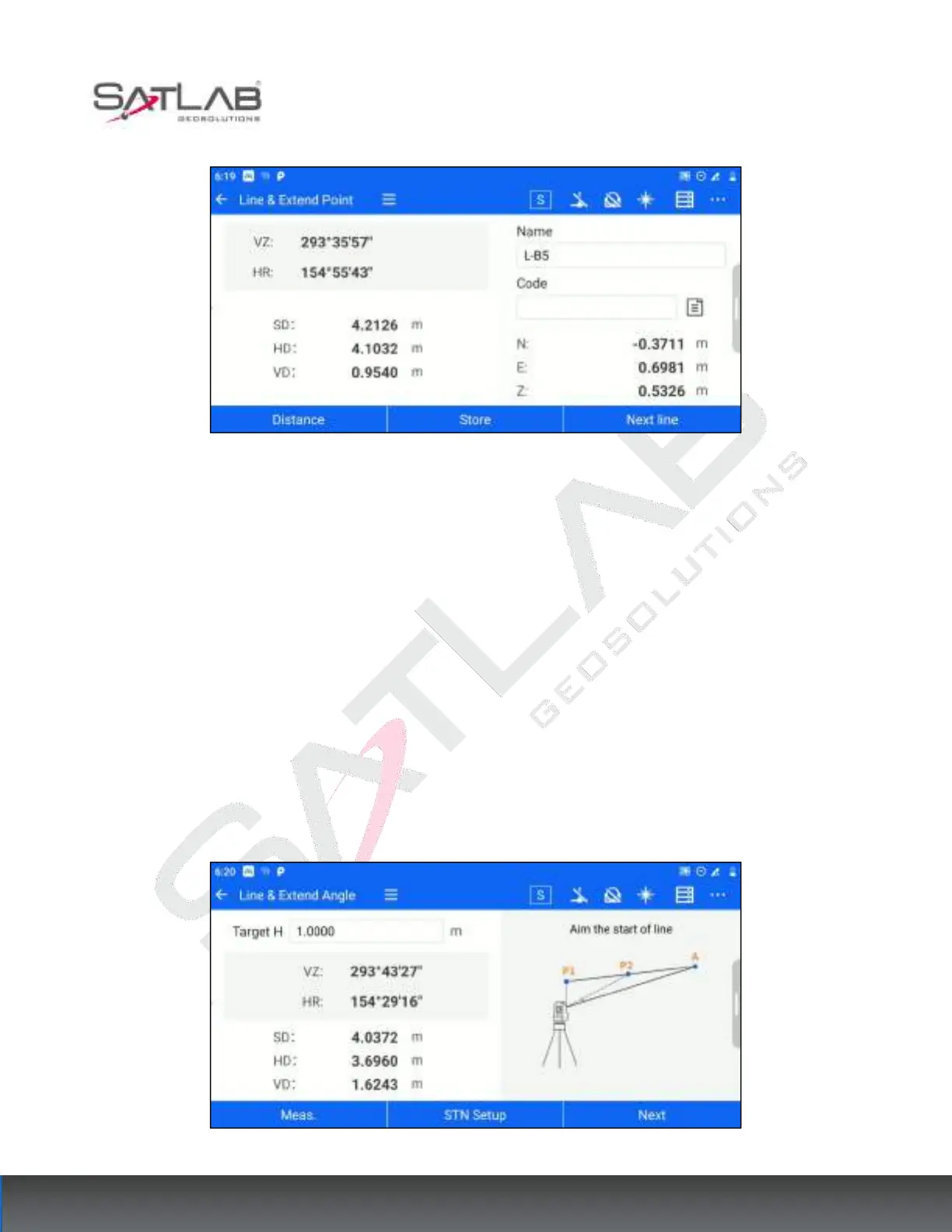
Figure 7- 23
[Store]: Store the target points obtained by calculation in the point library.
[Next line]: You can recalculate the next point from step 1.
7.8
Line & Angle
When the point to be measured is on the line of two measurable points, but the distance relationship between the
point to be measured and the measurable point is not known, you can use the [Line&Angle point] function for
calculation. Enter the measurement interface through [Collection] - [Line&Angle point]. The operation steps are
as follows.
1. Enter the target height, aim at the starting point of the straight line, click [Meas.], get the angle and distance
measurement data, and click [Next].
Figure 7- 24



 To Next Page