SLT12 User Manual
65
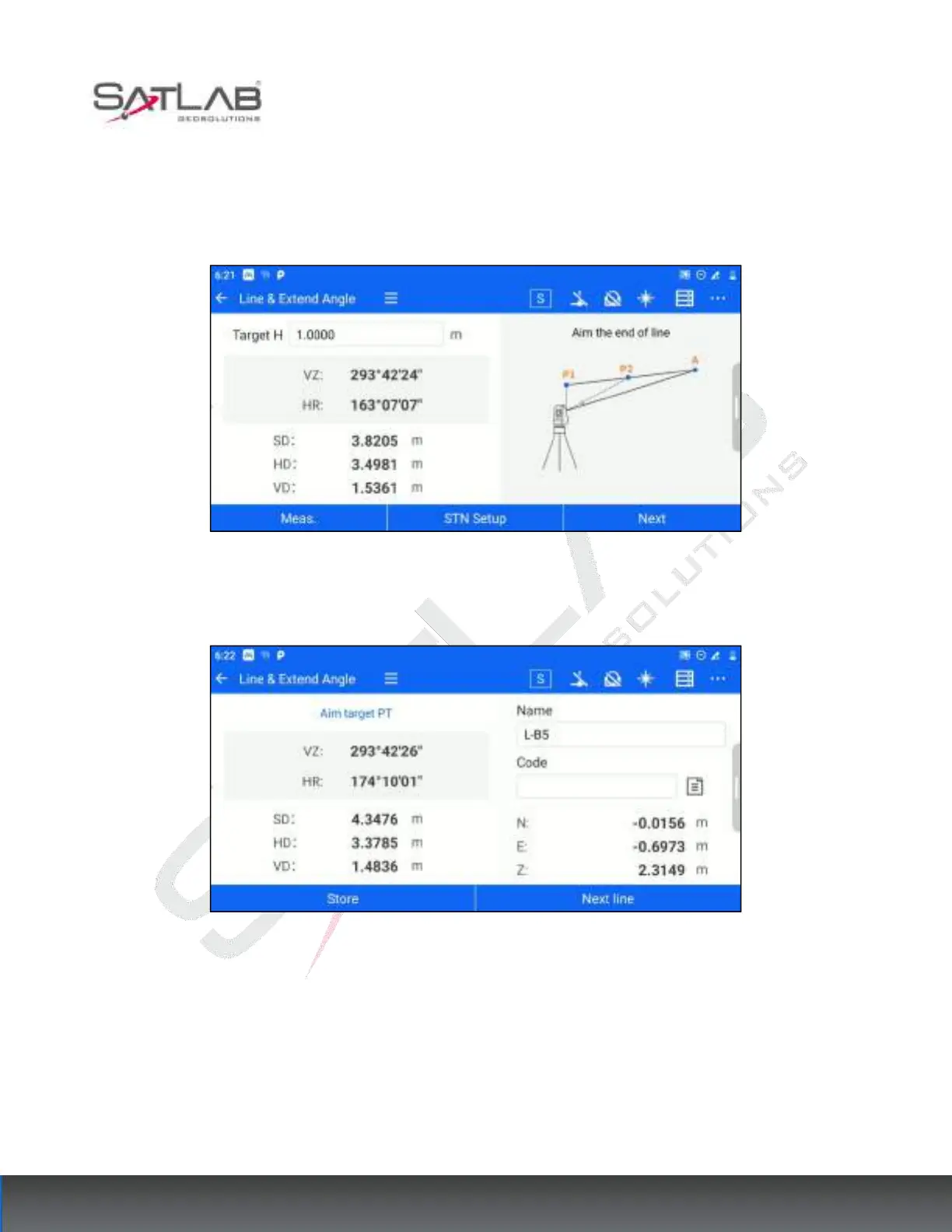
2. Enter the target height, aim at the end point of the straight line, click [Meas.], get the angle and distance
measurement data, and click [Next].
Figure 7- 25
3. Aim at the target point, and the software displays the calculated coordinates of the target point.
Figure 7- 26
[Store]: Store the target points obtained by calculation in the point library.
[Next line]: You can recalculate the next point from step 1



 To Next Page