SLT12 User Manual
68
8.1.2 Layer Display
Click the [DATA] button in the CAD stakeout interface to enter the data interface, and control the
display of the corresponding layer by the eye in front of the layer, the layer is displayed when the eye is open,
and the layer is not displayed when the eye is closed.
Figure 8- 3
8.1.3 Delete Base Map
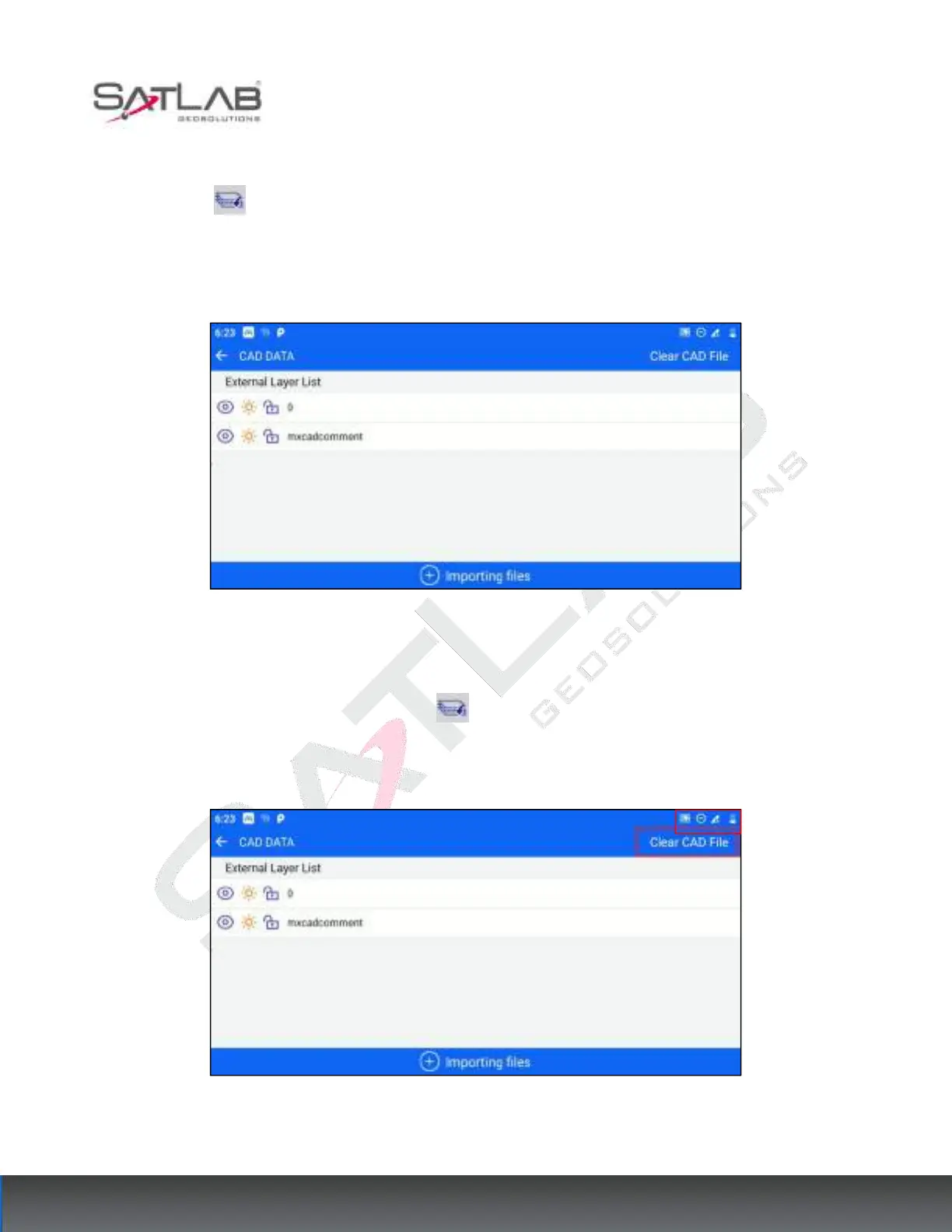
After importing external data, click the [DATA] button in the CAD stakeout interface to enter the data
interface, click the [Clear CAD File] button in the upper right corner of the interface, and a pop-up window will
appear to indicate whether to confirm the deletion of the CAD base map file, click OK to clear the base map.
Figure 8- 4



 To Next Page