SLT12 User Manual
145
6. Click "Save", that is, to complete a pier template design.
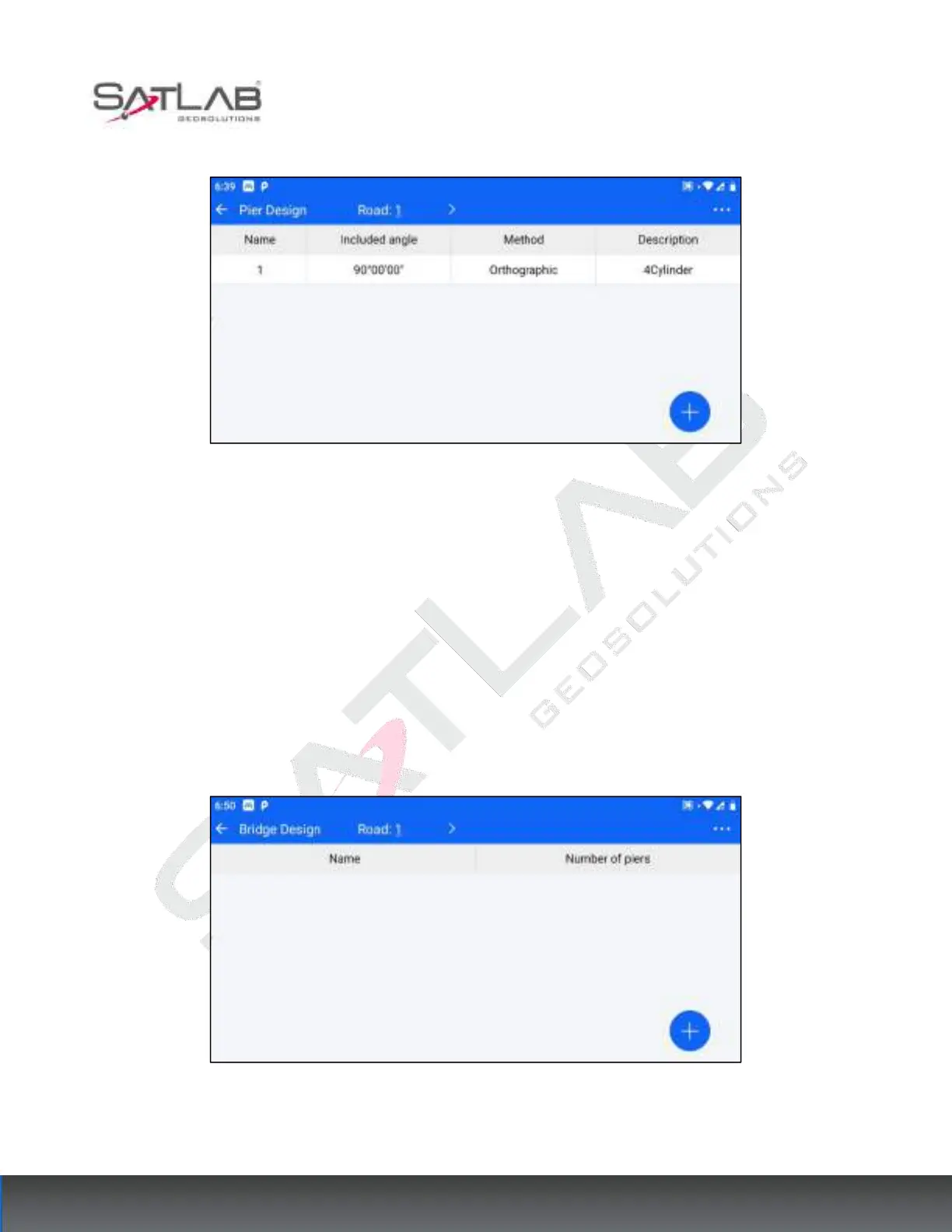
Figure 12- 6
Click a template in the list of pier templates to "delete"/"edit" the template.
Click "..." -> "clear" in the upper right corner to empty the list of pier templates.
12.2 Bridge Design
Once the pier formwork design is completed, the bridge layout can be carried out to define the distribution of
piers in the bridge. The steps of the bridge layout are as follows.
1. Pre-condition: At least one pier template has been designed in the [Bridge] - [Pie Design] module.
2. Go to [Bridge Design] and select the designed road at the top bar.
Figure 12- 7
3. After selecting the road, click the "+" hover button at the bottom right corner to enter the new bridge interface.
The parameters you need to set are the bridge name.



 To Next Page