SLT12 User Manual
46
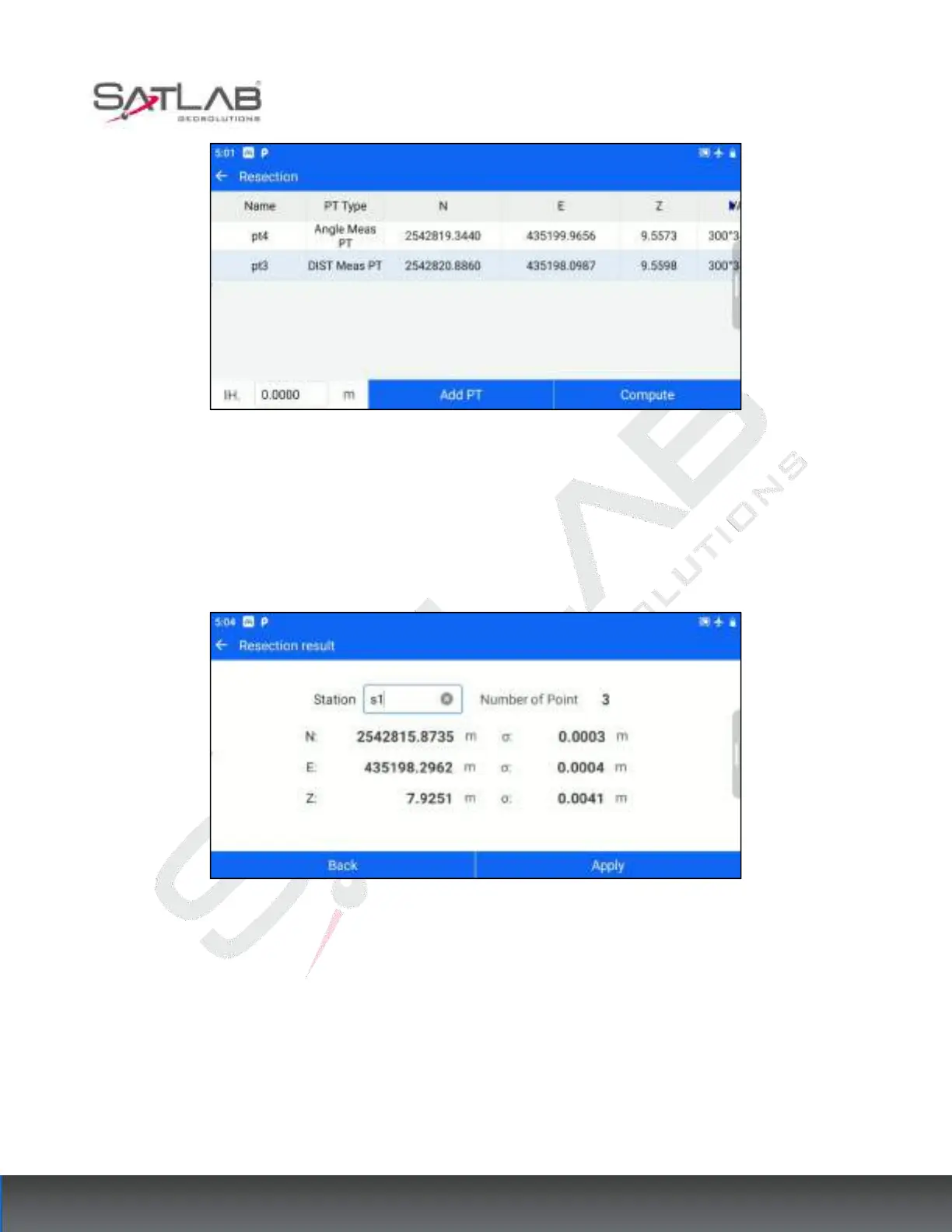
Figure 6- 15
[Add PT]: You can continue to add known points for measurement and repeat steps 2~3.
[Compute]: Based on the current existing measurement points and the set instrument height, calculate the
coordinates of the measurement site.
Figure 6- 16
[Back]: Return to the resection point list interface, you can continue to add points to calculate.
[Apply]: Apply the calculated Resection results to the current measurement site, the calculated measurement site,
and the last known point for the Backsight point to complete the set-up, the new measurement site, and the
Resection Backsight point in the point database.
6.4 Elevation Transfer
When the elevation of the survey site is unknown, but there are known elevation points within the visual range,



 To Next Page