SLT12 User Manual
47
you can use the elevation transfer function to calculate and obtain the coordinates of the survey site after the
station is set up in the station's hindsight. You can enter the elevation transfer interface through [STN Setup] -
[Elevation Transfer]. The operation steps are as follows.
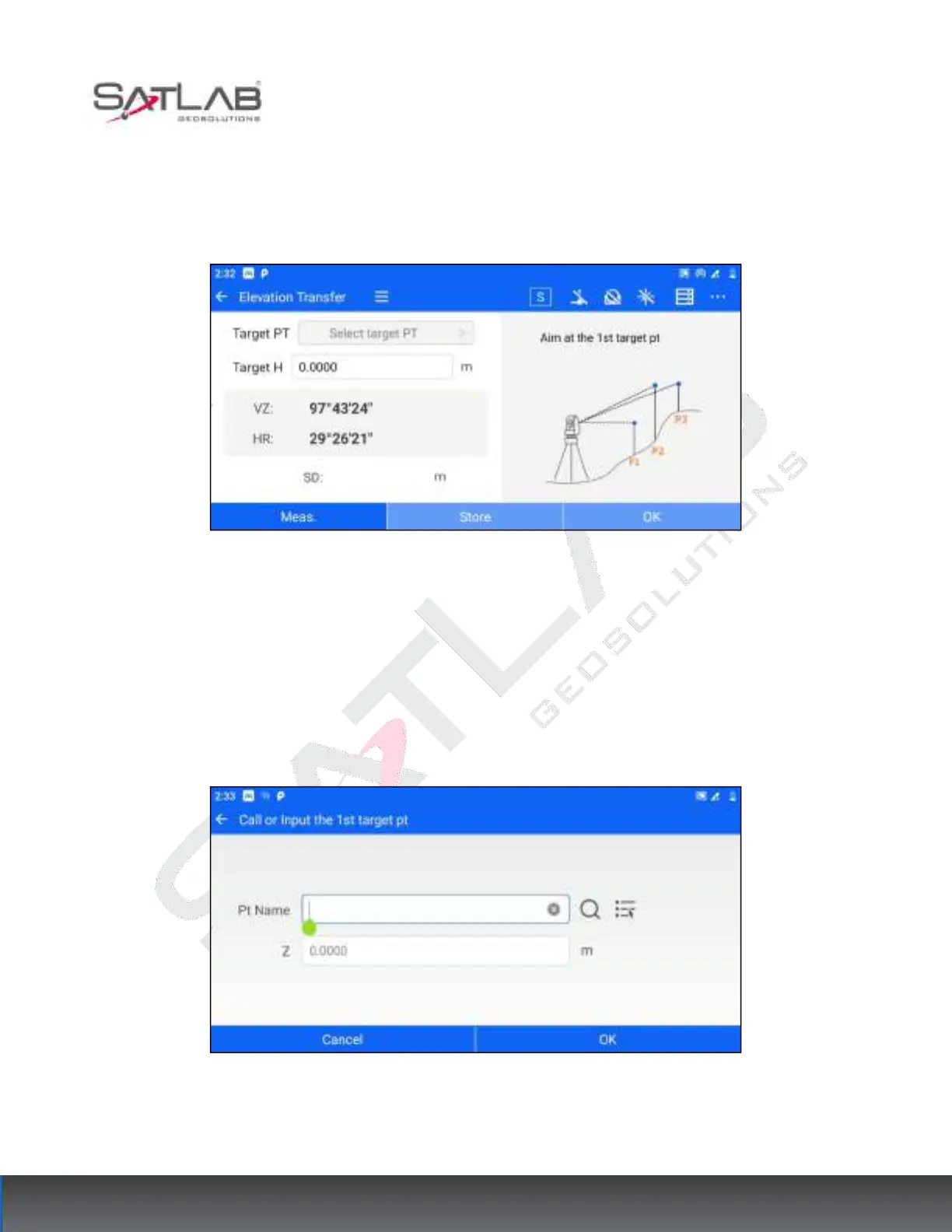
1. After the user sets up the station, click [Elevation Transfer] to enter the measurement interface.
Figure 6- 17
2. Click "Select target point", the target point is the known point of elevation. The user can set it by "manually
input elevation", "list selection" or "search point library".
[OK]: After setting the elevation of the target point, click "OK" to finish the setting and return to the
measurement interface.
[Cancel]: Cancel to set the elevation of the target point and return to the measurement interface.
Figure 6- 18
3. After completing the selection of the target point, aim at the target point and make the measurement.



 To Next Page