SLT12 User Manual
187
16.1
Dist Mode(distance measurement)
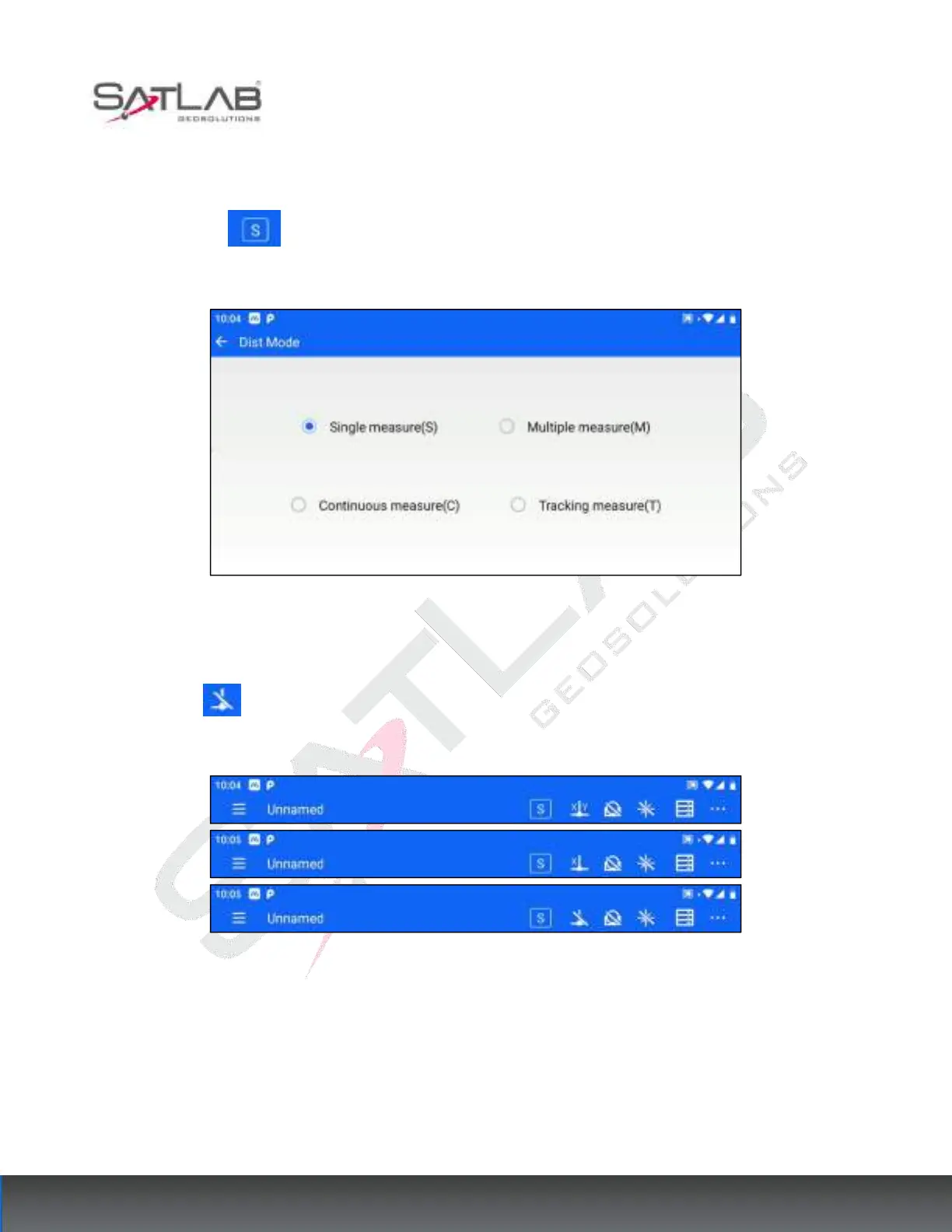
Click on the top bar to set the Dist Mode(distance measurement), and you can set the mode as follows.
The setting here has the same effect as the setting in [EDM Setting].
Figure 16- 1
16.2
Tilt Compensation
Click the top bar to compensate and correct the Angle reading error caused by the tilt of the vertical axis of
the instrument in X and Y directions. The compensation settings supported by the software are: turn on XY
dual-axis compensation, turn on X single-axis compensation, and turn off compensation.
Figure 16- 2
Users can choose whether to turn on the tilt compensation according to the actual use scenario. To ensure the
accuracy of the angle measurement, it is generally recommended to use the tilt sensor as much as possible, and
its display can also be used to better level the instrument. If "compensation exceeded", it indicates that the
instrument is out of the range of automatic compensation and must be adjusted to level the foot spiral.



 To Next Page