SLT12 User Manual
49
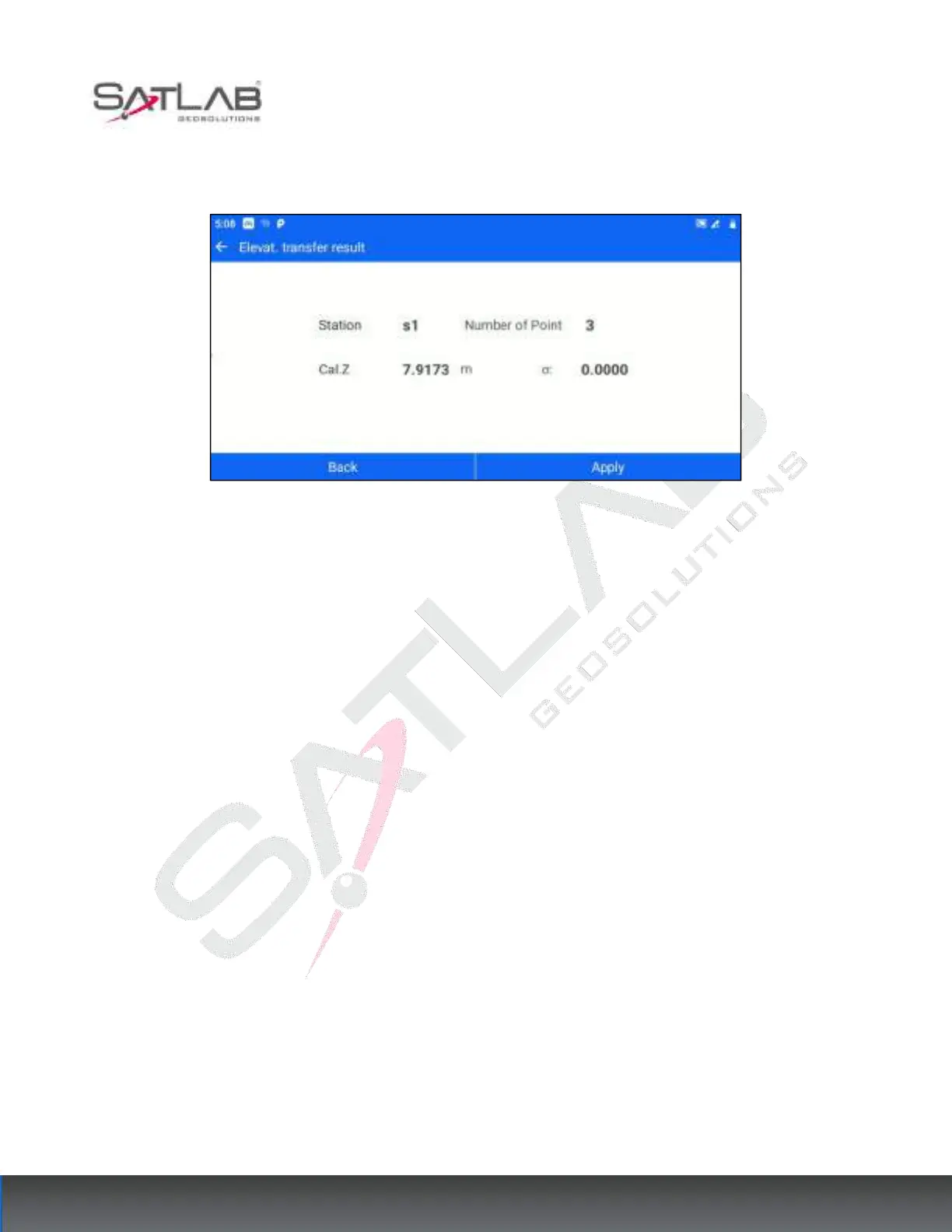
[Compute]: Based on the current existing measurement points and the set instrument height, calculate the
elevation of the measurement site.
Figure 6- 21
[Back]: Return to the elevation transfer point list interface, you can continue to add points to calculate.
[Apply]: Apply the calculated elevation to the current measurement site, and the Z coordinate of the
measurement site in the point database is changed correspondingly.
6.5
Point to Line
For projects that only need the local relative coordinate system, users can use the function of "Point to Line
Setting" to establish a local relative coordinate system based on a certain line. You can enter the point-to-line
setting interface through [STN Setup] - [Point to Line]. The operation steps are as follows.
1. Click [Point to the line] to enter the measurement interface of the straight line - starting point A. Enter the
target height according to the instruction, click "Meas." for the starting point of the reference line, and then click
"Next".



 To Next Page