SLT12 User Manual
16
keep a distance of about 200 mm away from the sighting device.
③
Use the telescopic focusing screw to make the target image clear.
When the eye moves up and down or left and right at the end of the eyepiece to find parallax, it means that the
focus or eyepiece diopter is not well adjusted. This will affect the accuracy of angle measurement. Carefully
focus and adjust the eyepiece tube to eliminate parallax.
3.7
Entering letters and numbers
The keyboard of this series total station comes with both character and numeric keys, so users can directly input
numbers and characters.
Enter letters
[Example 1] Entering a file name in the surveying mode, for example, in which we input the filename "SUN1A"
into the edit box.
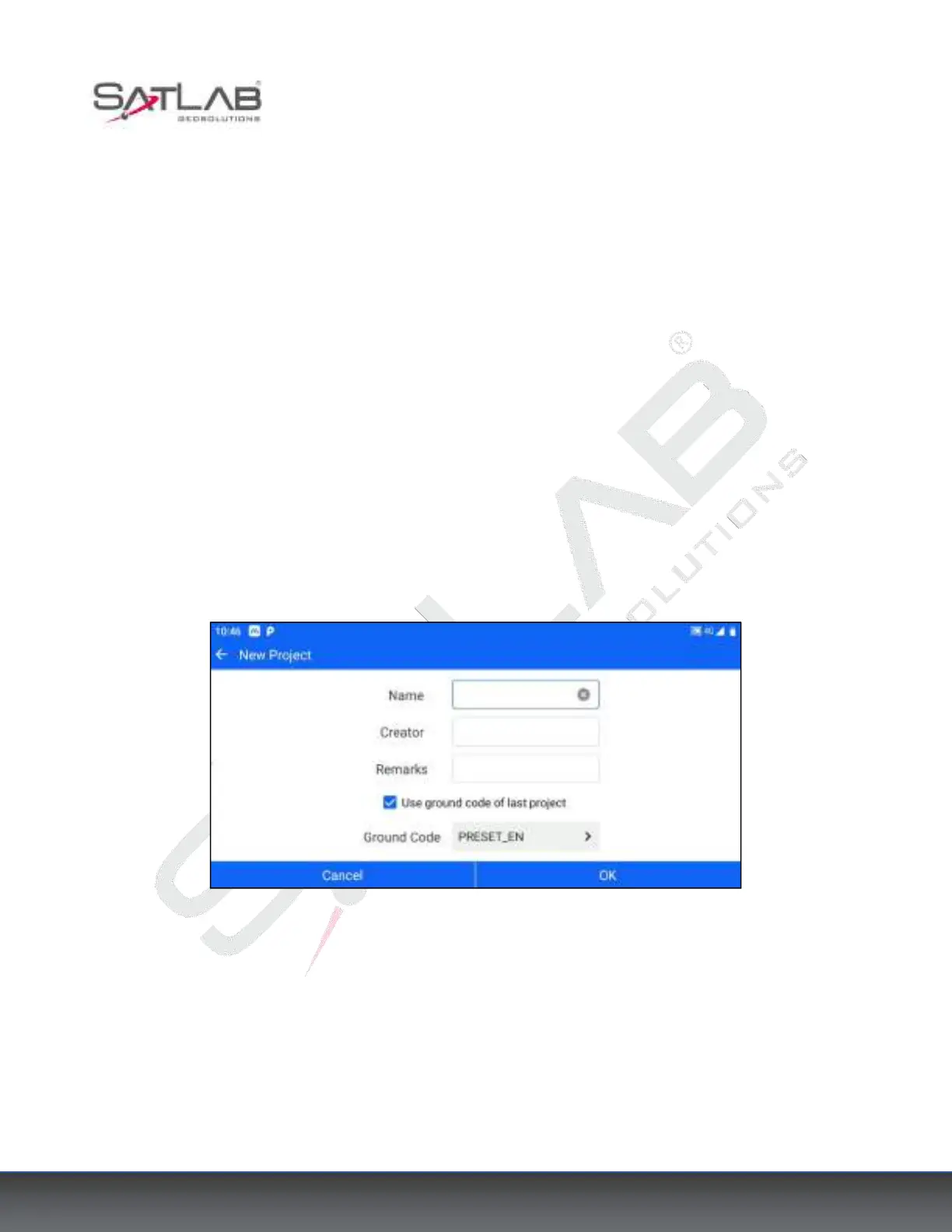
Click on the software [Project] > [New Project] ”+” and click on the project name input box.
Figure 3- 4



 To Next Page