SLT12 User Manual
26
4.3.2 Create Project
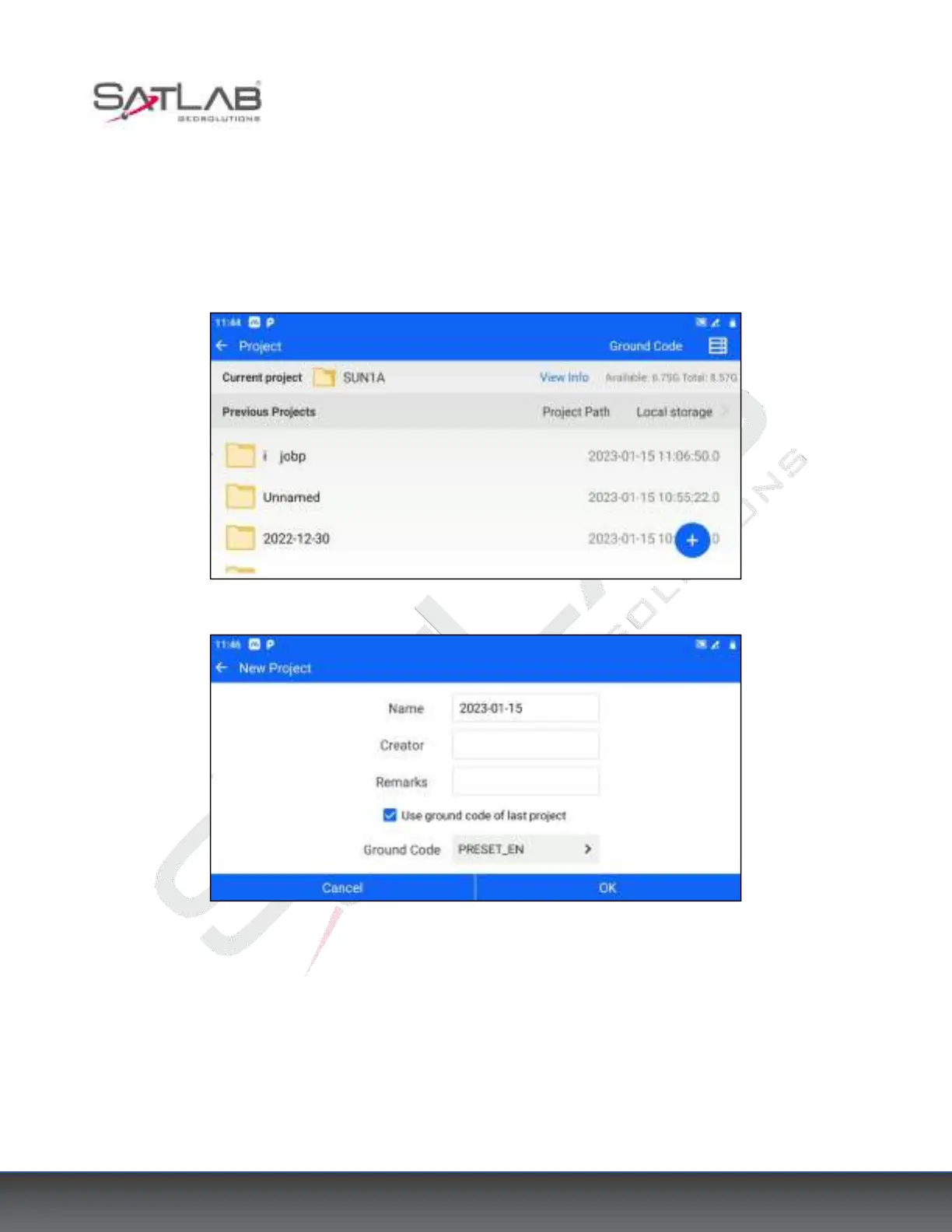
To create a new project, click [Project], click the blue hover [+] button on the interface (button can be dragged),
enter the project name (required), Creator, Remarks, and other information, select Ground Code template,
confirm that there are no errors and click [OK] to complete the new project.
Figure 4- 6
Figure 4- 7
4.3.3 Example of setting up the station
The software supports users to set up stations by Backsight Orientation, Elevation Transfer, Resection, and Point
to Line. Here is an example of setting up a station by Known Point.
1. The total station is set up on the known point A and aimed at the known point B.



 To Next Page