SLT12 User Manual
167
14.1
Distance
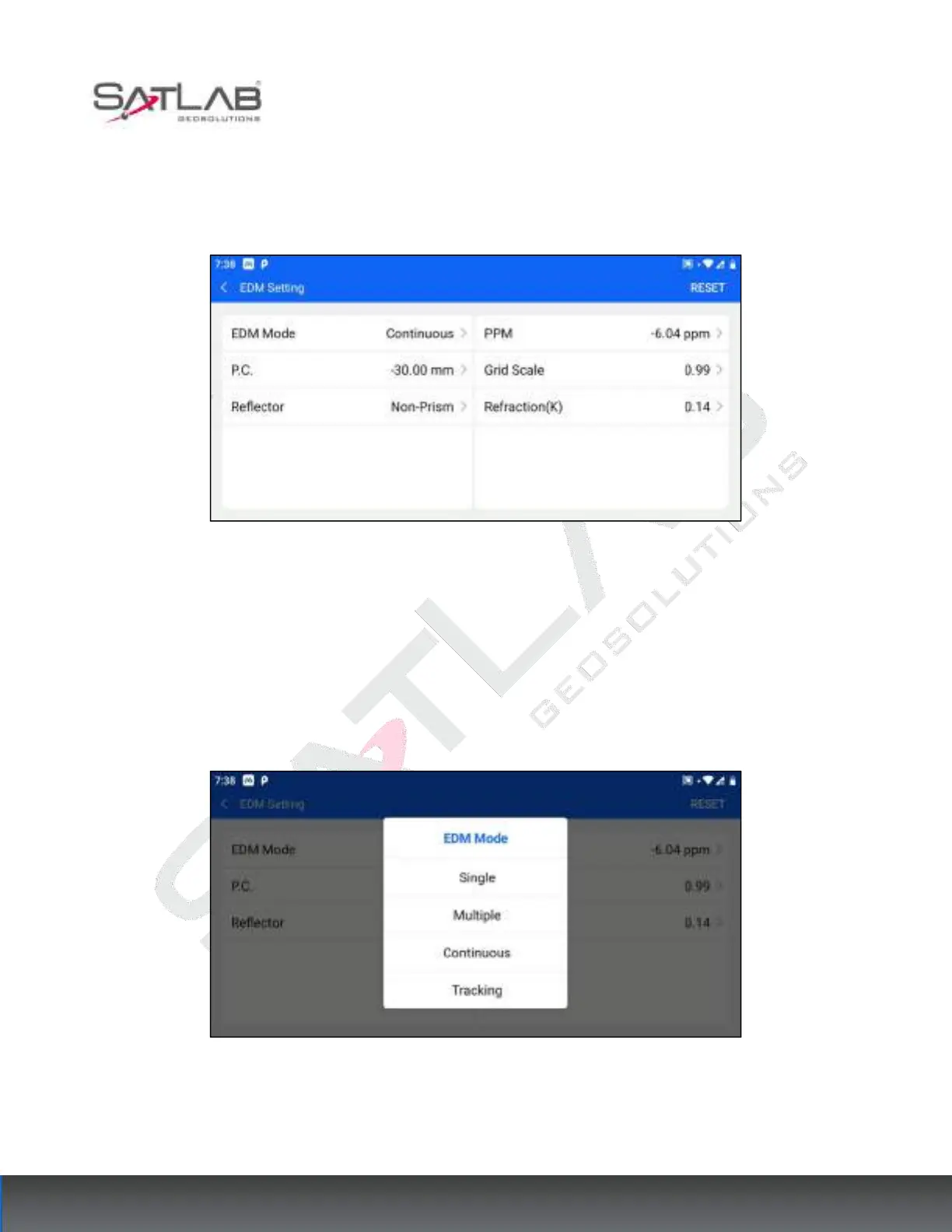
Users can click [Configuration] - [Distance] to enter this interface. Only the total station installation software can
set this item, other Android devices do not display the [EDM Setting] item.
Figure 14- 1
[Reset]: Click Reset in the upper right corner to reset the current interface parameters to the factory default
values.
14.1.1 EDM Mode
The optional distance measurement modes are single precision measurement, multiple precision measurement
(more than 0 times), continuous precision measurement, and tracking measurement. For continuous and tracking
measurement, you need to click "Stop" to stop the measurement.
Figure 14- 2



 To Next Page