SLT12 User Manual
28
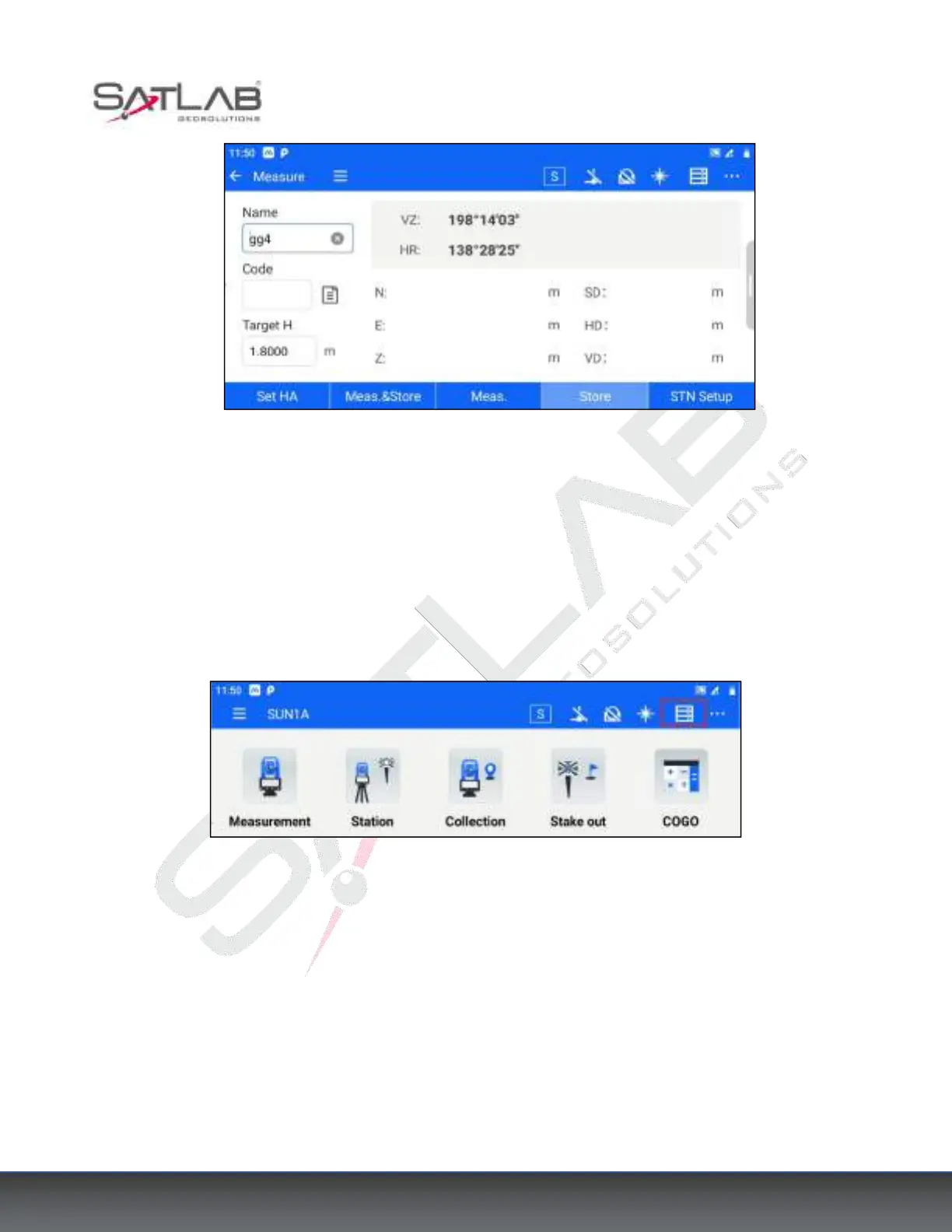
Figure 4- 10
2. Aim at the target point, enter the point Name, Code, Target Height, and click [Meas.] - [Store] or directly click
[Meas.&Store] to measure.
4.3.5 Data Export
1. Click the top bar icon, and go to [Point Data] - [Meas. Point], you can view the station point, backsight point,
prism point, and other kinds of total station points.
Figure 4- 11



 To Next Page