SLT12 User Manual
32
5.1
Measure (Coordinate Measurement)
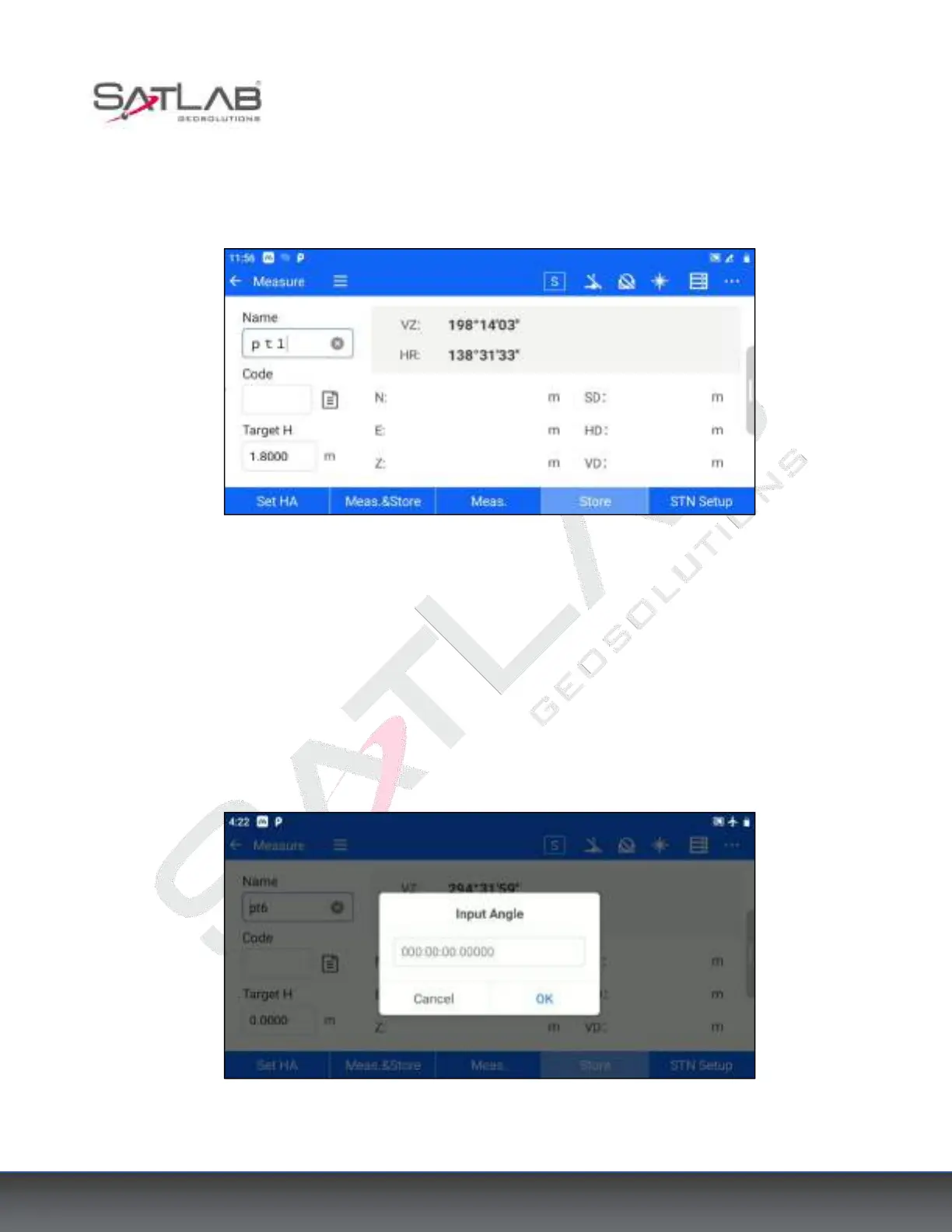
Click [Measurement] - [Measure] or [Collection] - [Measure] to enter the Coordinate Measurement interface.
Figure 5- 1
"Name": Measured point name, automatically accumulated by number by default.
"Code": Description of the measured point, which can be entered manually or selected by clicking the button
behind the input box.
"Target H": The measured point prism height.
[Set HA]: The horizontal angle can be set to the desired angle.
Figure 5- 2



 To Next Page