SLT12 User Manual
171
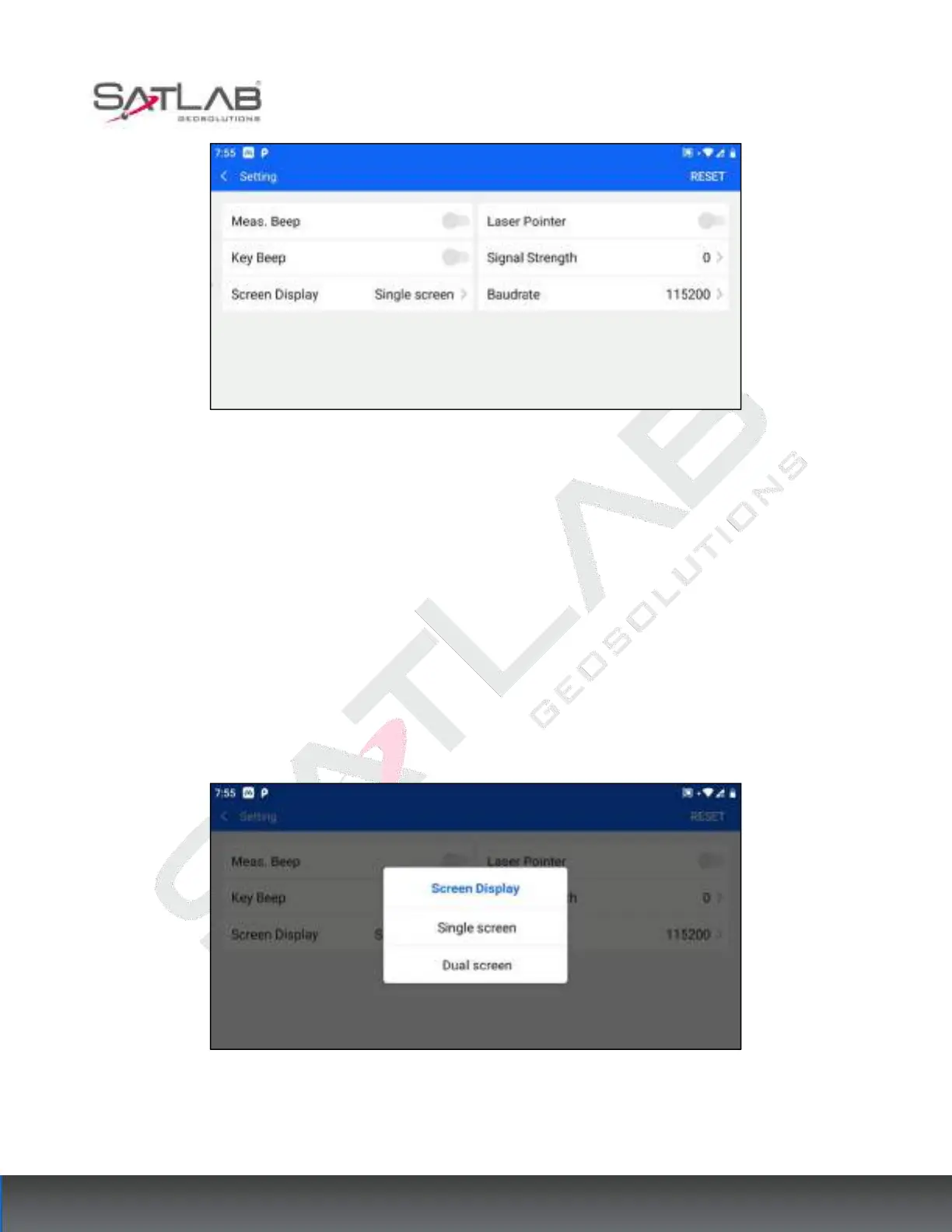
Figure 14- 9
[Reset]: Click Reset in the upper right corner to reset the current interface parameters to the factory default
values.
14.2.1 Distance Measurement Beep
Turn on this option and the total station makes an audible alert when the measurement is successful.
14.2.2 Key Tone
Turn on this option and the physical keys of the total station turn on the key tone.
14.2.3 Screen Display
Figure 14- 10
"Single screen ": the screen on one side of the operation is on, and the screen on the other side is off.



 To Next Page