SLT12 User Manual
188
16.3
Reflector Type Switching
Click the top bar to switch the reflector type to Prism, Non-prism, or Reflector. This setting has the same
effect as the setting in [EDM Setting].
16.4
Laser Pointing
Click the top bar to turn the objective-pointing laser on or off. This setting has the same effect as the setting
in [EDM Setting].
16.5 Point Data
Click the top bar to enter the point library to view the measurement points, stakeout points, and control
points.
16.6
More
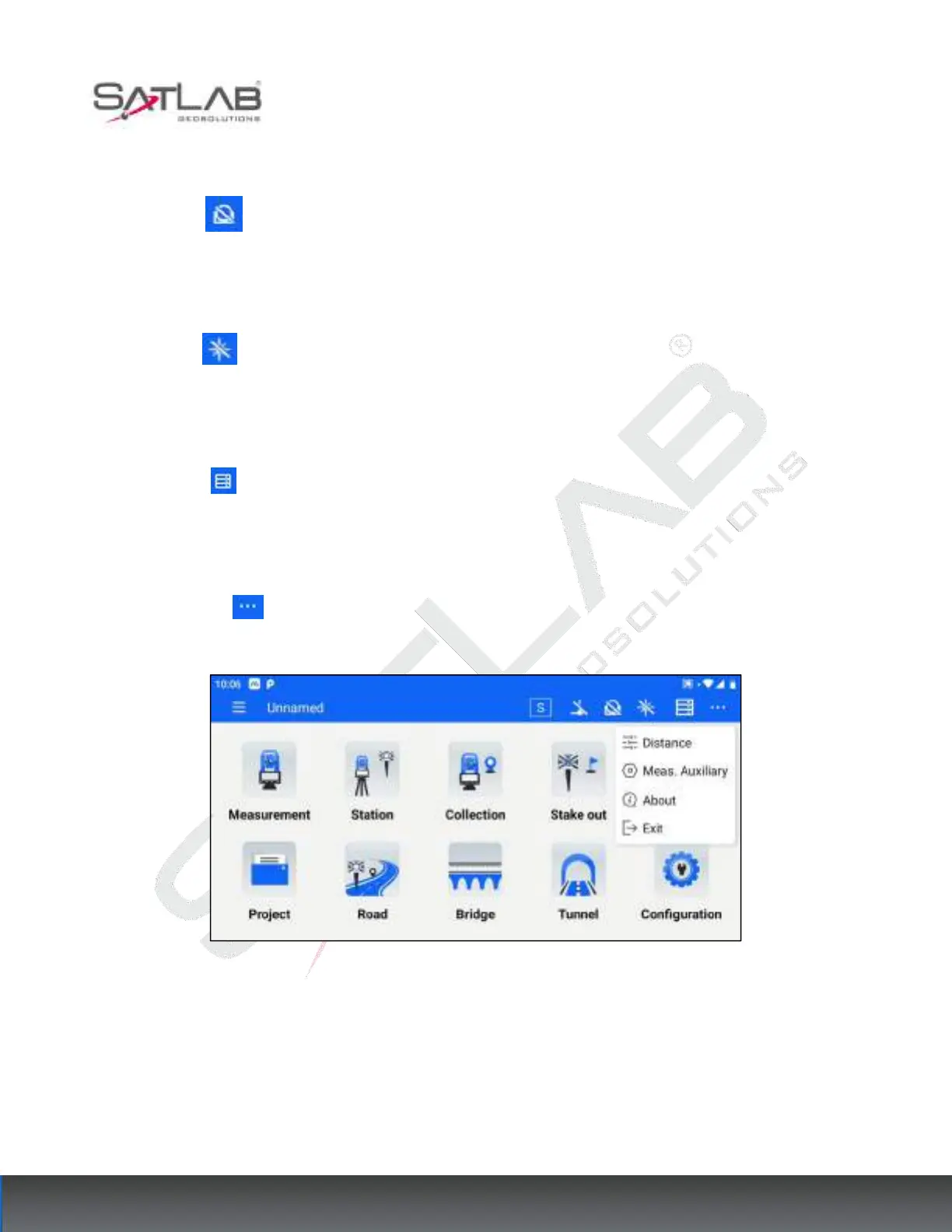
Click on the top bar to expand the menus as shown below.
Figure 16- 3
16.6.1 Distance
For the shortcut entrance of [EDM Setting], see Chapter 10 [Configuration] for specific functions.



 To Next Page