SLT12 User Manual
172
"Double screen ": both screens remain always on at the same time.
14.2.4 Laser Pointing
Turn on this option to shoot laser-assisted illumination.
14.2.5 Signal Strength
Click this option to detect the current signal strength once in real-time.
14.2.6 Baud Rate
Support 115200.
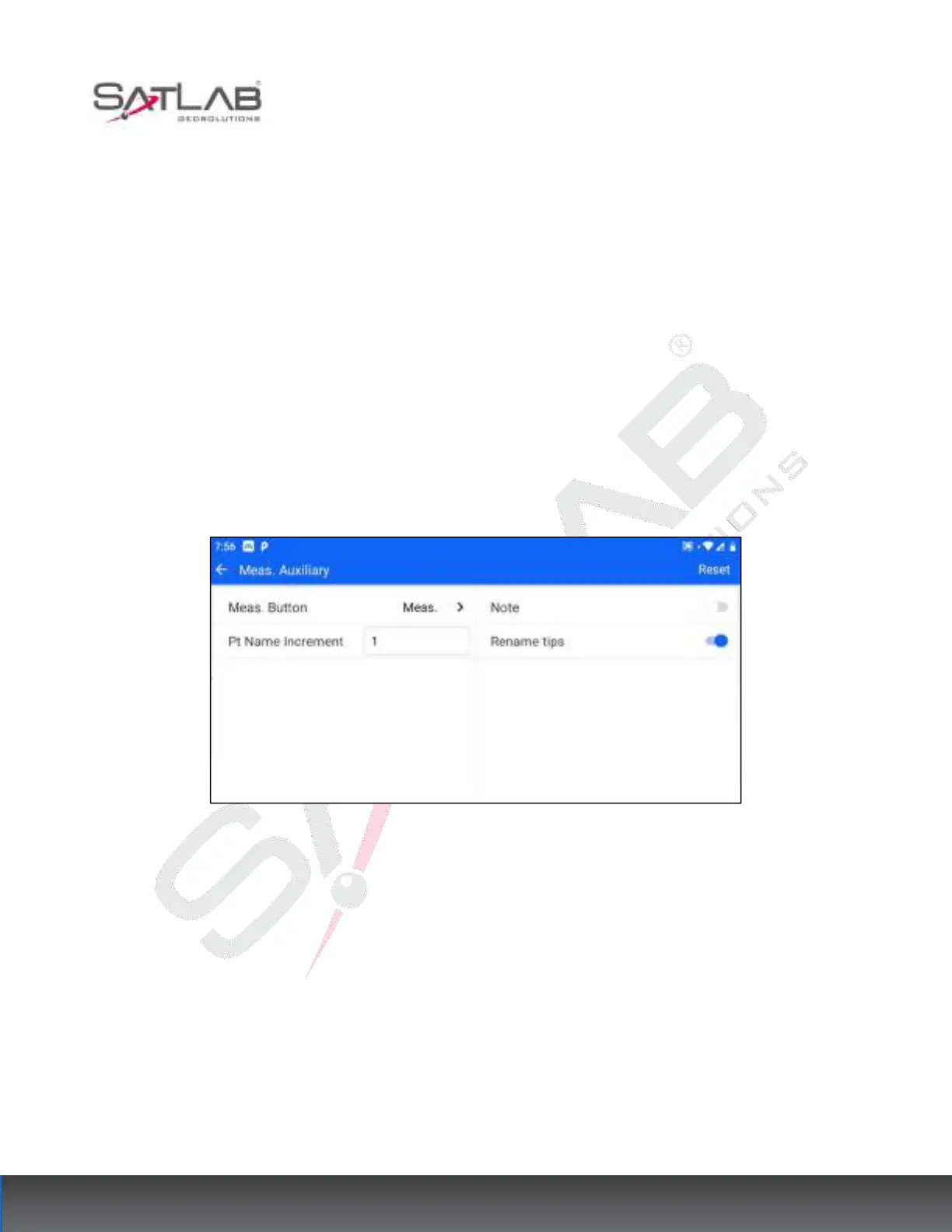
14.3 Meas. Auxiliary
Users can click [Configuration] - [Meas. Auxiliary] to enter this interface.
Figure 14- 11
The full configuration is displayed when the total station is installed.
Other Android devices show partial configuration when installed.
[Reset]: Click Reset in the upper right corner to reset the parameters of the current interface to the factory default
values.
14.3.1 Shortcut Meas. Key
There is a red Shortcut measurement key (physical key) on the side of the total station. This configuration allows
you to set whether the Shortcut measurement key, when pressed, will perform a measurement operation or a
measurement and storage operation.



 To Next Page