SLT12 User Manual
43
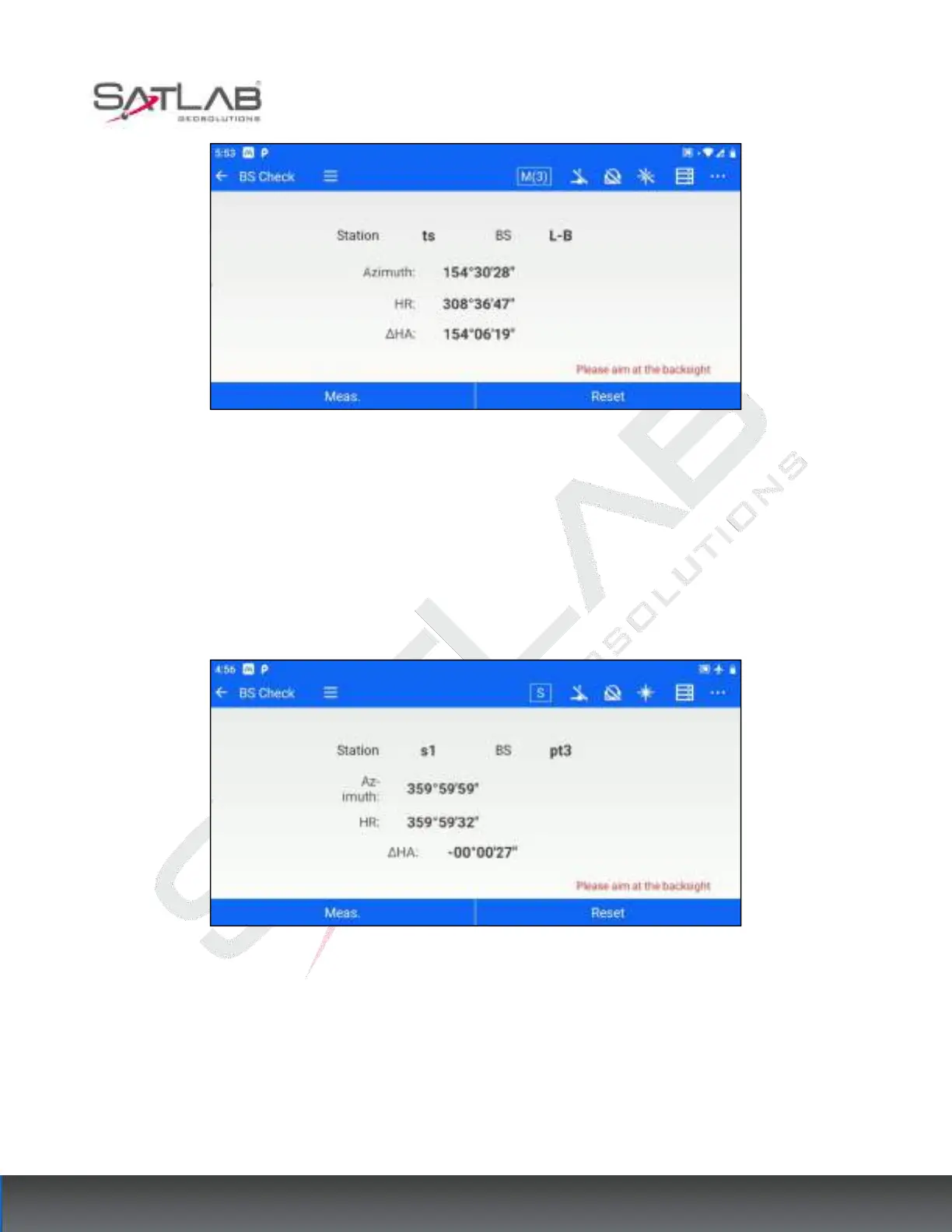
Figure 6- 10
[Meas.]: Click measurement when aiming at the Backsight point, and get the coordinate difference between the
measurement coordinates and the Backsight point, and the distance difference to the measuring station.
[Reset]: Reset the horizontal angle to the Backsight point azimuth.
If the current station setting method is "Azimuth Orientation"/"Without CP"/"Free Station", the Backsight check
screen will only display the "Reset " button.
Figure 6- 11
6.3
Resection
When the coordinates of the survey site are unknown, but there are 2~5 known points within the visual range,
you can use the Resection function to obtain the coordinates of the survey site through the edge rendezvous
calculation. Through [STN Setup] - [Resection] enter the Resection interface. The operation steps are as follows.
1. Click [Resection] to enter the measurement interface.



 To Next Page