SLT12 User Manual
44
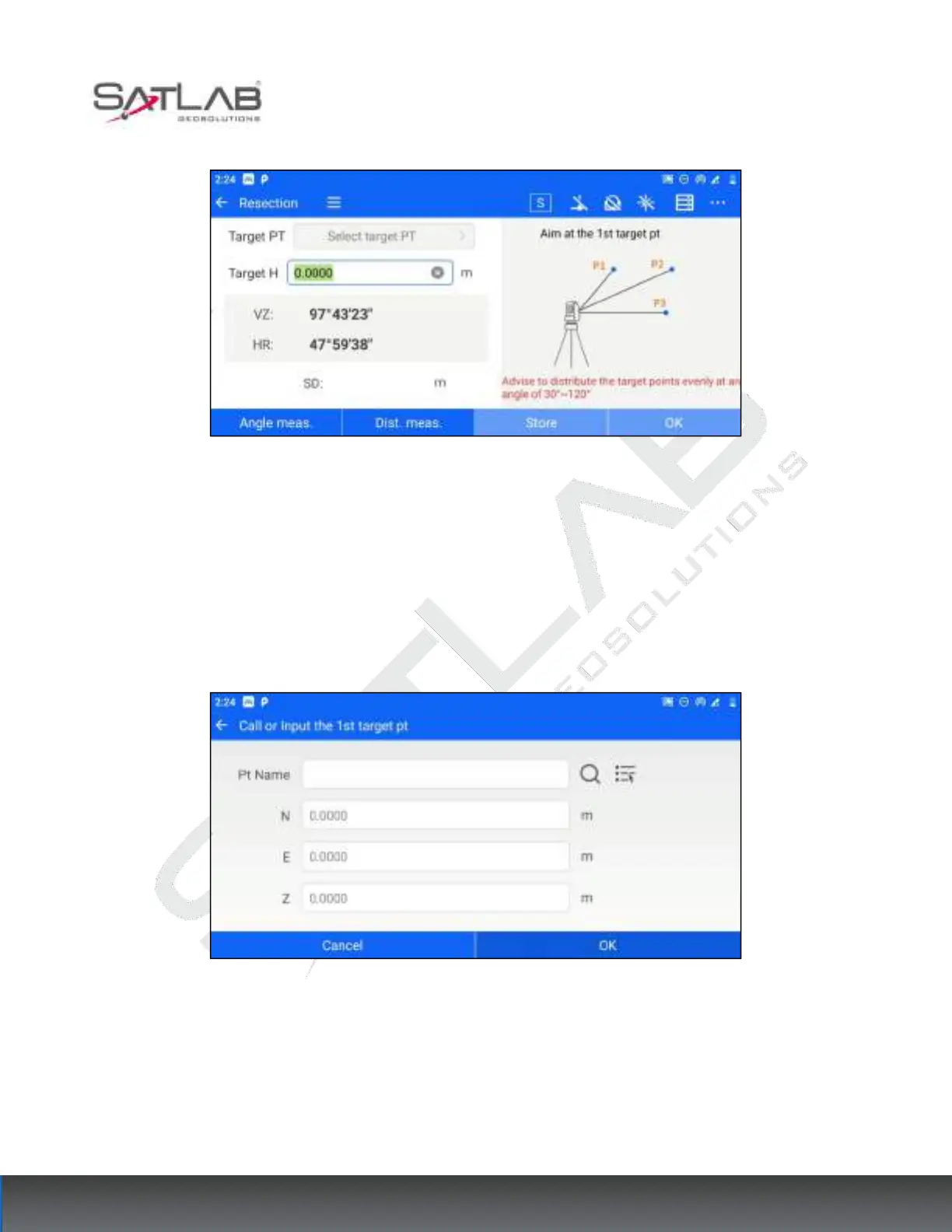
Figure 6- 12
2. Click "Select target PT", the target point is known. Users can set it by "manual input", "list point selection" or
"search point library".
[OK]: After setting the coordinates of the target point, click "OK" to finish the setting and return to the
measurement interface.
[Cancel]: Cancel to set the target point coordinates and return to the measurement interface.
Figure 6- 13
3. After completing the selection of the target point, aim at the target point and measure (distance) or angle.



 To Next Page