SLT12 User Manual
67
8.1
CAD
CAD stakeout allows you to select features from imported dxf and dwg format files and perform point stakeout
and line stakeout on the selected features.
8.1.1 CAD Data Import
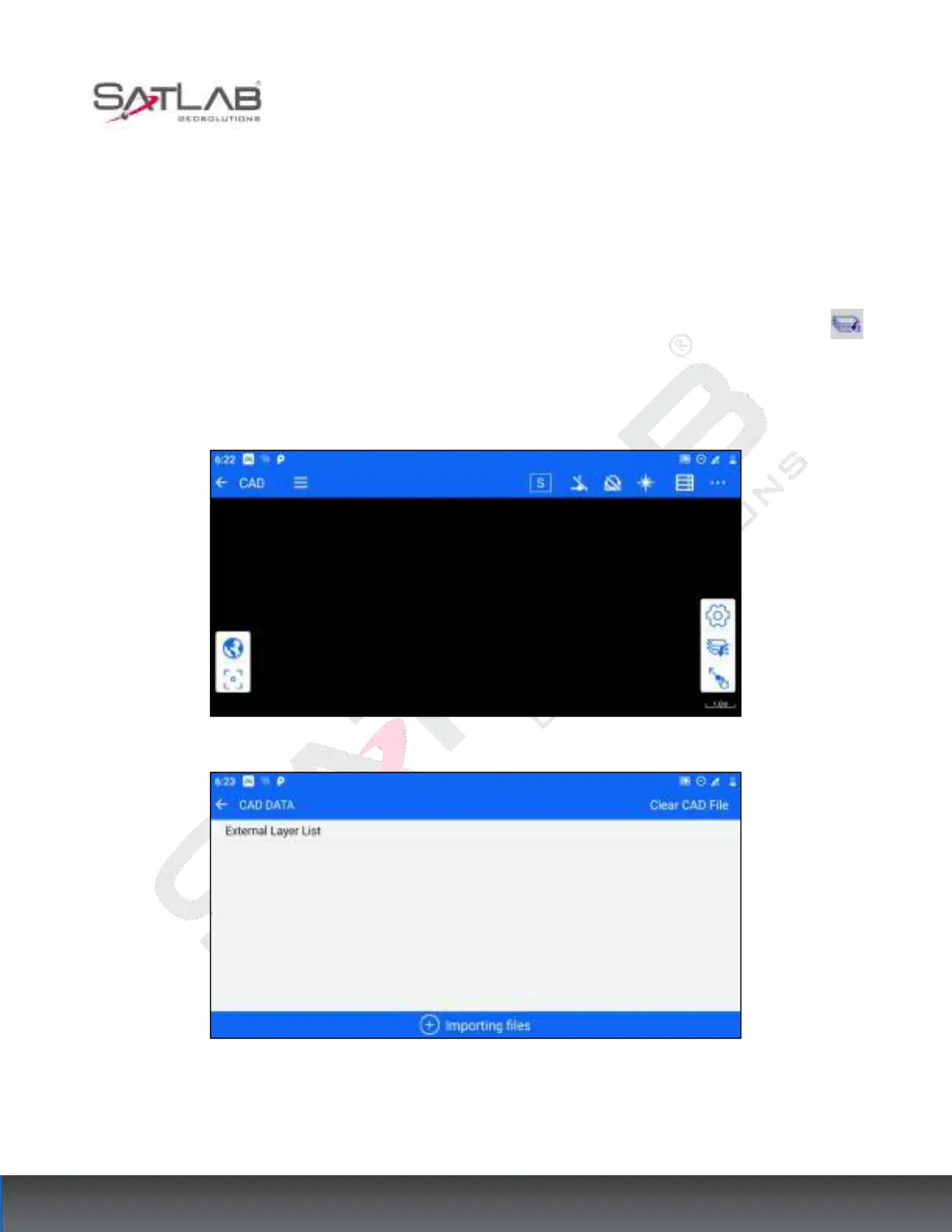
Click [Stake out] → [CAD] to enter the CAD stakeout interface, expand the right toolbar, click the [Data]
button to enter the CAD data interface, click the [Importing files] button below to select and import CAD data,
and import data support *. dxf, *.dwg format, select the data and click OK to jump to the CAD stakeout interface
and display the data content.
Figure 8- 1
Figure 8- 2



 To Next Page