SLT12 User Manual
142
12.1
Pie Design
Bridge pier is the collective name of the bridge pier and bridge abutment, which is the building supporting the
superstructure of the bridge. The overall steps of pier and abutment stakeout with ST-Surv software are
①
enter
[Pie Design] to design pier and abutment formwork; ② enter "+" to design the location of pier and abutment on
the bridge; ③ enter [Pier Stakeout] to stakeout the feature points of pier and abutment.
The pier design on ST-Surv is based on the road, i.e., the road design is required before designing the piers. The
steps for setting up the pier template library are as follows.
1. Pre-requisite: have been in the [Road] - [Road Design] module to design a road (including at least the flat
section).
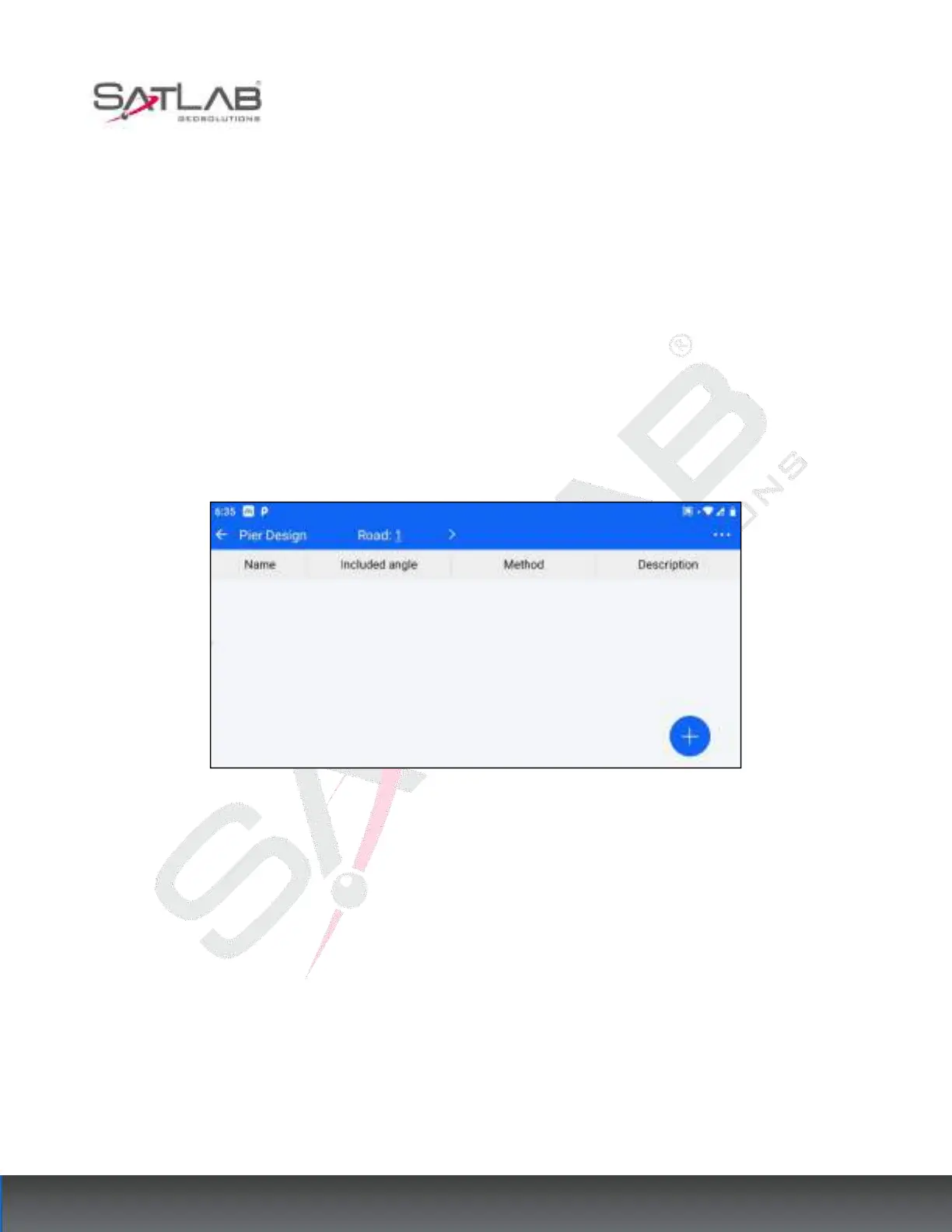
2. Enter the [Pier Formwork Library] and select the designed road in the top column.
Figure 12- 1
3. After the road is selected, click the bottom right corner of the hover "+" button to enter the pier template
design interface.



 To Next Page