SLT12 User Manual
79
Figure 8- 19
8.5 Directional Line
Directional line Stakeout can be set by inputting azimuth, level distance, and elevation difference from reference
point to reference point to set the Stakeout point for Stakeout.
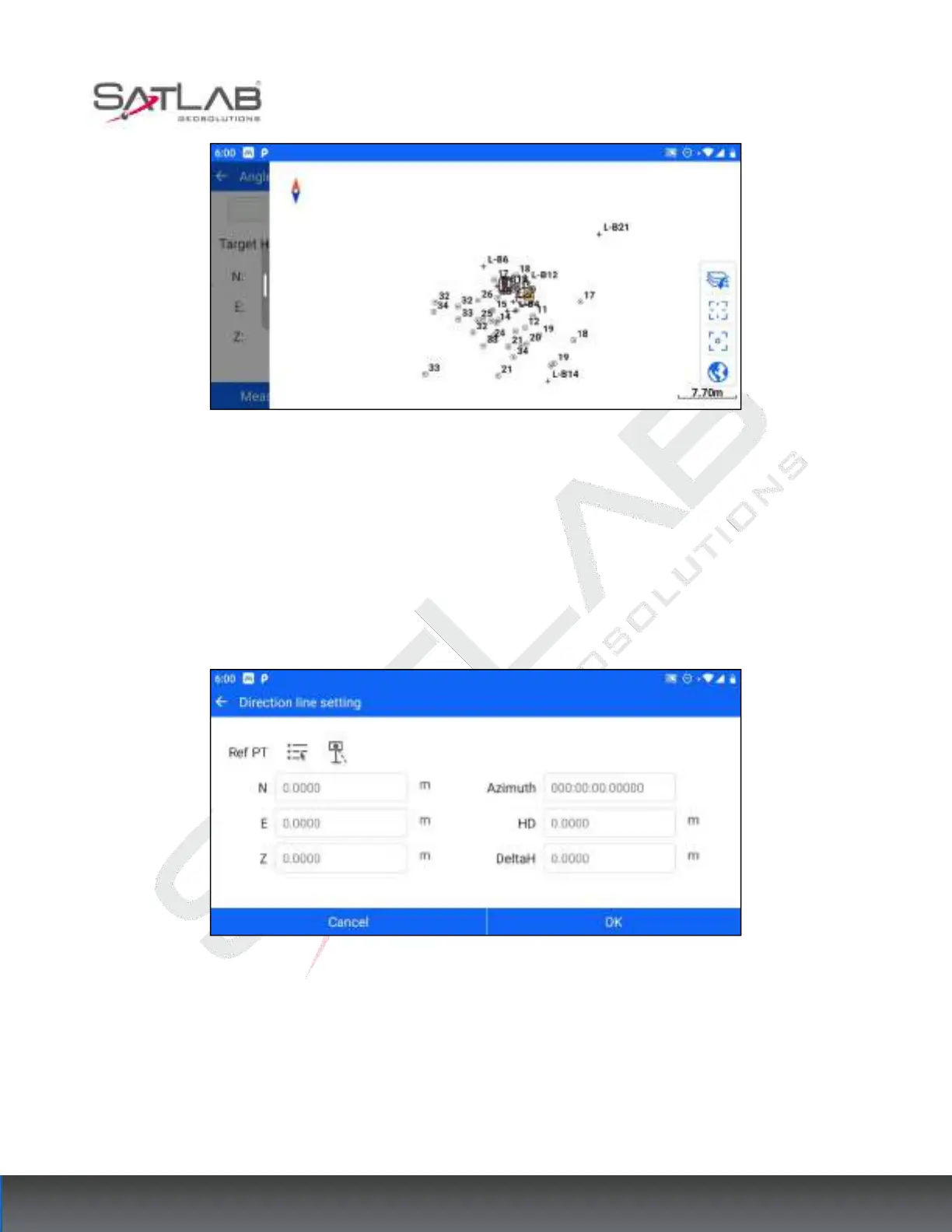
Click [Directional Line setting] to enter the directional line parameter setting interface, after selecting the
reference point (the reference point can be selected by manual input, list selection, measurement selection, etc.),
set the azimuth, flat distance, and elevation difference from the sample point to the reference point.
Figure 8- 20
Click OK to jump to the interface of the directional line, and click on the directional line parameters to modify
and adjust the parameters of the reference point settings. Click Save/Measure/ Store to display the stakeout
information, and move the prism according to the stakeout information to reach the location of the stakeout
point.



 To Next Page