SLT12 User Manual
184
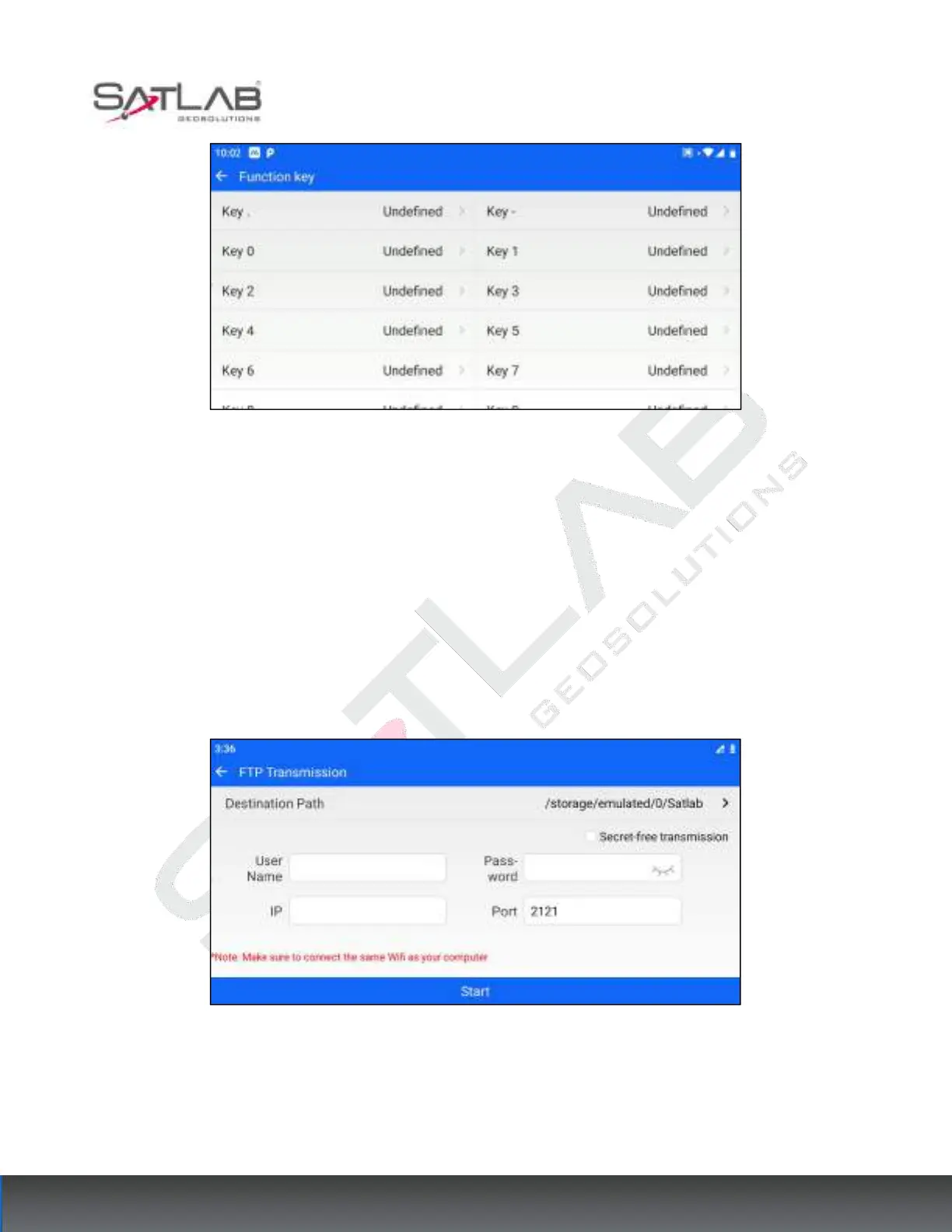
Figure 15- 5
15.6
FTP
Used for FTP transfer parameters, and can be used for file transfer. By default, the software does not check
"Transfer without encryption", users need to enter their user name, password, and port. If "Transfer without
encryption" is checked, the software does not display the user name and password input box, and the user only
needs to configure the port. When the device is connected to Wifi, the software will automatically fill in the IP
parameters and the port number will be 2121 by default; after the user has configured all the parameters, click
[Start], the user will follow the prompts on the software and enter the corresponding path on the address bar of
the computer to download the FTP transfer files.
Figure 15- 6



 To Next Page