SLT12 User Manual
54
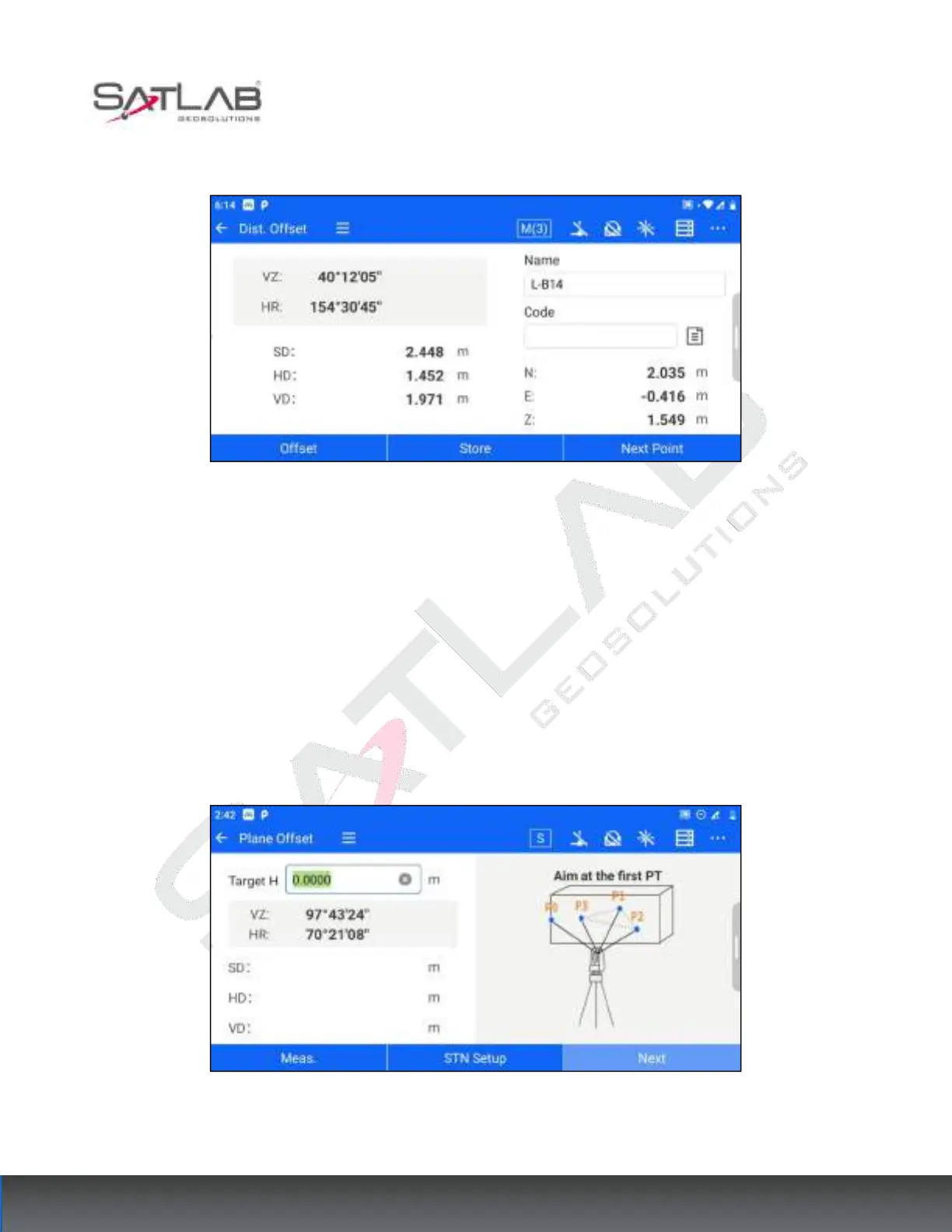
3. Click "Next" to display the distance and coordinates of point T0.
Figure 7- 3
[Store]: store the Offset points obtained by calculation to the point library.
[Next point]: You can recalculate the next point from step 1.
7.3
Plane Offset
This function is used to determine points that cannot be measured directly, such as determining the distance or
coordinates of a plane edge. The plane Offset interface can be accessed through [Collection] - [Plane Offset].
The operation steps are as follows.
1. Aim at the first point P1 on the plane and click "Meas." to get the distance measurement data. Click "Next".
Figure 7- 4
2. Repeat step 1 and measure the second point P2 and the third point P3 on the plane to determine the plane



 To Next Page